Chapter 9 Maintenance
9-4
E1 Semi-automatic screen printer
System Manual
EKRA / Doku Eisermann 09_WARTUNG_PDF.FM
30.8.02
PC positioning system MOPS
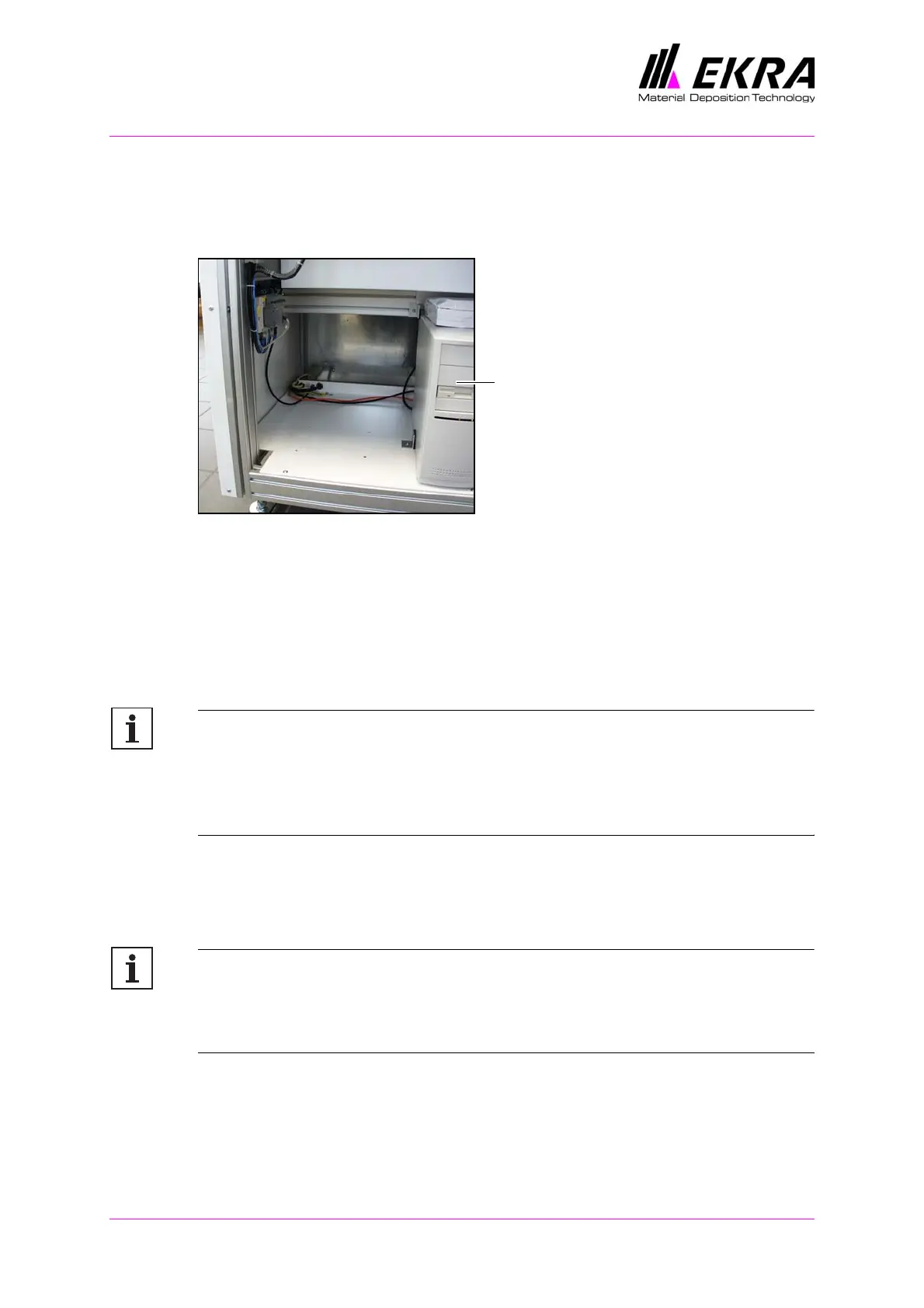
Prevent the computer for the MOPS from overheating by always providing
for sufficient circulation of air.
Fig. 31. Machine computer at the rear of the machine
Carry out this work once a month.
Open the rear of the machine.
Use a vacuum cleaner to clean the fan at the rear of the PC.
Bearings and guideways
Note:
The E1 screen printer contains guideways and bearings which are
lubricated for life. Even if you find a lubrication nipple on a guideway
or bearing, this does not mean that you are expected to lubricate it.
They are included because of the manufacturer’s production process.
Carry out this work once every six months.
Clean the guideways with a dry, clean cloth.
Note:
If you intend not to use the E1 printer for a relatively long time, protect
the guideways from rust by applying grease (anti-friction bearing
grease conforming to DIN 51825, consistency class NLGI 2 or NLGI 3).
PC MOPS



 To Next Page