Chapter 3 Description of the Machine
3-10
E1 Semi-automatic screen printer
System Manual
EKRA / Doku Eisermann 03_SYSTEM_PDF.FM
30.8.02
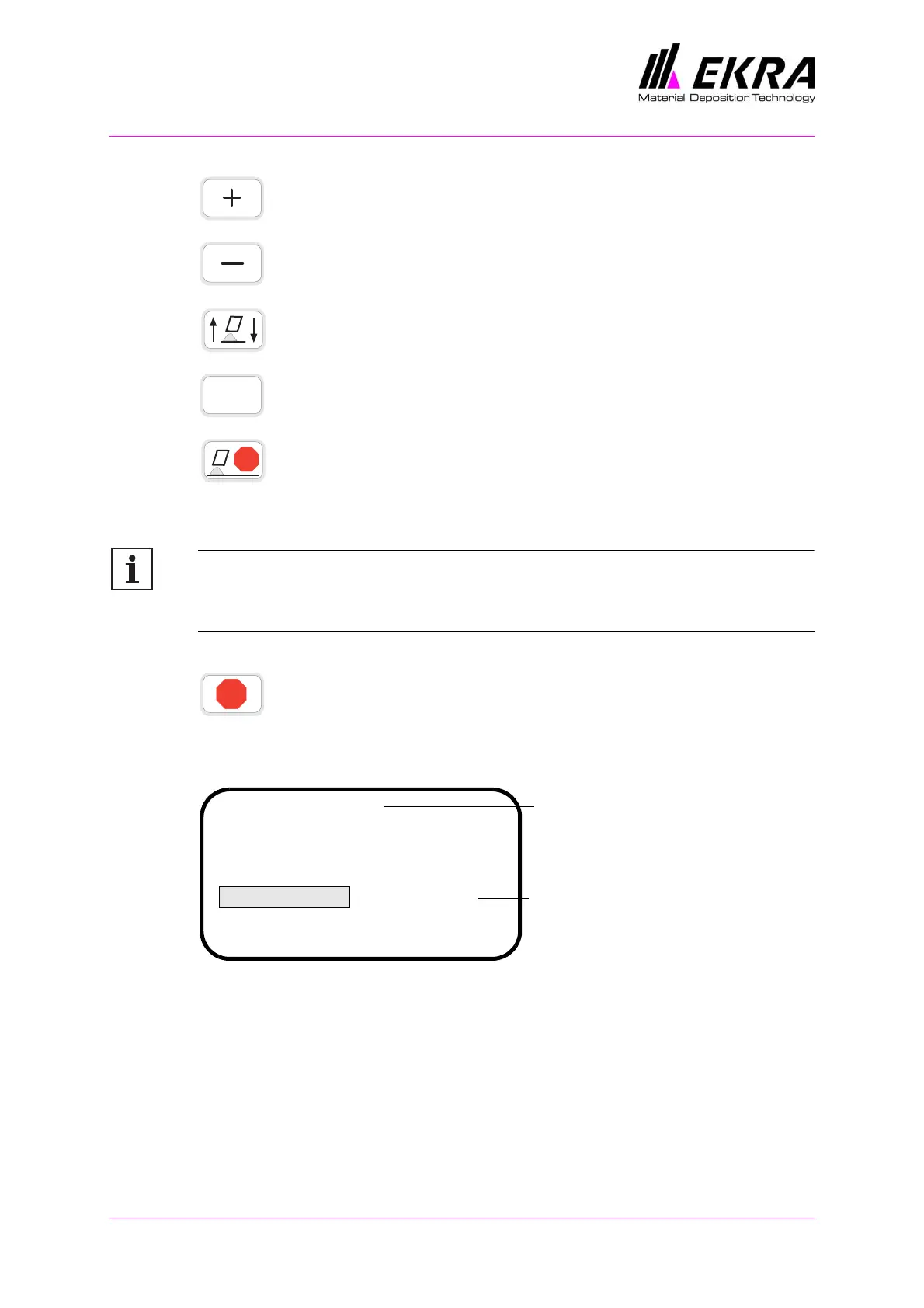
Plus key: press this button to increase the selected value.
Minus key: press this button to reduce the selected value.
Squeegee up/down: press this button to make the active
squeegee move either up or down.
Help key: press this button to call up the help text relating to the
selected menu item.
Squeegee stop front: It you press this button, the squeegee
stops at the front. The printing cycle starts with "Flooding"-
"Printing table moves to printing position"-"Print forwards"-
"Printing table moves to loading position"
Note:
The SQUEEGEE STOP FRONT function can only be used with printing
mode 1.
Stop: Press this button to stop the squeegee.
Main menu display
The name of the program is shown in the header of the main menu. This is
the program that has been chosen for the printing process.
You can use the function keys in the main menu to change parameters, set
the squeegee stop position, raise and lower the squeegee and activate the
Help function.
The ON and OFF buttons for switching the control voltage on and off are
always active.
?
STOP
STOP
E1 Default
Squeegee speed: .....................80
Squeegee pos. rear: ...............480
Squeegee pos. front: ...............295
Printing mode: .......................1
Separation speed: ....................0.5
Program name
ON
Printing mode parameter
is selected



 To Next Page