Chapter 9 Maintenance
9-2
E1 Semi-automatic screen printer
System Manual
EKRA / Doku Eisermann 09_WARTUNG_PDF.FM
30.8.02
Cleaning the machine
Carry out the work described below every day.
Note:
It is important that the machine is kept clean.
In particular, residues of solder paste must be removed immediately.
Squeegee unit
Remove the squeegee blades.
Thoroughly clean the squeegee holders and blades with a lint-free cloth
and cleansing agent.
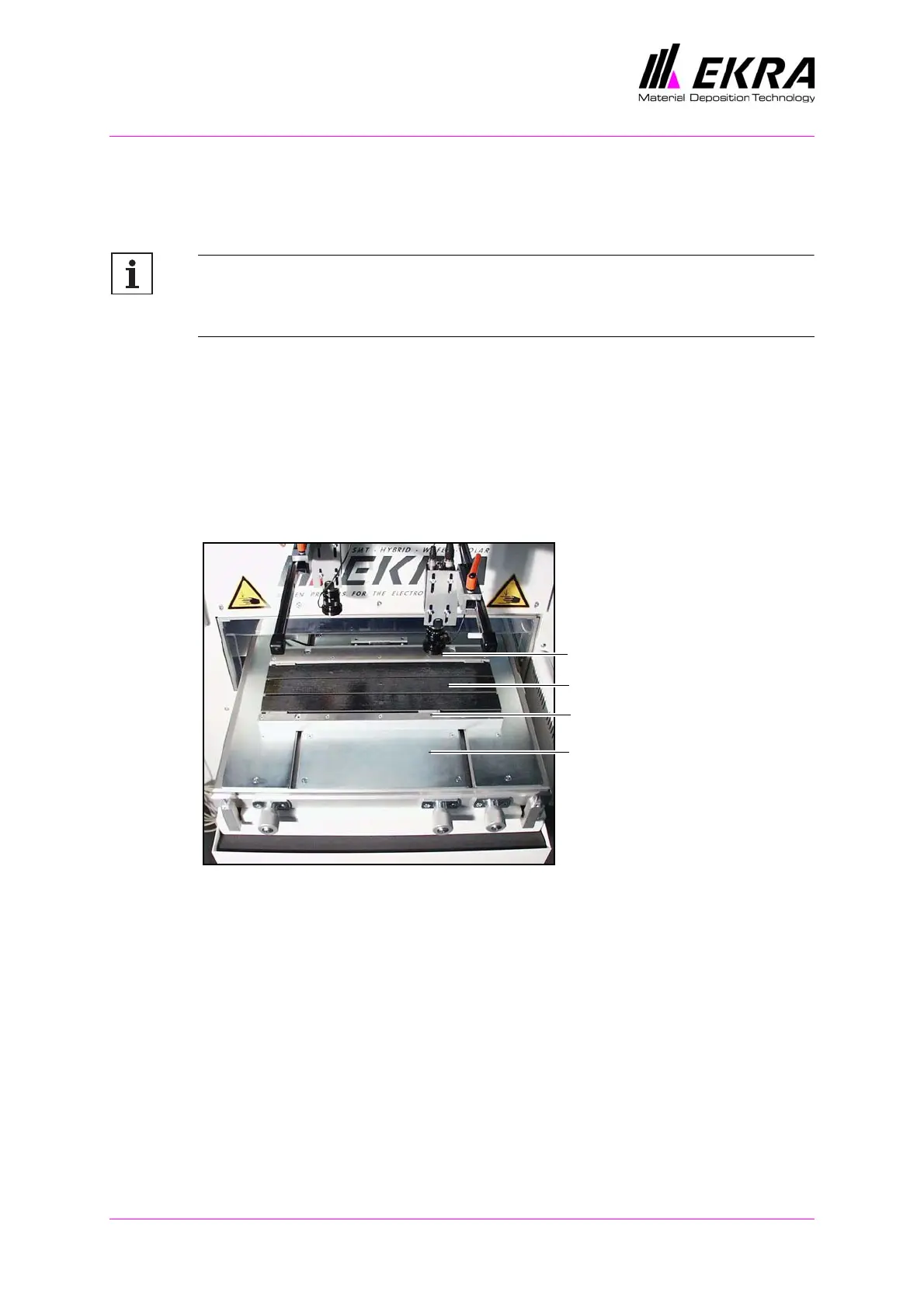
Printing table
Fig. 29. Printing table
Always keep the printing table clean in order to ensure that the PCB is
positioned perfectly.
Clean the clamping strips, PCB supports and the base plate of the
printing table.
Clamping strip
Clamping strip
Base plate
printing table
PCB supports



 To Next Page