Chapter 5 Operation
5-4
E1 Semi-automatic screen printer
System Manual
EKRA / Doku Eisermann 05_BEDIEN_PDF.FM
30.8.02
Setting up the printing program
Requirements:
The machine must be ready for operation and in its basic position.
The squeegees must be installed.
The main menu must be displayed.
A PCB must be mounted.
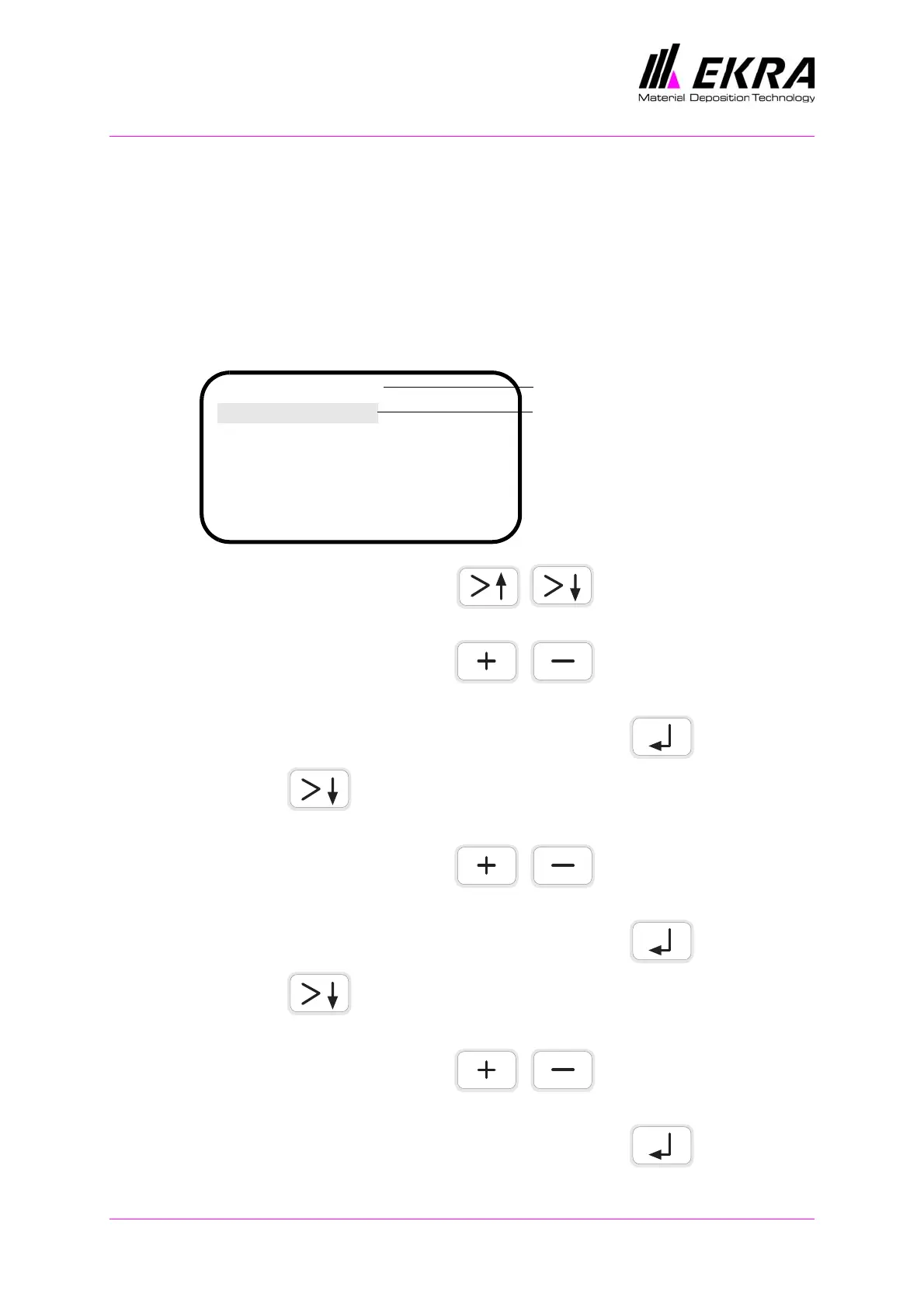
Set the following squeegee parameters in the main menu:
Press either of these two keys until the SQUEEGEE
SPEED parameter is active.
Press either of these two keys until the parameter value
is set in mm/sec. (10 - 110 mm/sec.).
Confirm entry of the parameter by pressing ENTER .
Press the key and select the SQUEEGEE POSITION REAR
parameter.
Press either of these two keys until the rear squeegee
position is set in mm (0 - 550 mm).
Confirm entry of the parameter by pressing ENTER .
Press the key and select the SQUEEGEE POSITION FRONT
parameter.
Press either of these two keys until the front squeegee
position is set in mm (0 - 550 mm).
Confirm entry of the parameter by pressing ENTER .
E1 Default
Squeegee speed:..................80
Squeegee pos. rear:.............480
Squeegee pos. front:.................295
Printing mode:.......................1
Separation speed:...............0.5
Program name
ON
Activated parameter is
stored



 To Next Page