76
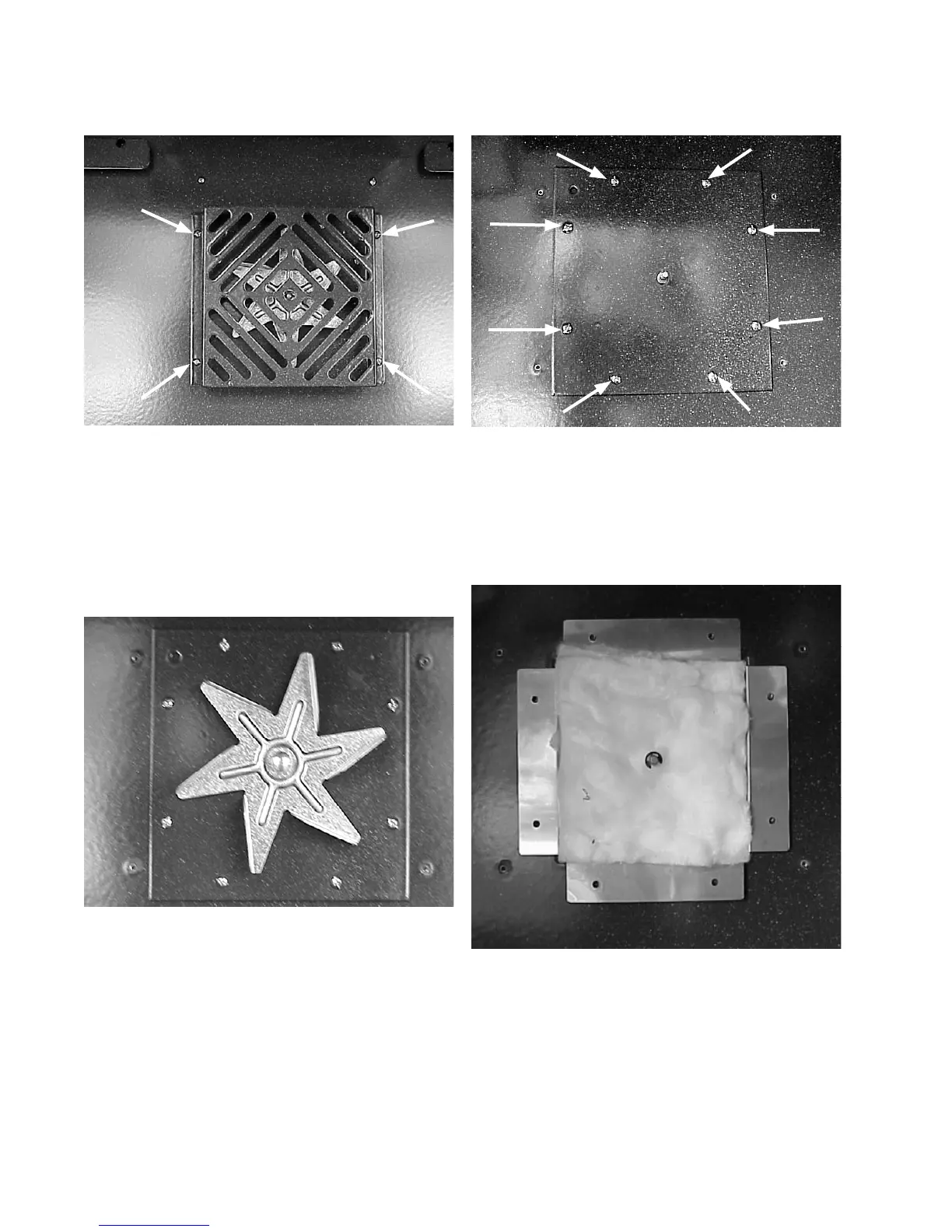
2. Remove the (4) screws holding the fan cover to
the rear wall of the oven and lift the cover off.
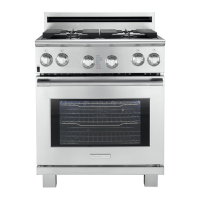
Removing the convection fan blade:
1. Remove the oven racks and convection fan
cover.
2. Using a 13 mm wrench or socket, turn the nut
clockwise while holding the fan blade.
3. With the nut removed the fan blade will pull
straight off.
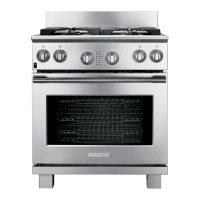
Removing the convection
fan insulation cover:
1. Remove the convection fan blade.
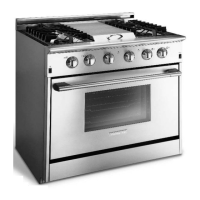
2. Remove the (8) screws holding the insulation
cover to the rear wall of the oven.
Removing the convection fan
motor and mounting bracket:
1. Disconnect power from a range and remove the
convection fan insulation cover.







 To Next Page