90
2. Release the thermostat bulb from the clips in
the oven.
3. Pullthethermalbulbupintotheburnerbox.
4. Disconnect the wires from the thermostat.
2. Lift the rear of the divider up and pull it out.
Removing the drip pans:
1. Disconnect power, and remove the backguard.
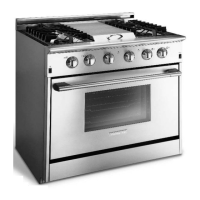
2. Remove the center divider or griddle depending
on the model.
3. Pull the drip pan towards the rear of the range,
then lift the side of the drip pan towards the
center of the range until the pan clears the
igniters and releases from the side panel.
4. Then lift the drip pan off.
Removing the oven thermostat:
1. Disconnect power, remove the right-hand
drip pan and thermostat knob.







 To Next Page

