EasyManua.ls Logo

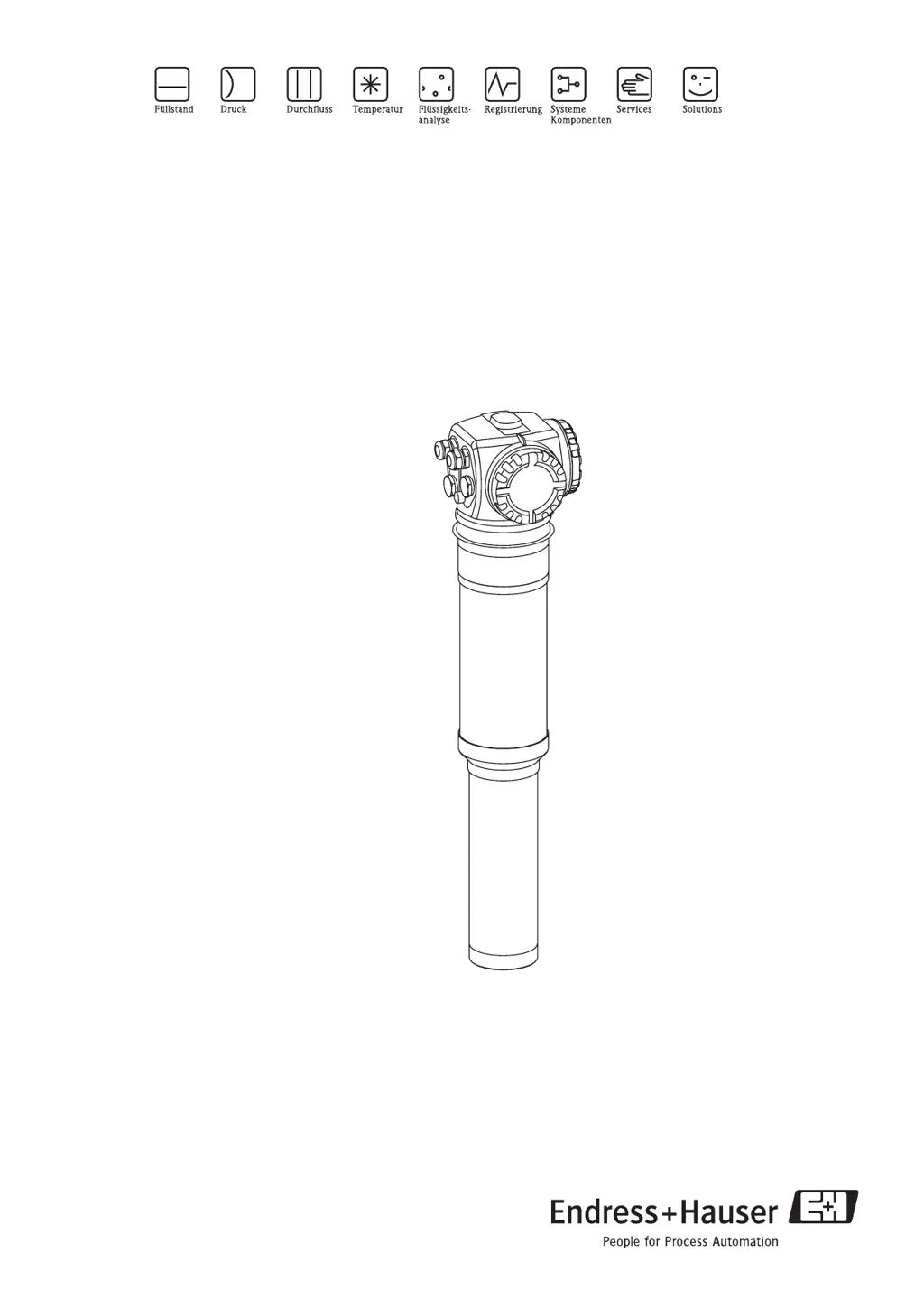
Endress+Hauser Gammapilot M FMG60 - User Manual

Endress+Hauser Gammapilot M FMG60
118 pages
Print Icon
To Next Page IconTo Next Page
Loading...
BA330F/00/en/10.09
71104603
Valid as of software version:
01.03.02
Operating Instructions
Gammapilot M FMG60
Radiometric Measurement
9

Table of Contents

Other manuals for Endress+Hauser Gammapilot M FMG60

Questions and Answers

  • C
    Chris MorenoSep 12, 2025
    What does SIL lock device mean on Endress+Hauser Gammapilot M FMG60 Measuring Instruments?
    • N
      Nichole RiceSep 12, 2025
      If the Endress+Hauser Measuring Instruments display 'SIL lock device', it means that the SIL_locking process has not been completed.
  • C
    coxbrandiAug 25, 2025
    What to do if full/covered not calibrated on Endress+Hauser Measuring Instruments?
    • T
      Tammy GoldenAug 25, 2025
      If Endress+Hauser Measuring Instruments are showing a 'full/covered not calibrated' message, perform a full/covered calibration using the calibration function group.
  • K
    Karen JohnsonAug 25, 2025
    What to do if empty/free not calibrated on Endress+Hauser Gammapilot M FMG60 Measuring Instruments?
    • M
      Mark DeckerAug 26, 2025
      If Endress+Hauser Measuring Instruments are showing a 'empty/free not calibrated' message, perform an empty/free calibration using the calibration function group.
  • E
    Erica BassSep 23, 2025
    What to do if Endress+Hauser Gammapilot M FMG60 Measuring Instruments have download error?
    • Y
      yandrewsSep 23, 2025
      To resolve a 'Download error' on your Endress+Hauser Measuring Instruments, repeat the download process.
  • W
    wilsonkatieSep 12, 2025
    What to do if electronics defect on Endress+Hauser Gammapilot M FMG60 Measuring Instruments?
    • L
      Laura LewisSep 12, 2025
      If you are facing an 'electronics defect' error with your Endress+Hauser Measuring Instruments, try switching the instrument off and on.
  • K
    Kaitlin CopelandSep 18, 2025
    How to fix 'Linearization table not defined' on Endress+Hauser Gammapilot M FMG60?
    • N
      Natasha EwingSep 18, 2025
      To resolve the 'Linearization table not defined' error on your Endress+Hauser Measuring Instruments, enter or complete the linearization table in the "linearization" (*4) function group. Ensure the table contains the endpoints 0% = 1000 cps (standardized) and 100% = 0 cps (standardized). When entering via FieldCare, select the correct table type (lin. tab. "level" or "concentration").
  • G
    Glenn WrightSep 5, 2025
    What to do if Endress+Hauser Measuring Instruments show error W153?
    • D
      Donna SmithSep 5, 2025
      If your Endress+Hauser Measuring Instruments display error W153, wait for completion of the initializing procedure.
  • S
    Scott HendrixSep 6, 2025
    What to do if Endress+Hauser Gammapilot M FMG60 show error A106?
    • S
      steven17Sep 6, 2025
      If your Endress+Hauser Measuring Instruments display error A106, wait for completion of the download.
  • T
    Timothy AlvaradoSep 18, 2025
    How to troubleshoot 'Linearization table not plausible' on Endress+Hauser Measuring Instruments?
    • R
      Robert ChenSep 18, 2025
      To resolve the 'Linearization table not plausible' error on your Endress+Hauser Measuring Instruments, check the monotony of the linearization table and adjust it if necessary using the "linearization" (*4) function group.
  • E
    Erin HamiltonAug 30, 2025
    What happens when Endress+Hauser Measuring Instruments issues a warning error?
    • W
      William JamesAug 30, 2025
      When a warning error occurs, the Endress+Hauser Measuring Instruments device continues measurement, and an error message is displayed, alternating with the measured value.

Summary

Safety instructions

Radiation protection

Covers safety regulations and procedures for radiation protection.

Installation

Installation conditions for density and concentration measurement

Details installation for density/concentration measurement.

Wiring

Terminal assignment

Shows terminal assignments for compartments A and B.

Wiring in terminal compartment A

Provides step-by-step wiring instructions for compartment A.

Operation

Display operation

Explains how to operate the device using the display module.

FOUNDATION Fieldbus interface

Describes the FOUNDATION Fieldbus interface and network architecture.

Transducer block

Covers parameters for device calibration and configuration.

Checklist for commissioning

Provides a checklist for Fieldbus commissioning.

Commissioning

Calibration: overview

Provides an overview of calibration procedures.

Basic setup

Guides through the basic setup steps for the device.

Calibration for level measurement and limit detection

Explains calibration for level and limit detection.

Maintenance and repairs

Troubleshooting

System error messages

Lists system error signals and types.

Error codes

Provides a table of error codes and their remedies.

Technical data

Appendix

Operating menu for level measurements

Provides a menu tree for level measurement functions.

Endress+Hauser Gammapilot M FMG60 Specifications

General IconGeneral
Measurement PrincipleGamma radiation absorption
Housing MaterialAluminum or stainless steel
Protection ClassIP66/67
Radiation SourceCesium-137 (Cs-137) or Cobalt-60 (Co-60)
Accuracy±1% of measuring range
Output Signal4 to 20 mA HART
Power Supply10.5 to 45 V DC
Ambient Temperature-20 to +60 °C
CommunicationHART
CertificationsATEX, IECEx
ApplicationDensity, level, or concentration measurement in liquids, solids, suspensions or slurries
Process Temperature-40 to +80 °C

Related product manuals