112
Convenient features
Creating label templates
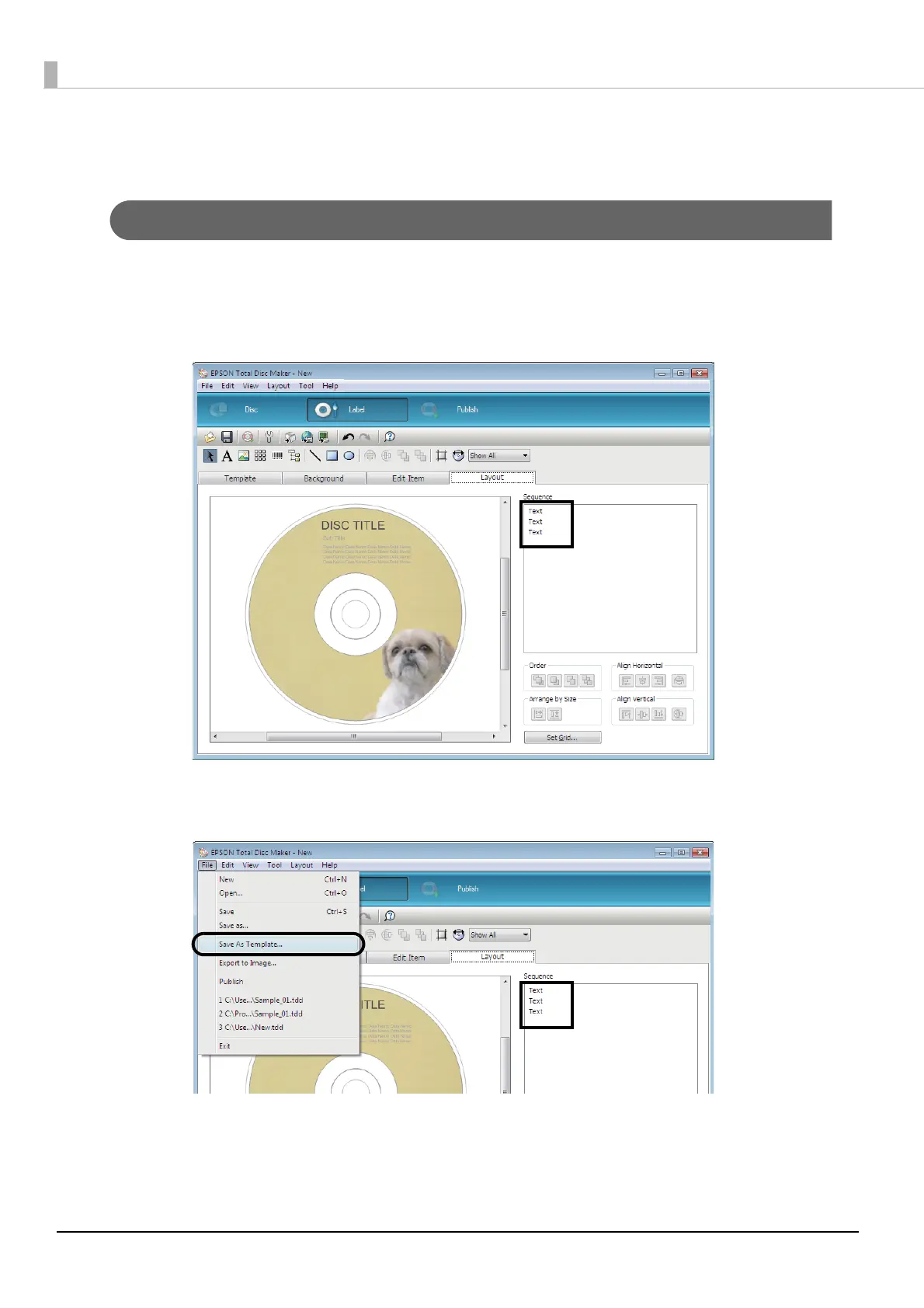
You can save a label that you have created as a template.
1
Create a label in EPSON Total Disc Maker.
See “Creating labels” on page 89 in this guide for the procedure to create labels.
2
Click [Save As Template] on the [File] menu, and save the template file.
If you specify the name of the folder in which you saved the template file in [Source] on the [Template] screen, you
can select the created template.



 To Next Page
 Loading...








