115
Publishing Discs
Creating copies from disc image files
You can use a disc image file to create CD/DVD copies.
1
Start EPSON Total Disc Maker.
See “Starting EPSON Total Disc Maker” on page 42 in this guide for the start procedure.
2
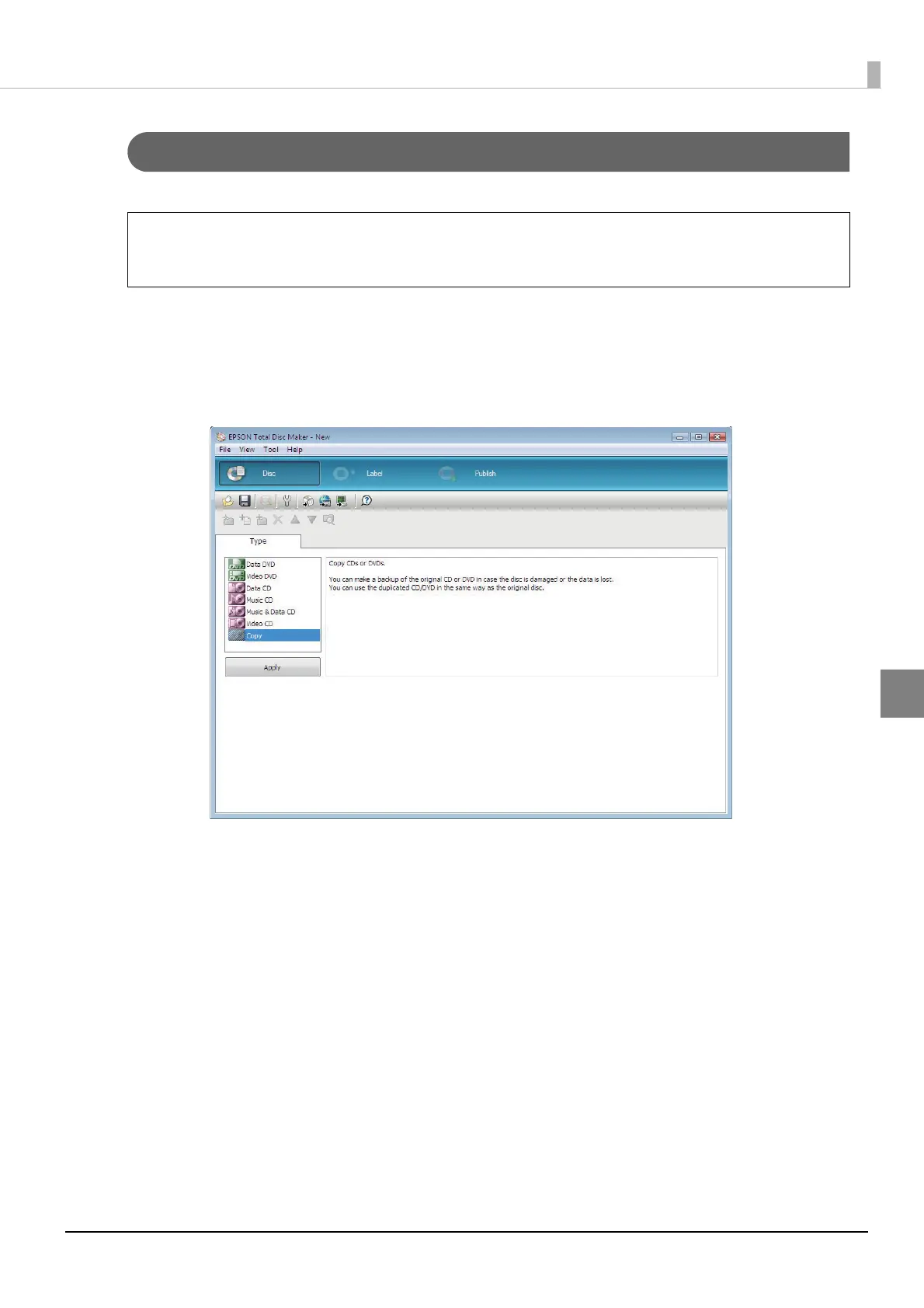
Select [Copy] for [Type], and click [Apply].
If you click [Create Disc Image] on the [File] menu after registering write data (see page
85 in this guide), you can create a disc image file.
Note



 To Next Page
 Loading...








