43
Using Applications
Screen configuration of EPSON Total Disc Maker
This section describes the screen configuration of EPSON Total Disc Maker.
See EPSON Total Disc Maker Help for details on use.
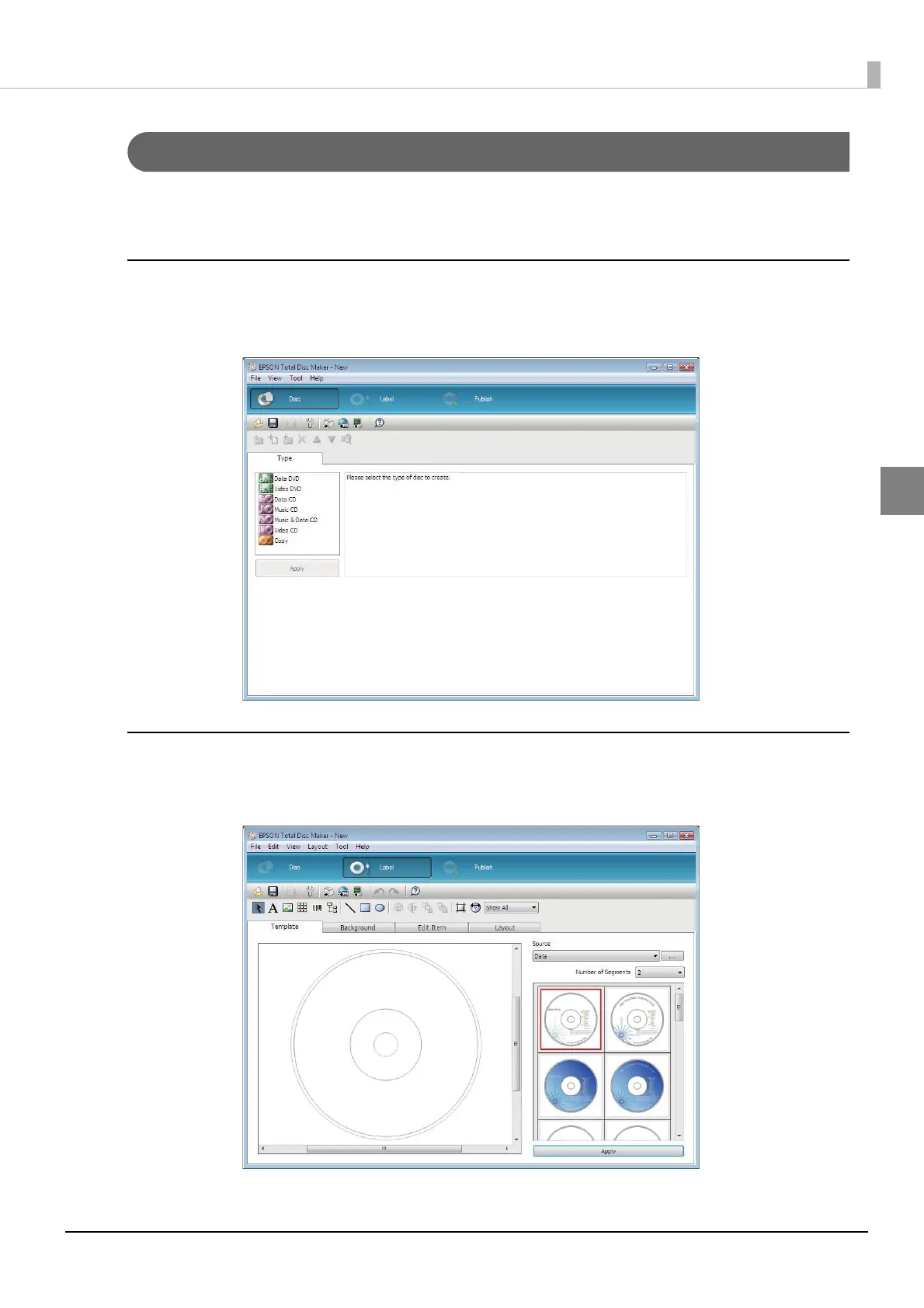
Disc view
Starting EPSON Total Disc Maker or clicking [Disc] in another view displays the disc view.
In the disc view, you can edit the data to write to the disc.
Label view
Clicking [Label] in the disc view or publish view displays the label view.
In the label view, you can edit the data for printing on the label surface of the disc.



 To Next Page
 Loading...








