131
Maintenance
Checking the nozzle check results
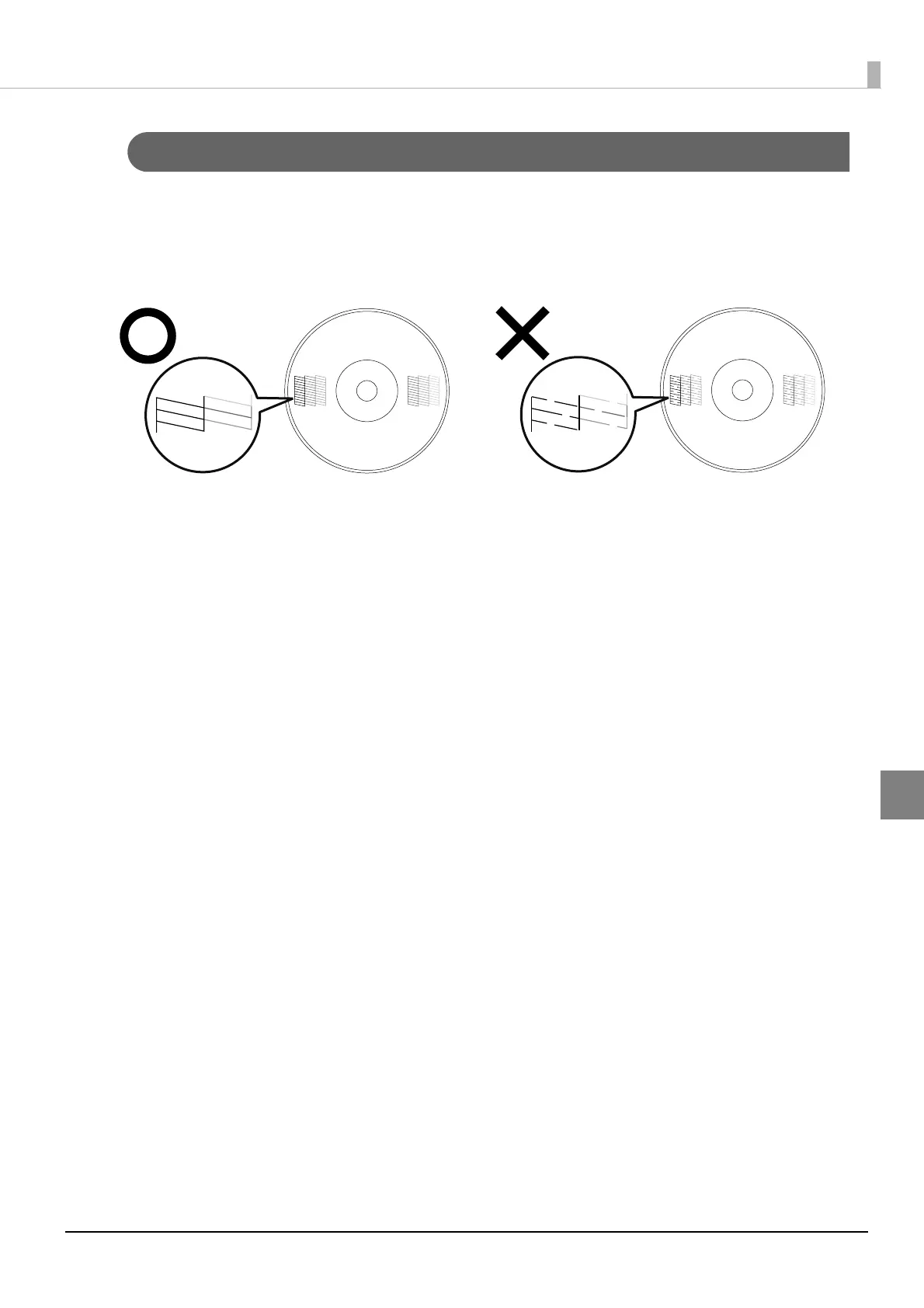
Look at the pattern printed during the nozzle check, and see whether or not print head cleaning is necessary.
If it is normal, all of the lines are printed as shown in the illustration on the left below.
If there are lines that were not printed, as shown in the illustration on the right below, the nozzles are clogged. Run
print head cleaning. See “How to clean the print head” on page 133 in this guide for details on head cleaning.
Normal
Clogged



 To Next Page
 Loading...








