123
Maintenance
Maintenance
Checking maintenance information
This section describes how to check information that is useful when carrying out maintenance and providing support
for this product.
Checking device information
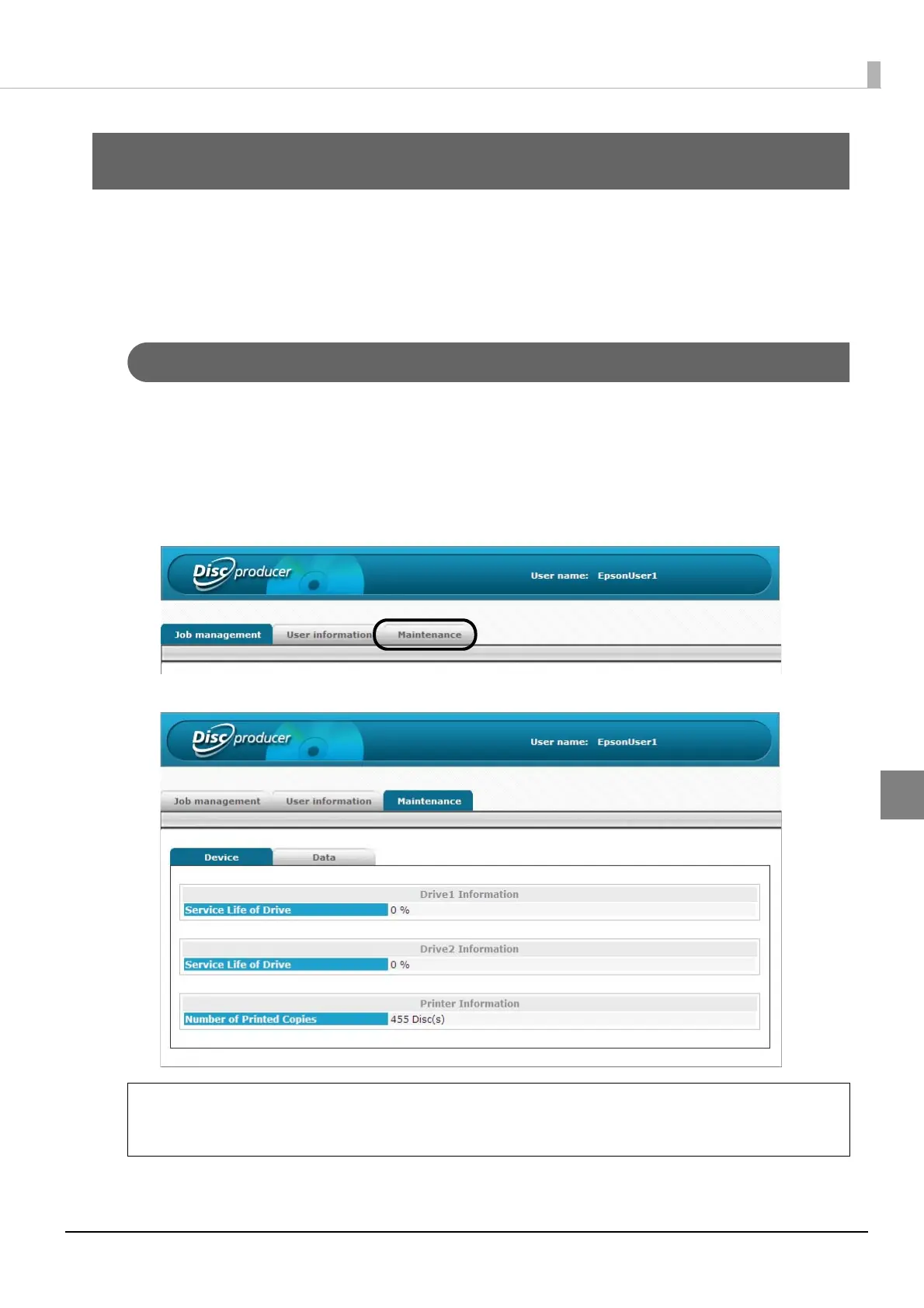
Use the following procedure to check the usage status of the internal drives and the number of published discs.
1
Log in to EPSON Total Disc Net Administrator.
See “Logging in to EPSON Total Disc Net Administrator” on page 54 in this guide for the login procedure.
2
Click the [Maintenance] tab.
The usage statuses of drivers 1 and 2, and the number of published discs appear in the [Device] screen.
You can also display the usage statuses of drivers 1 and 2, and the number of published
discs by clicking the [Maintenance Info] tab in the [Properties] screen of EPSON Total Disc
Setup.
Note



 To Next Page
 Loading...








