62
Displaying from the [Start] menu
1
Open [Devices and Printers] (or [Printers]/[Printers and Faxes]).
Windows 7:
Click - [Control Panel] - [Devices and Printers], in this order.
Windows Vista/Windows Server 2008:
Click [Start] ( in Windows Vista) - [Control Panel] - [Printers], in this order.
Windows XP Professional:
Click [Start] - [Printers and Faxes], in this order.
Windows XP Home Edition/Windows Server 2003:
Click [Start] - [Control Panel] - [Printers and Faxes], in this order.
2
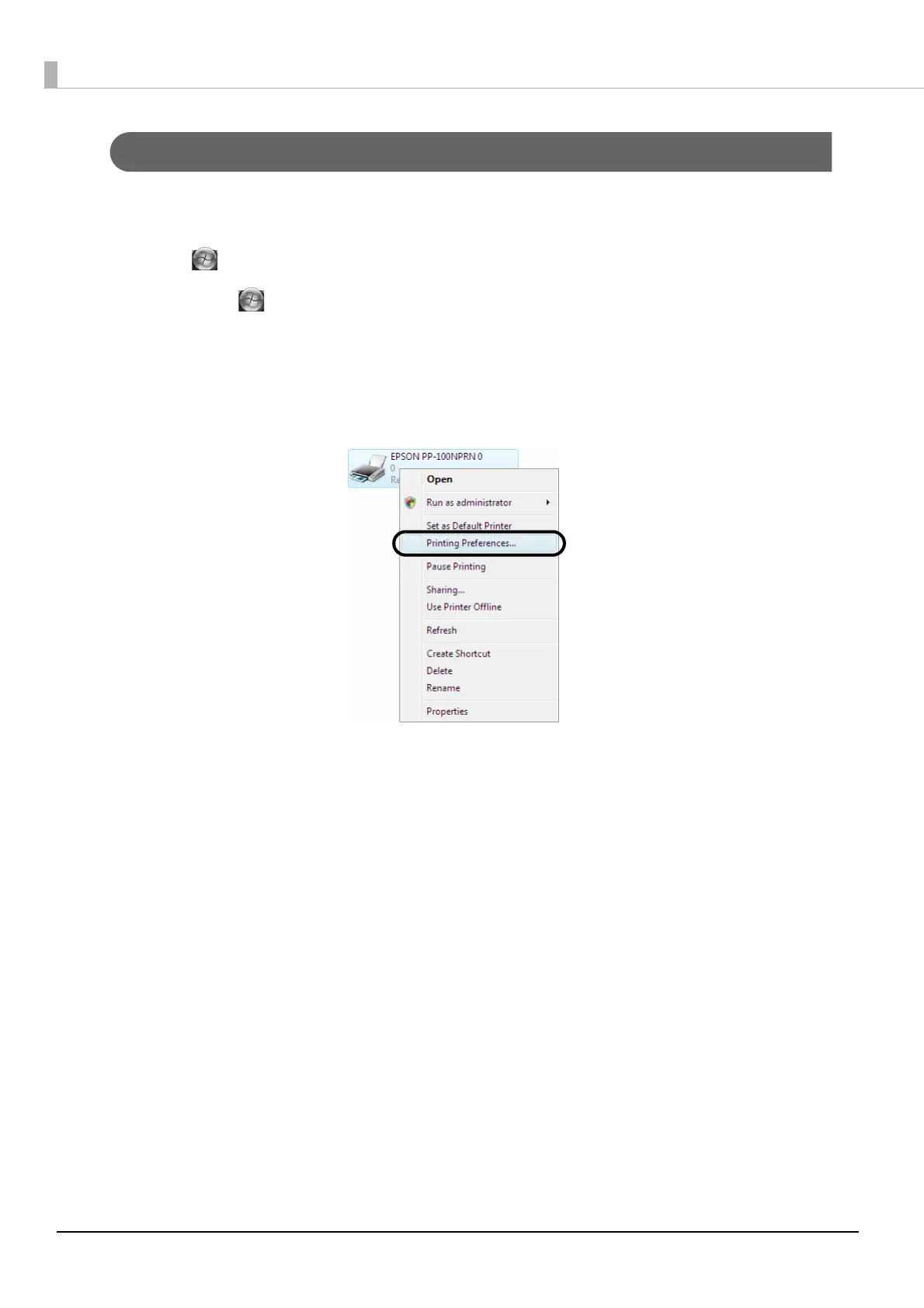
Right-click [EPSON PP-100NPRN], and click [Printing Preferences].
The printer driver screen appears.



 To Next Page
 Loading...








