124
Downloading operation log
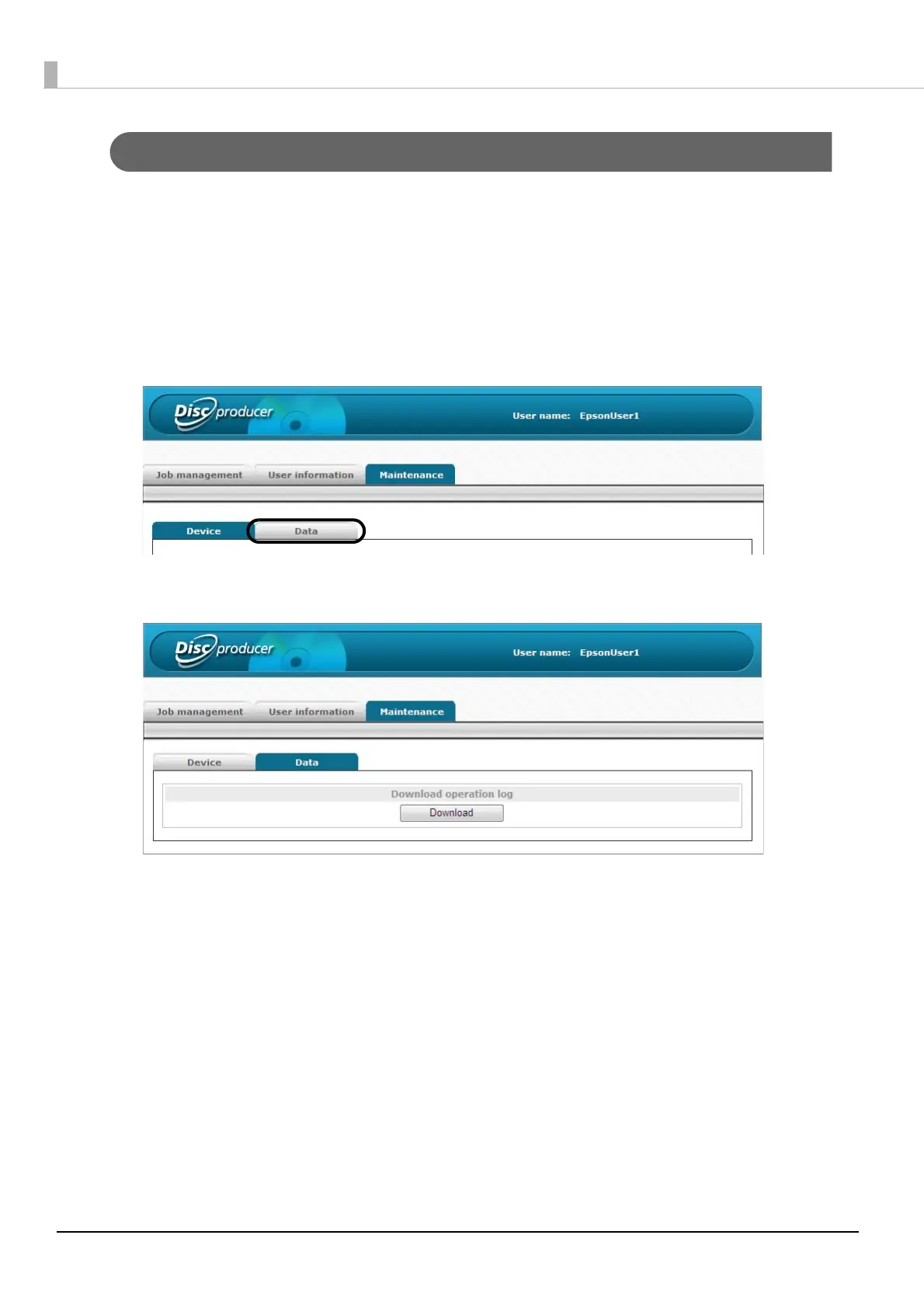
The history of this product’s operations and actions are recorded as an operation log. You can download an operation
log file for 30 days of operation. Use the operation log file for maintenance and support.
Use the following procedure to download the operation log file.
1
Log in to EPSON Total Disc Net Administrator.
See “Logging in to EPSON Total Disc Net Administrator” on page 54 in this guide for the login procedure.
2
Click the [Data] tab of the [Maintenance] screen.
3
Click [Download].
4
Specify the save location for the operation log file, and then save the operation log file.



 To Next Page
 Loading...








