32
Registering the product
To use EPSON Total Disc Maker, you must register this product to the client computer. However, if only one product
is connected, product registration is performed during the software installation process, and so this procedure is not
necessary.
If multiple units of this product are connected on the same network, the registration process must be performed for
each connected product.
Use the following procedure to register the product.
1
Check that the client computer and this product are connected on the same network and
the power for this product is turned on.
2
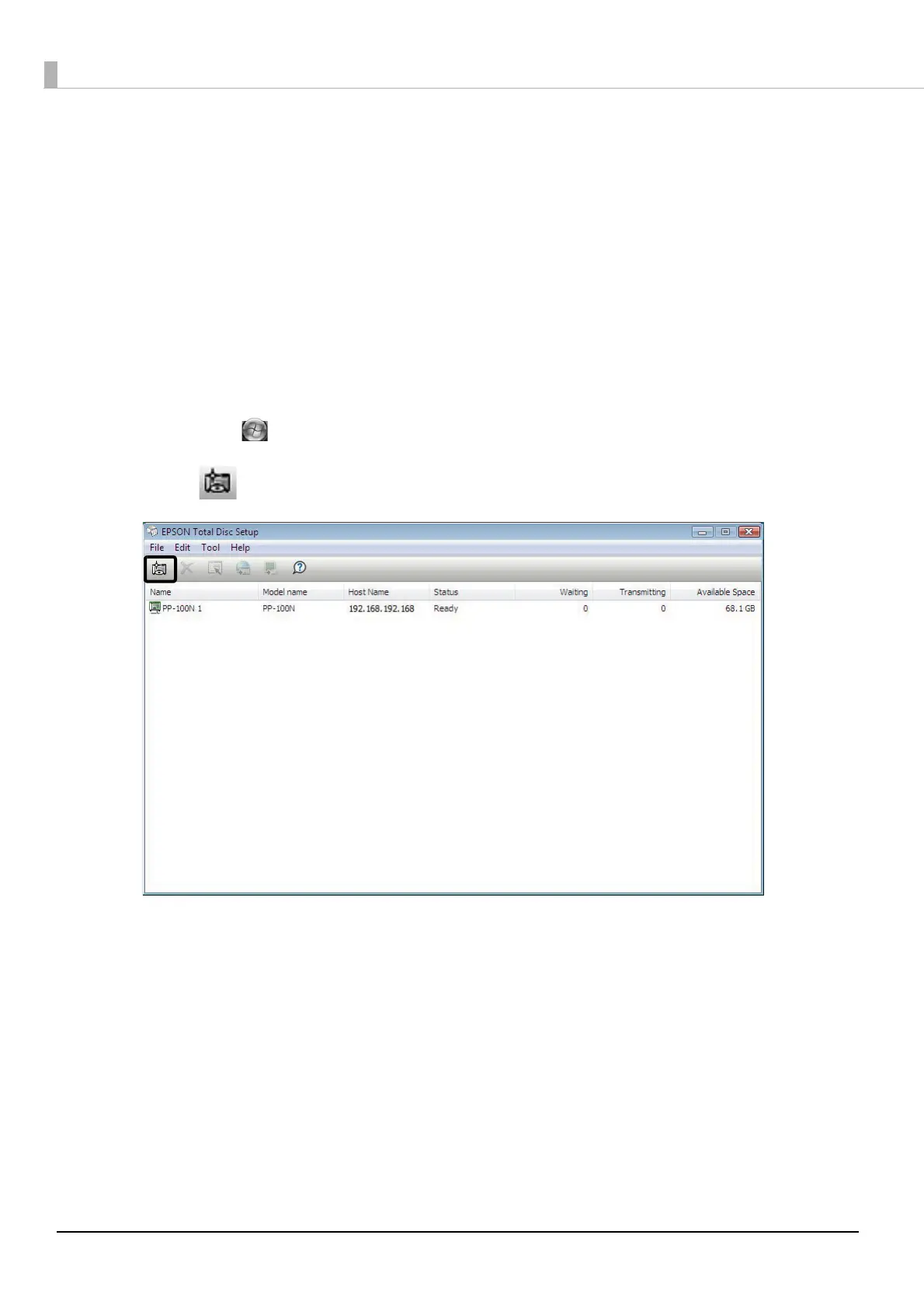
If EPSON Total Disc Setup is not running, start EPSON Total Disc Setup.
Select [Start] ( in Windows 7 or Windows Vista) - [All Programs] (or [Programs]) - [EPSON Total Disc
Maker] - [EPSON Total Disc Setup].
3
Click [Add].



 To Next Page
 Loading...








