31
Preparation
10
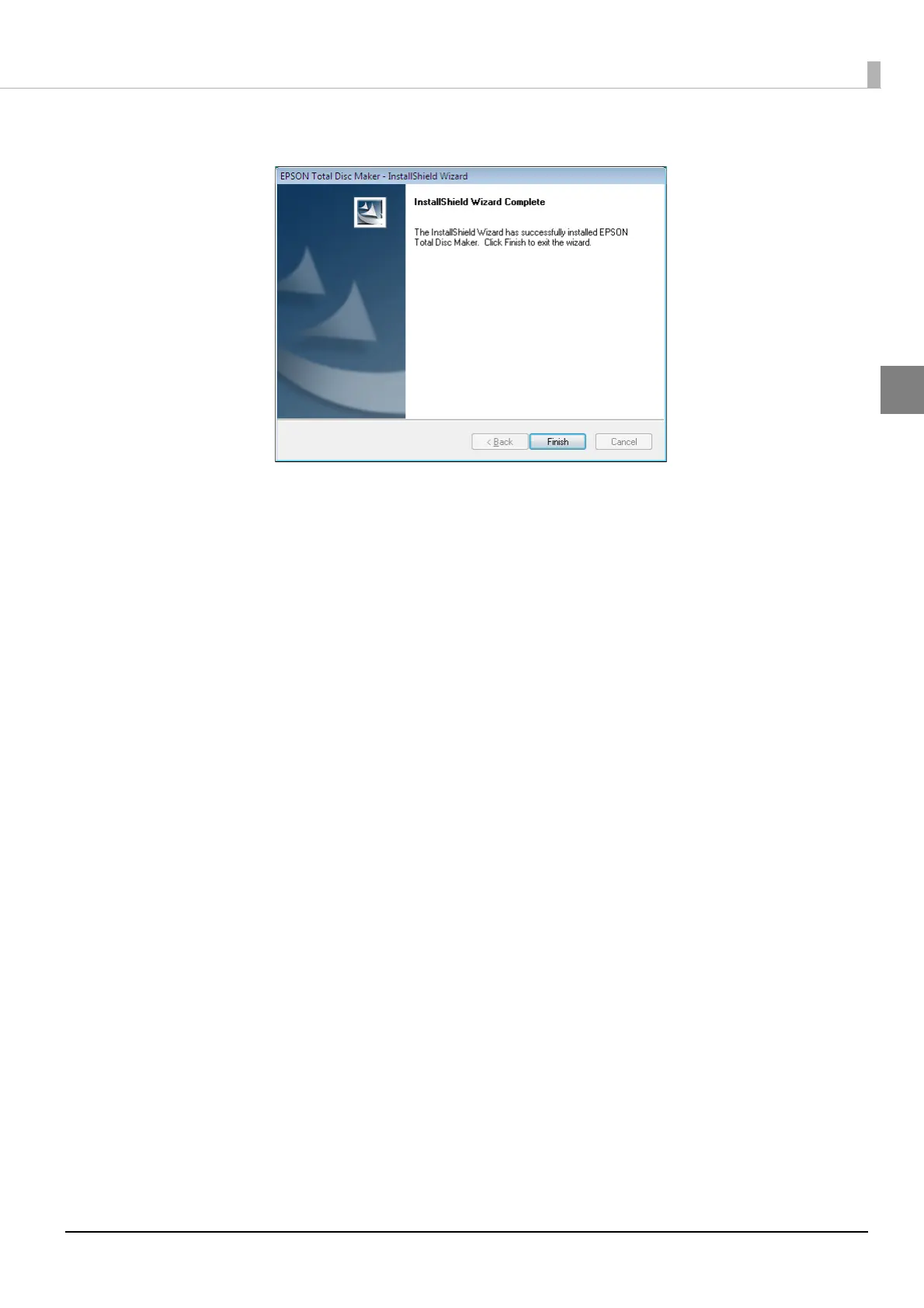
Click [Finish].
This completes the software installation.
After the installation is completed, EPSON Total Disc Setup will start automatically, and then the [Common Setting
for Publishing] screen will appear. Close the [Common Setting for Publishing] screen because this setting is not
necessary for this product.
If multiple units of this product are connected on the same network, this product must be registered to the client
computer using EPSON Total Disc Setup. See “Registering the product” on page 32 in this guide, and then register
this product.
If only one unit of this product is connected, no registration process is necessary.



 To Next Page
 Loading...








