30
8
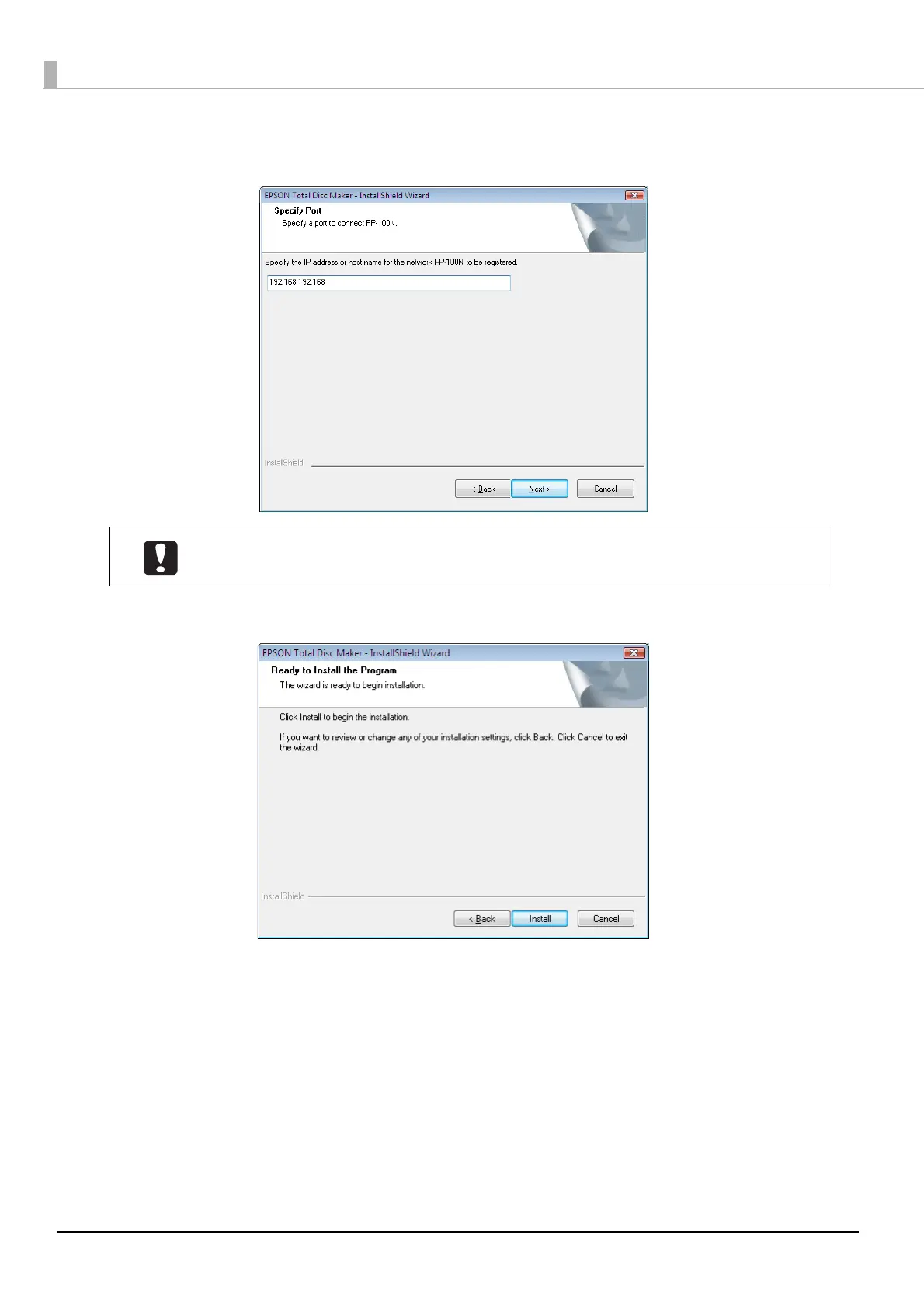
Enter the IP address or host name of the product, and click [Next].
In this example, we enter http://192.168.192.168.
9
Click [Install].
The installation process is started.
If the IP address or host name of PP-100N is not entered, register this product after the
installation is finished. (See “Registering the product” on page 32 in this guide.)



 To Next Page
 Loading...








