38
Setting for Notification of Job Completion
A setting can be made to display a message on the screen that notifies you that a job (or jobs) is finished.
1
Start EPSON Total Disc Setup.
See “Starting EPSON Total Disc Setup” on page 45 in this guide for the start procedure.
2
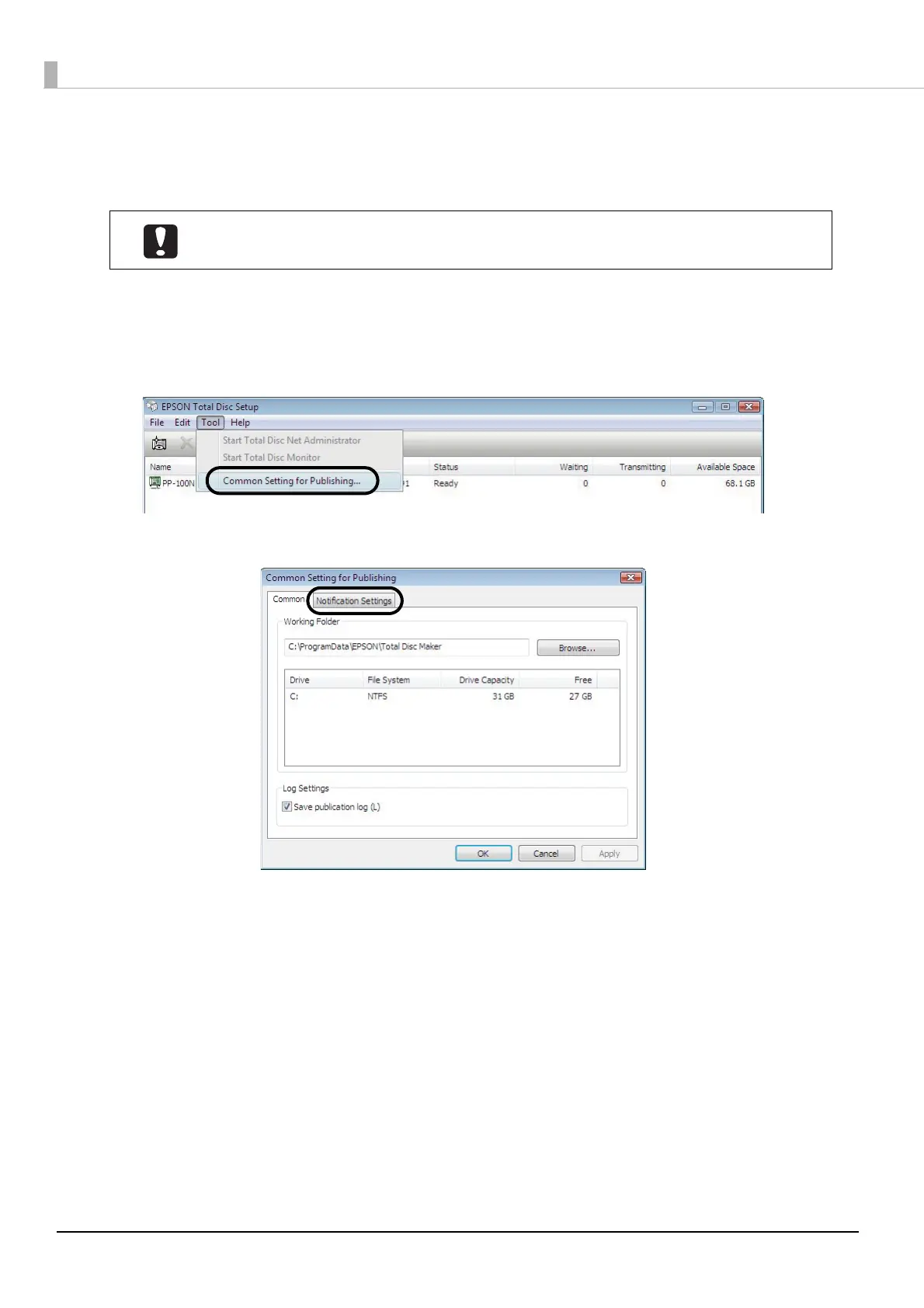
Click [Common Setting for Publishing] on the [Tool] menu.
3
Click the [Notification Settings] tab.
This setting is reflected for all the CD/DVD/BD publishers registered.



 To Next Page
 Loading...








