39
Preparation
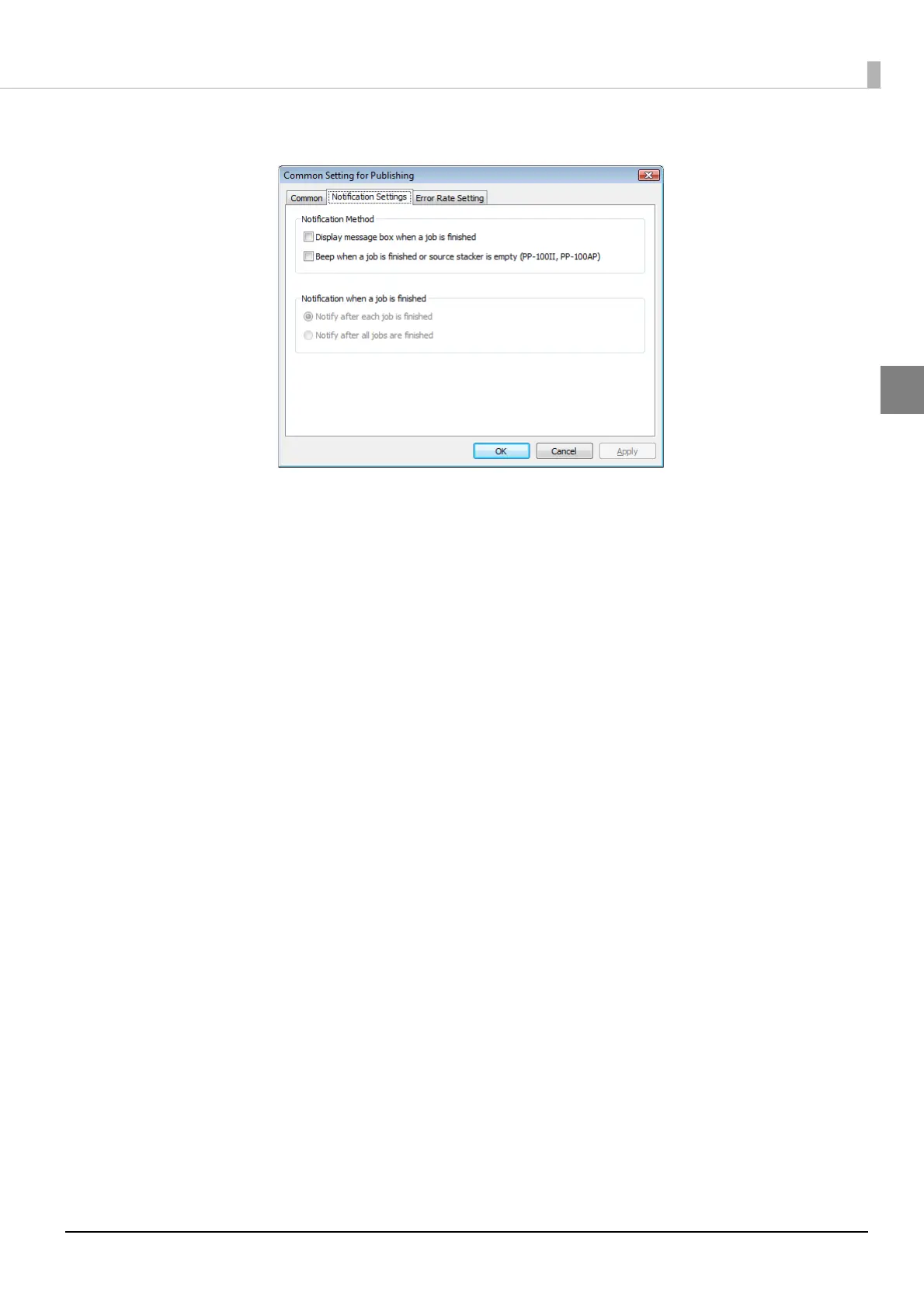
The [Notification Settings] screen appears.
4
Check [Display message box] for [Notification Method].
5
Check the checkbox for either one of the following options:
• Notify after each job is finished: A message box (EPSON Total Disc Monitor) notifying that a job is
finished appears everytime each job is finished.
• Notify after all jobs are finished: A message box (EPSON Total Disc Monitor) notifying that all jobs are
finished appears when more than one job is executed and all jobs are
finished.
6
Click [OK].
This completes the notification setting of job competition.



 To Next Page
 Loading...








