130
Running it using the control panel on the product
1
Turn on the power of this product.
2
Press the [MENU] button.
The top menu appears.
3
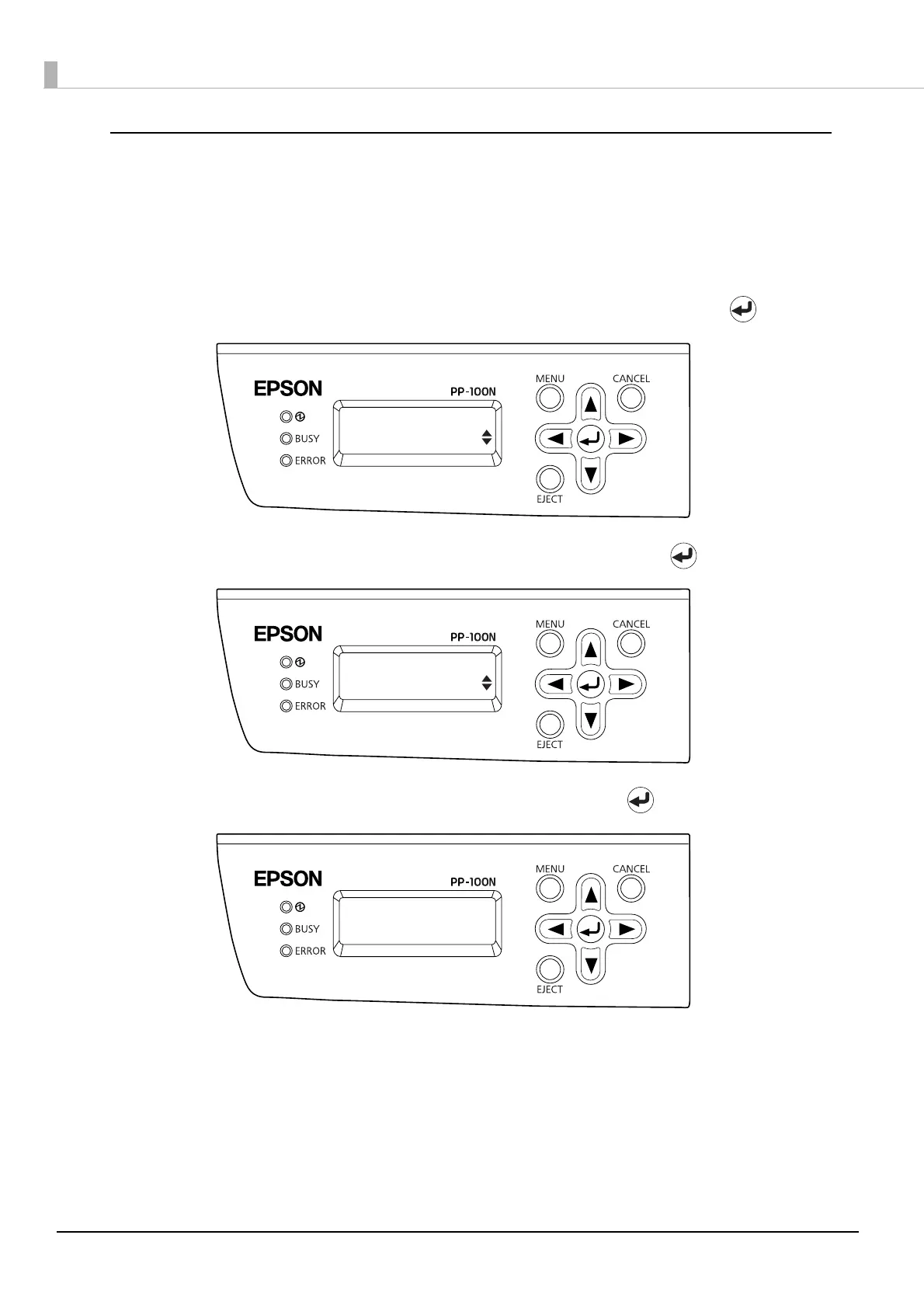
Use the ▲/▼ buttons to display the maintenance screen, and then press the button.
4
Use the ▲/▼ buttons to display [Nozzle Check], and then press the button.
5
When the nozzle check confirmation screen appears, press the button.
The disc on which the nozzle check pattern was printed is output to Stacker 3 or Stacker 4.
See “Checking the nozzle check results” on page 131 in this guide for how to check the nozzle check results.
Top menu
Maintenance
Maintenance
Nozzle Check
Start nozzle
check?



 To Next Page
 Loading...








