114
3
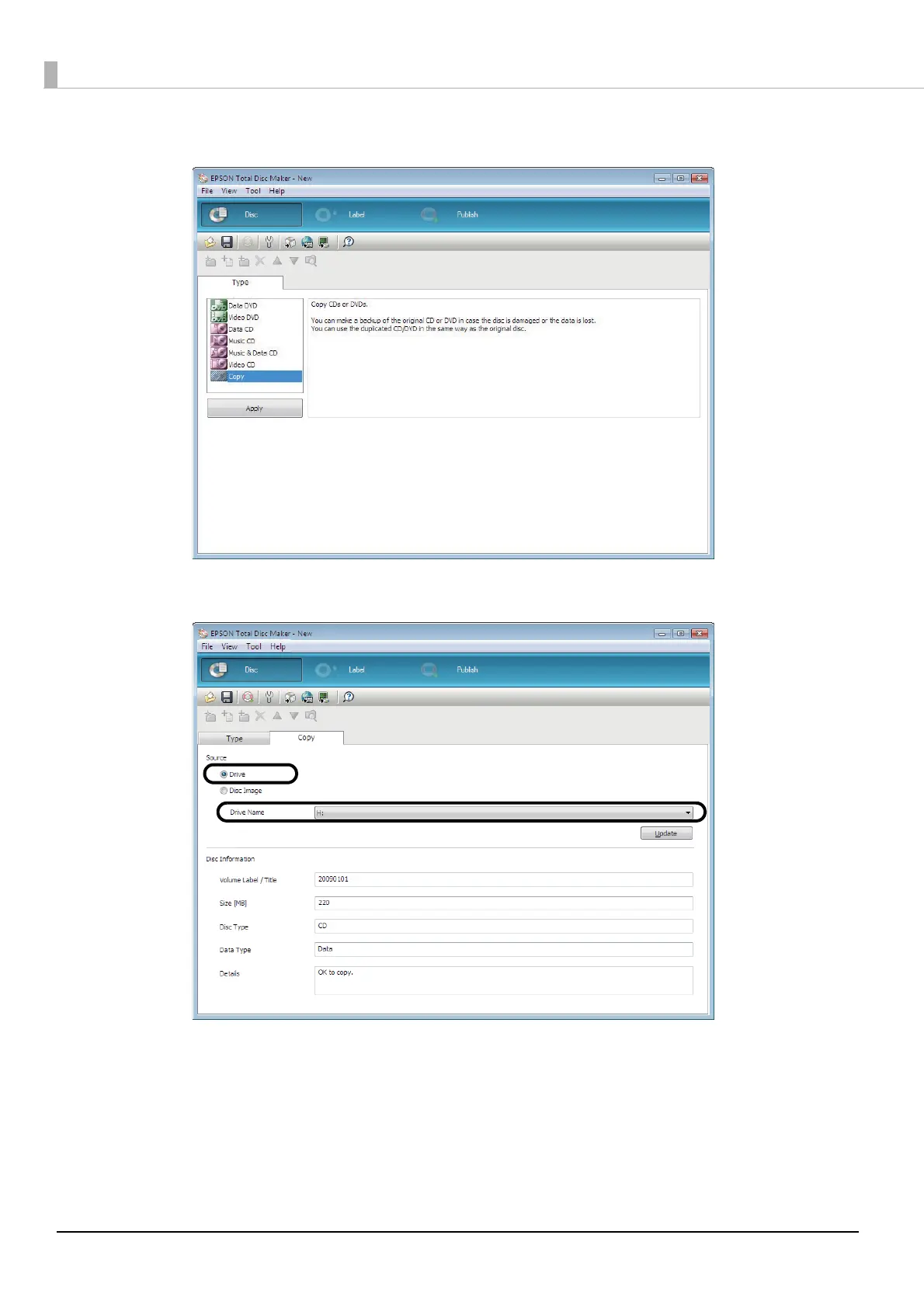
Select [Copy] for [Type], and click [Apply].
4
Select [Drive] for [Source], and select the name of the drive in which you inserted the disc.
Next, follow the normal procedure for creating a disc, and create the label (see page 89 in this guide) and publish the
disc (see page 101 in this guide).












 To Next Page