134
Running it using the control panel on the product
1
Turn the product on.
2
Press the [MENU] button.
The top menu appears.
3
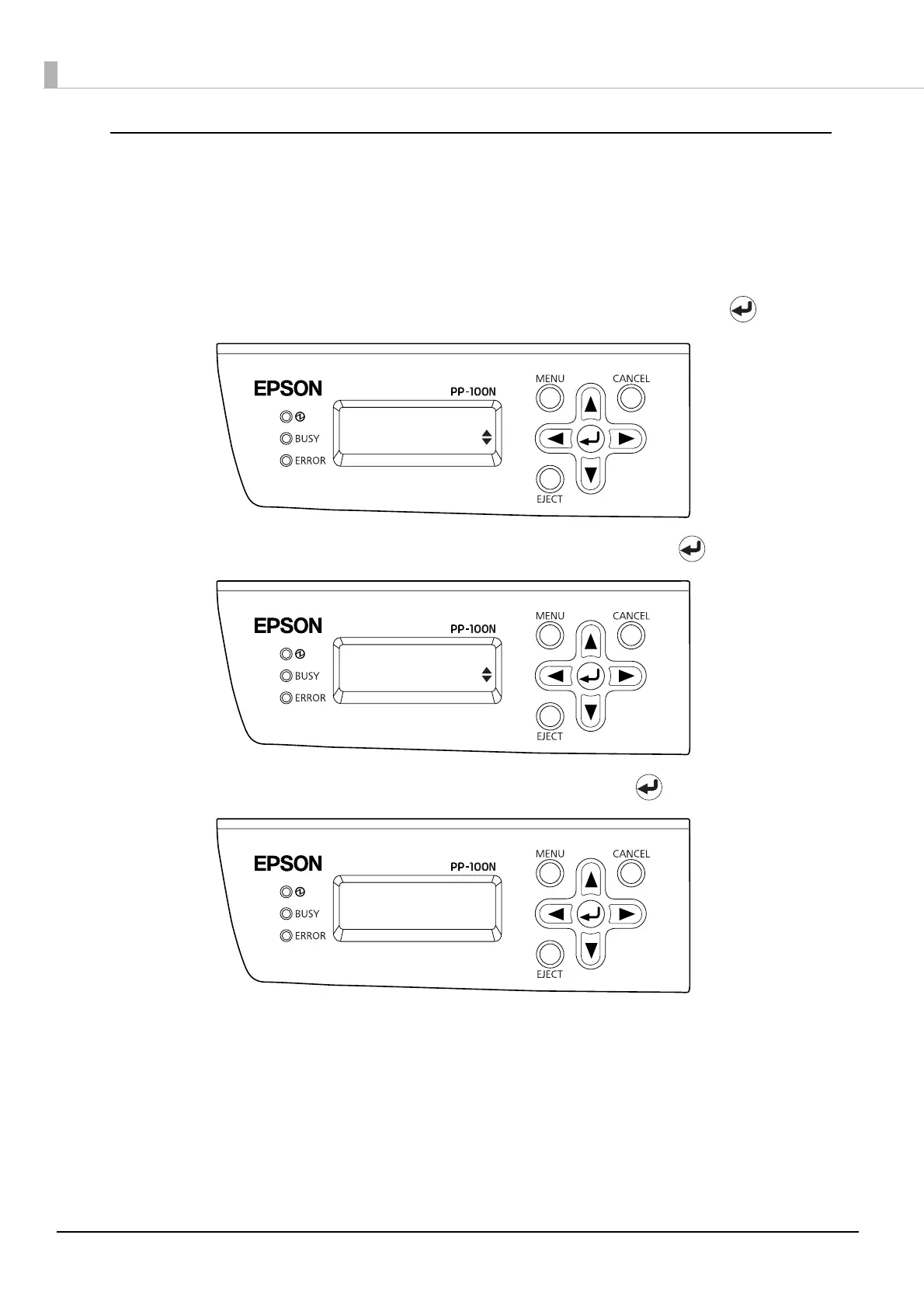
Use the ▲/▼ buttons to display the maintenance screen, and then press the button.
4
Use the ▲/▼ buttons to display [Head Cleaning], and then press the button.
5
When the head cleaning confirmation screen appears, press the button.
The BUSY LED flashes, and head cleaning starts.
When head cleaning is finished, the BUSY LED goes off.
Top menu
Maintenance
Maintenance
Head Cleaning
Start head
cleaning?



 To Next Page
 Loading...








