136
6
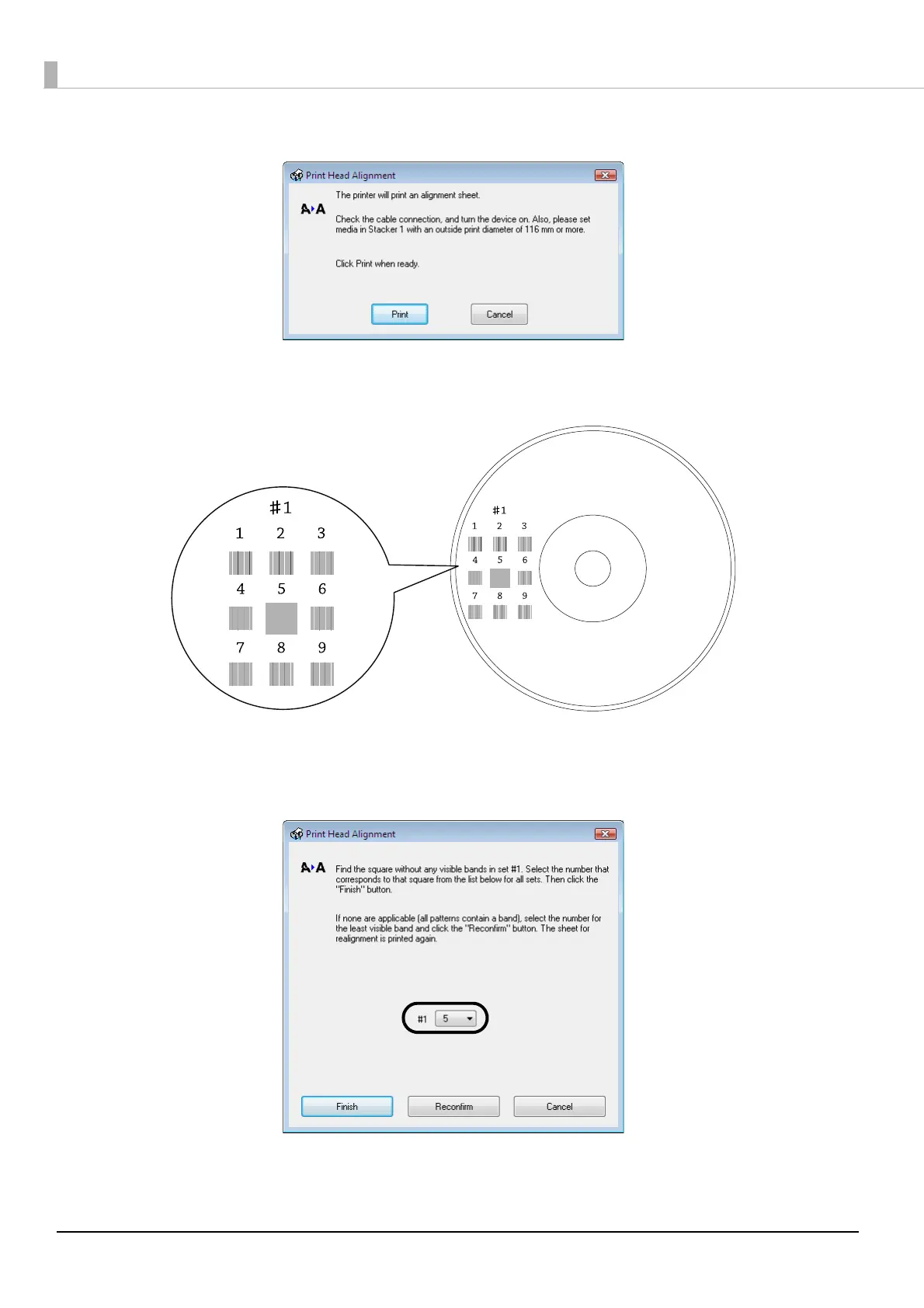
Click the [Print] button.
The disc on which the print head alignment pattern was printed is output to Stacker 3 or Stacker 4.
7
Check the printed print head alignment pattern.
8
Select the number of the pattern with the fewest vertical lines.
In the illustration above, the pattern with the fewest vertical lines is “5”, so select “5.”
If you want to print the print head alignment pattern again, to check it, set a disc in Stacker 1, and click the
[Reconfirm] button.
9
Click [Finish].
Print head alignment pattern



 To Next Page
 Loading...








