23
Part Names and Functions
Stacker 4
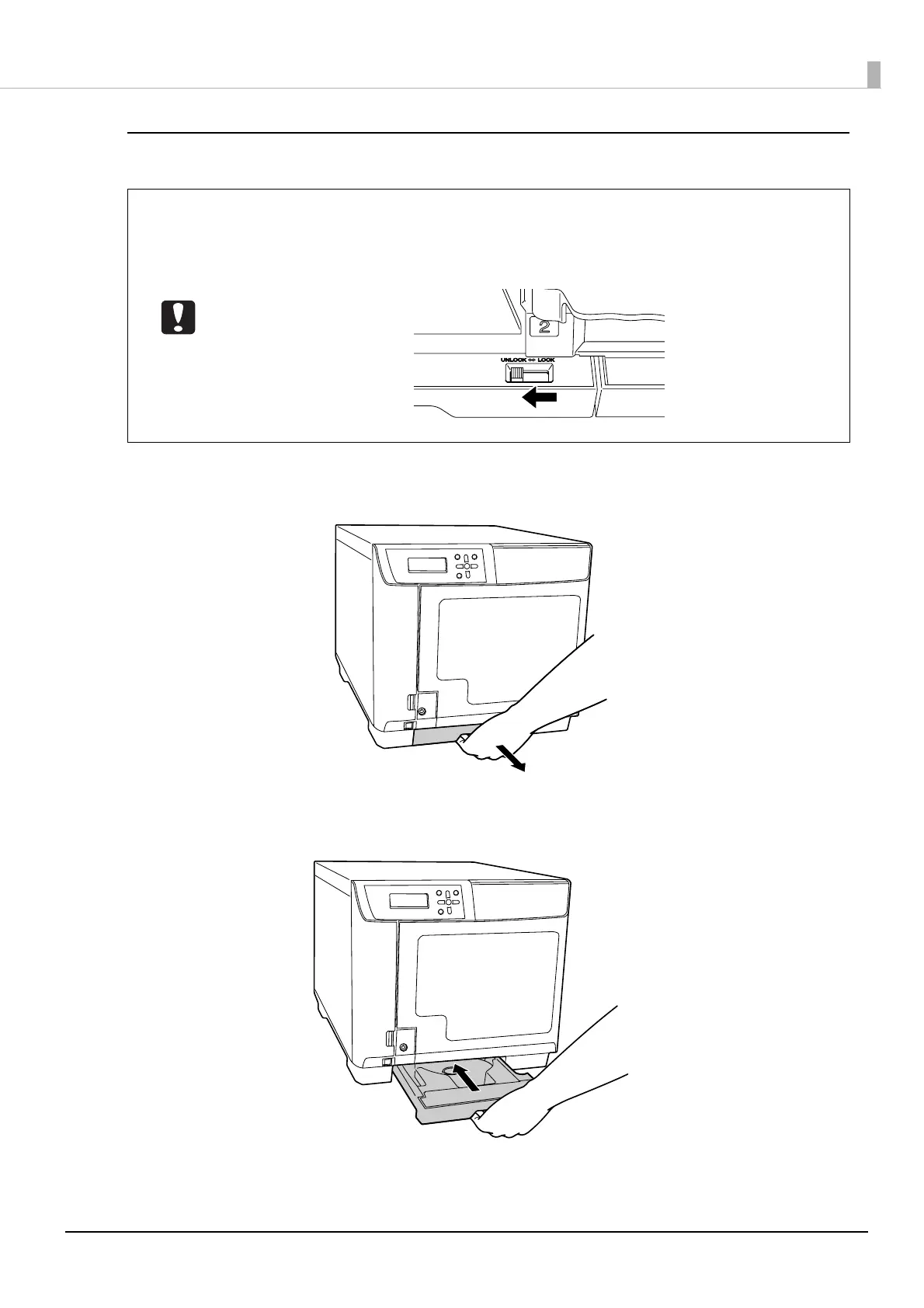
Pull out
Hold the Stacker 4 grip and pull out the stacker.
Push in
Hold the Stacker 4 grip and push the stacker in.
• Do not apply strong force to Stacker 4 when handling it.
• When the BUSY LED is flashing quickly, a disc is being ejected, so do not pull out Stacker
4. Discs may be damaged.
• Set the lock lever to [UNLOCK] when using Stacker 4.



 To Next Page
 Loading...








