8 • Actuation Configurations for ICC 350
30
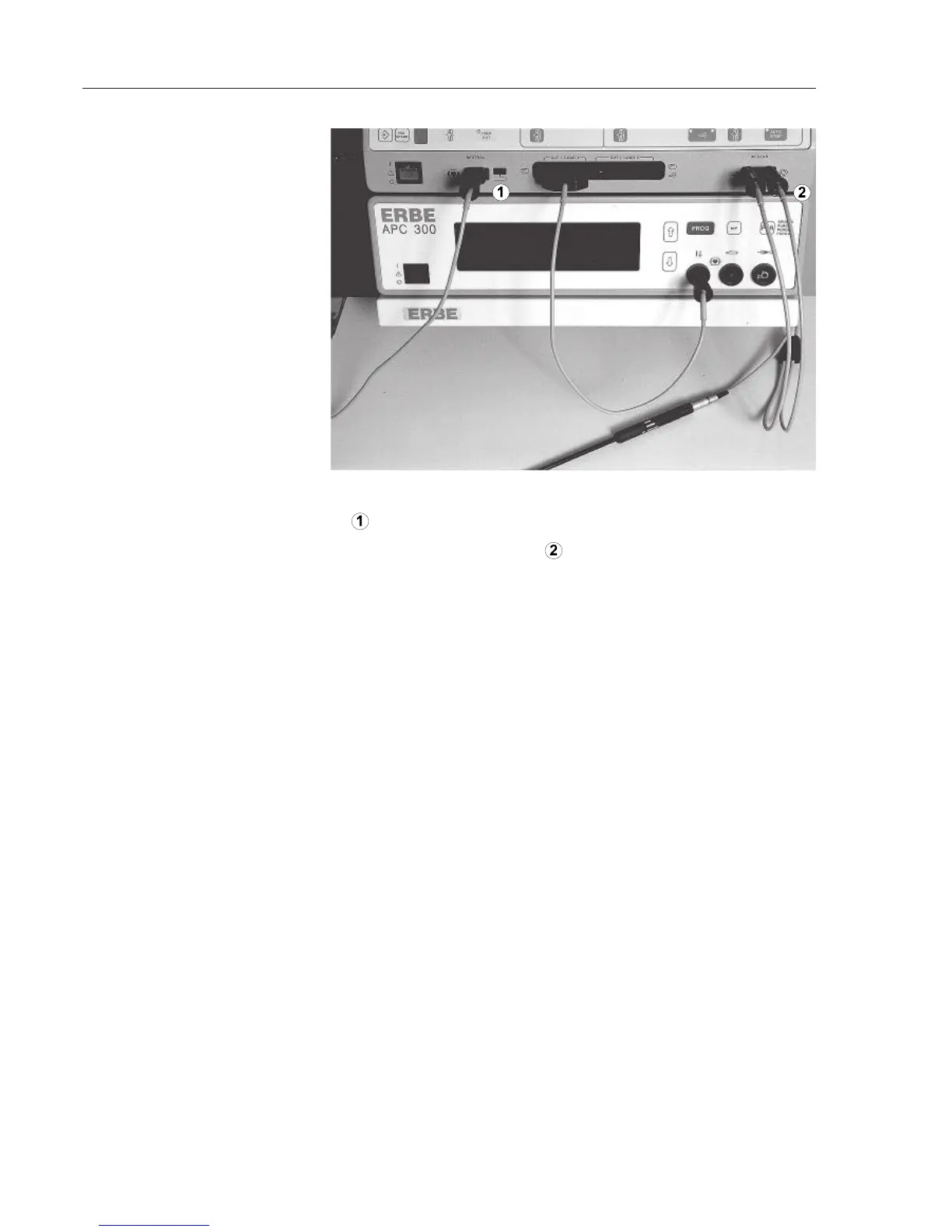
1. Position the neutral electrode on the patient. Connect neutral electrode
to the ICC 350.
2. Connect bipolar instrument
to the BIPOLAR socket of the ICC
350.
of the equipment trolley.
ICC 350 and APC 300.
1. Open the cylinder valves on the argon gas cylinders in a clockwise
direction until they stop.
2. Check fill level of the argon cylinders (fill level of the argon cylinders
is in the information line of the standard display). Always
keep a full replacement cylinder at the ready.
Using the P
ROGRAM key on the ICC 350, call up program «b».
1. Set AUTO COAG 1 to SPRAY. Displayed: 60 (power limit 60 W)
2. Select the desired power limit.
Select effect and power limit in the AUTO CUT field.
Select a power limit in the AUTO BIPOLAR field. Select an AUTO START
mode or actuate via the blue foot switch.
BIPOLAR CUT: Select effect and power limit in the AUTO CUT field for
the bipolar instrument at the bipolar socket. The ICC can be set either for
ARGON CUT or for BIPOLAR CUT. The APC handle's and the bipolar
instruments's cutting modes both reference the AUTO CUT field.
3. Connect instrument,
neutral electrode to ICC 350
4. Plug in mains plug
5. Switch on
6. Open cylinder valves
8. Set ICC 350 for APC
9. Set ICC 350 for ARGON CUT
10. Set ICC 350 for BIPOLAR
COAG
11. Set ICC 350 for BIPOLAR CUT
7. Invoke BIPOLAR CUT



 To Next Page