Storing and Using Presets 231
Press the red [X] to clear the channel or parameter filters listed.
Fader and Button Configuration
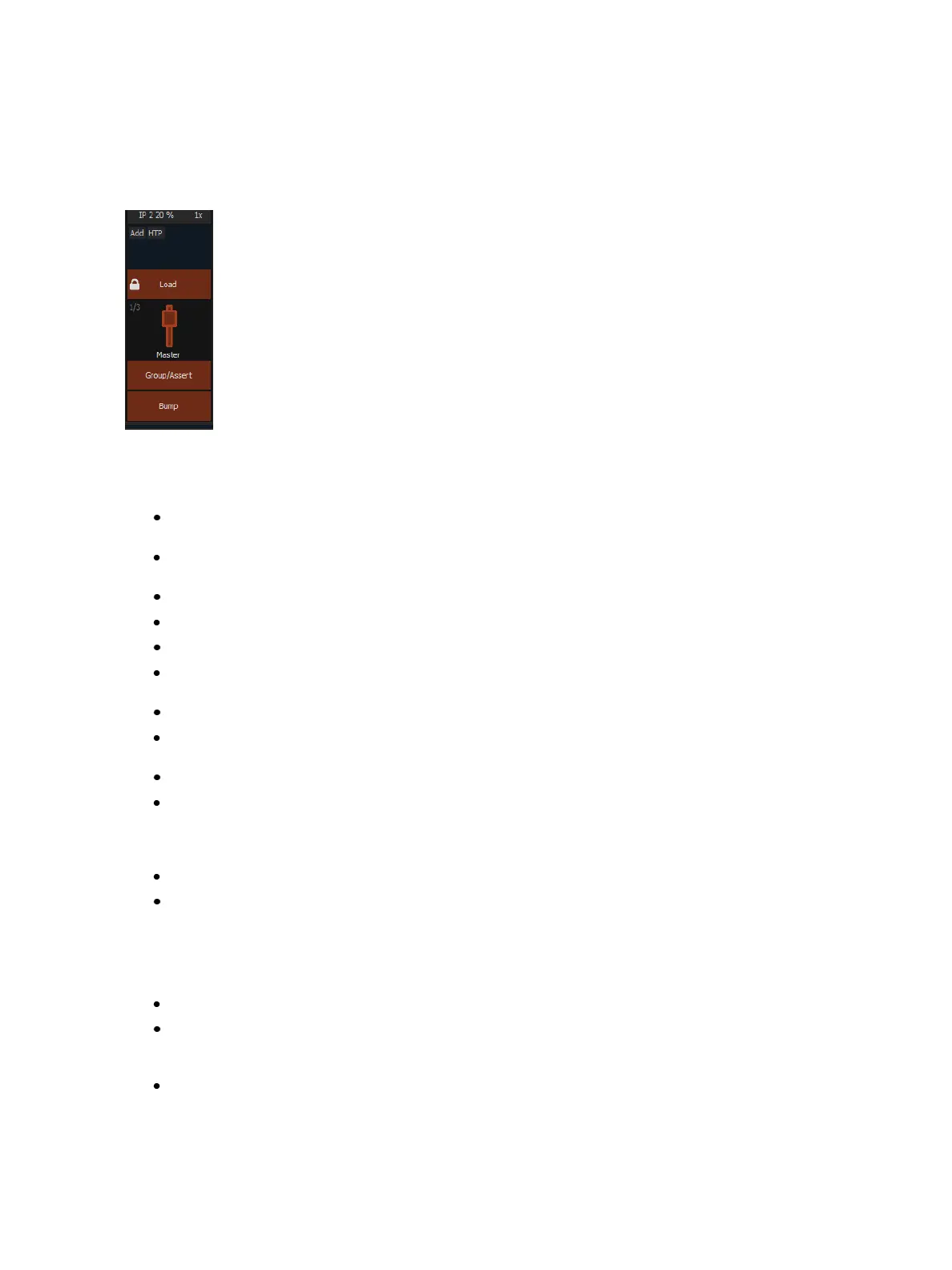
Click or tap on the virtual buttons or fader to see a list of available configuration options.
Button Options
The following options are available for fader buttons:
Bump - plays back the content at 100% of the recorded level. It will continue to do so until
released, unless the fader has a time assigned or the {Hold} property set.
Group/Assert - selects all the channels associated with the fader, if the fader is inactive. If act-
ive, the contents of the fader will be asserted.
Assert - regains control of all of the channels associated with the fader.
Group Select - selects the channels stored in the fader. This is the same as [Group] [Sub] [n].
Freeze- halts all effect activity on the fader.
Off - removes the content and if the fader is set to Master, the fader will remain where it cur-
rently is.
Release - removes the content and if the fader is set to Master, the fader will reset to 0.
Start Stop Effect -starts the effect while ignoring dwell times. Will stop effects if any are run-
ning.
Button Disabled - no action is assigned to the button.
Solo - suppresses any intensity values not provided by the associated content while the solo
button is held down. When the button is released, intensity values are restored. Priority and
HTP are ignored. Shielded, park and pixel mapping outputs are not affected by the solo but-
ton.
Back - fades to the previous cue when fader is assigned to a cue list.
Macro - allows you to assign a macro as a button action.
Fader Options
The following options are available for a fader:
Master - fader will be a proportional master, a manual master, or an intensity master.
Effect Rate - fader centers to home. It controls the rate of any running effects (same behavior
as using rate via the Effect Status Display). The adjusted setting from this control cannot be
stored.
Effect Size- similar to Effect Rate but for effect size.



 To Next Page