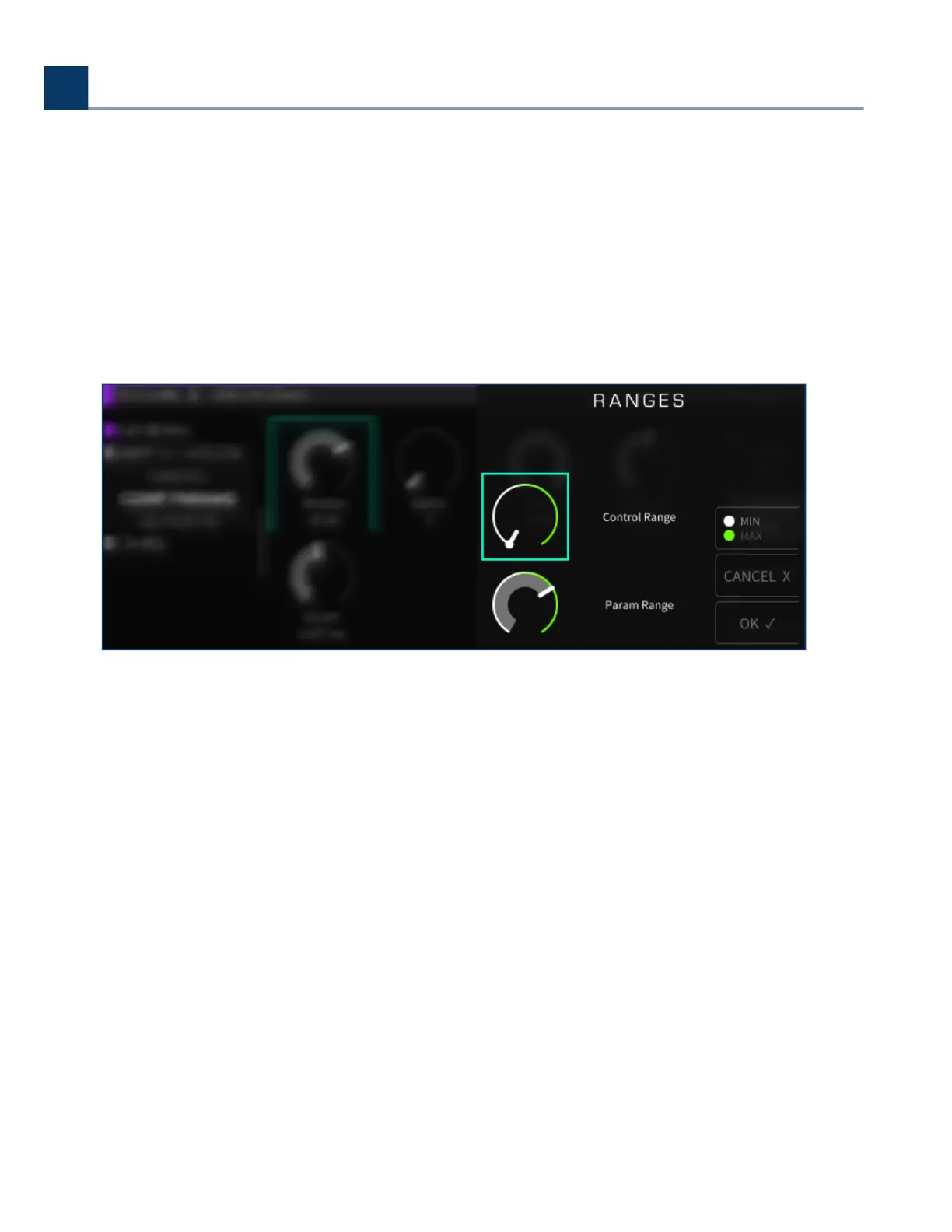
You will then be presented with an additional set of controls that allow you to rene the
mapping:
Control Minimum
Control Maximum
Value Minimum
Value Maximum
Use the cursor keys to navigate between the Control Range and Parameter range controls.
Press the MIN/MAX sot key to toggle between adjusting the minimum or maximum value of a
parameter, then use the wheel to set its value
When you have nished, press the OK sot key and the custom mapping will be completed.
The display will return to the Parameters display. You will now see a green text label above the
parameter, showing you the specic controller you have mapped to that parameter.
To delete a custom mapping, use the cursor to navigate to which parameter mapping you would
like to delete and press the Custom Map sot key. In the Controller Type menu, select “O” and
the mapping will be deleted
•
◦
◦
◦
◦
•
•
•
•
•
4. Front Panel Operation
Copyright © 2021, Eventide Inc.



 To Next Page