It is possible possible to change the direction of an external control source by inverting its min/
max values. For example, if you set the Max value to 0 and the Min value to 100, when you move
your external control source the mapped parameter will move in the opposite direction.
4.6.1.3. Random
Press the Random sot key to assign random values to each and every parameter of the current
algorithm.
This creative function allows you to try out dierent algorithms in a free-form “what-if” type scenario,
because the dierent parameter values are all selected with no specic purpose or sound in mind.
Give it a whirl with your favorite algorithm and see what happens…
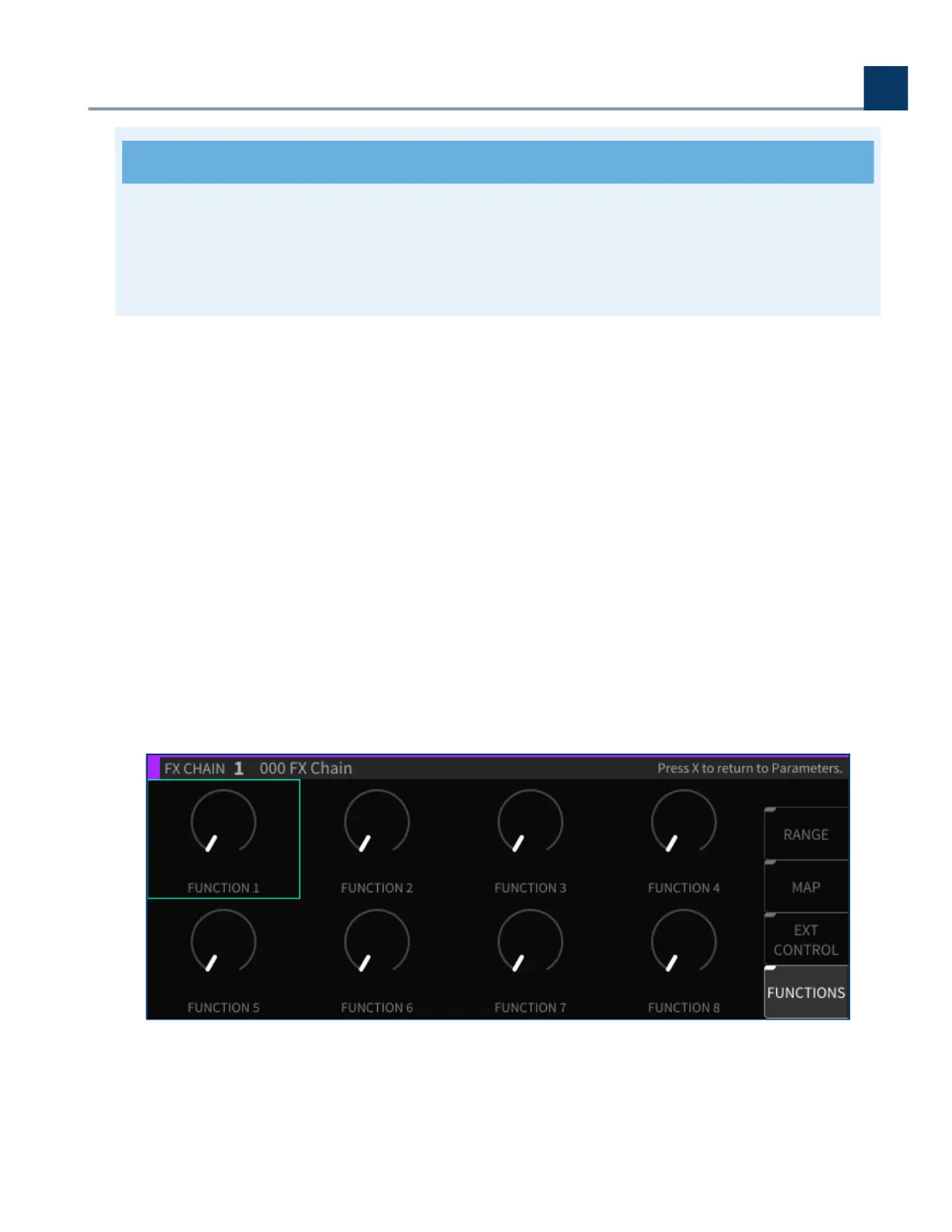
4.6.1.4. Functions
Functions in the H9000 act much like Macros in Ableton Live; essentially, they are higher-level
groupings of parameters that can be adjusted with a single knob.
4. Front Panel Operation
Copyright © 2021, Eventide Inc.



 To Next Page