24
PRIMACY 2
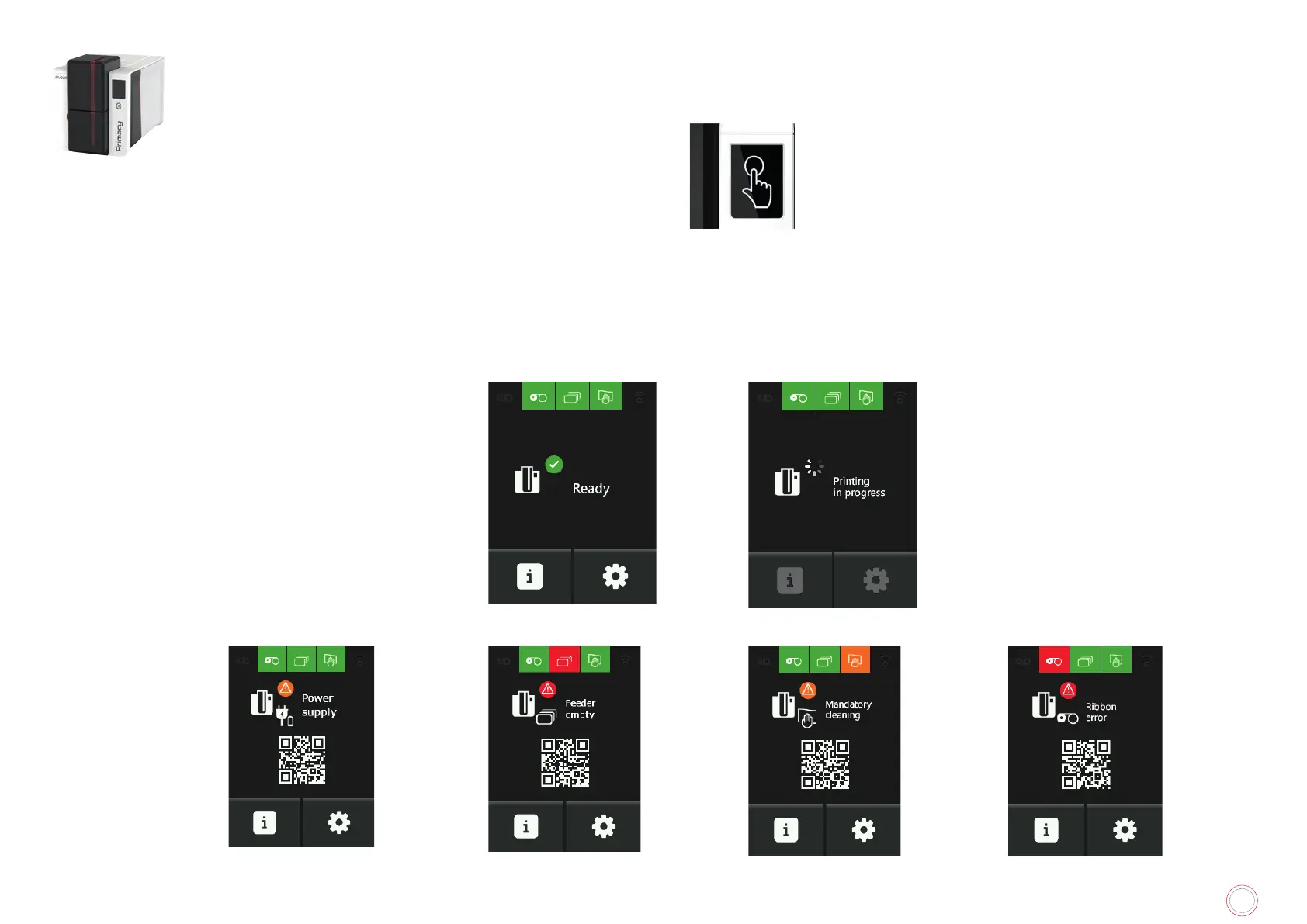
LCD screen
LCD screen is touch-sensitive: it enables easy interaction with the printer.
Useful messages on the printer processes are displayed.
They enable you to take actions and perform a good supervision of the printing jobs.
There are various types of statuses:
• Green: the printer is ready to print or in the process of printing, encoding, cleaning, etc.
• Orange or red: processes cannot be performed due to a small or serious issue



 To Next Page