26
PRIMACY 2
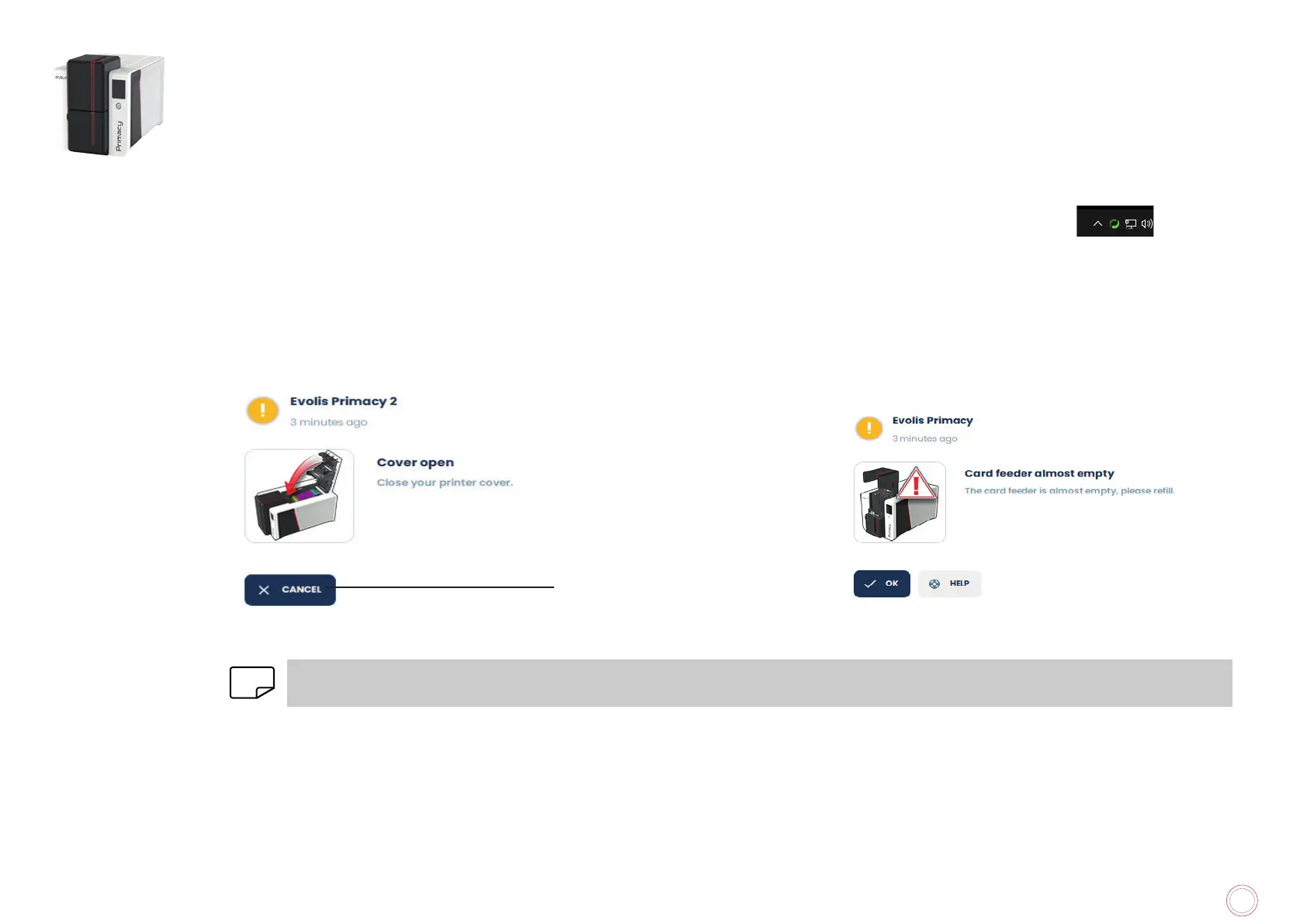
Pop-ups
• Messages about the maintenance of the printer.
• Messages and alerts associated with the ribbons, their compatibility with your printer or the nature of your print requests.
• Warnings about problems which have stopped the printer.
When the Evolis Premium Suite is active, a small icon is displayed in the bar on the bottom right of your computer screen.
The color of the icon varies according to the status of the printer:
• Green: Printer ready
• Orange: Information message issued – printing stopped
• Red: Warning message issued – printing stopped
• Grey: Printer in hibernation mode, disconnected or communication is interrupted.
Cancel the printing task
User Preferences then untick the Enable notifications button.
NOTE
pop-ups service is the best way to properly monitor the printer from your workstation.
Get additional help on myplace.evolis.com.



 To Next Page