55
PRIMACY 2
ADVANCED CLEANING
Evolis provides an Evolis High Trust® maintenance kit consisting of 2 adhesive cards, 2 impregnated T-cards, a cleaning pen and a box of wipes. The
T-card is used to clean the card feed rollers and the magnetic encoder head.
To ensure advanced cleaning is performed properly, follow the instructions.
Printer cleaning
NOTE
Recommended cleaning cycle: every 5 regular cleaning cycles.
When the cleaning is over, the used adhesive card is ejected into the output hopper.
If a YMCKOO ribbon is used, clean the rollers with 1 or 2 cleaning swabs every 1000 cards.
Servicing accessory:
• Impregnated T-card
• Adhesive card.
NOTE
Wait for 2 minutes after cleaning before using your printer.
The T-card must be used just after the bag is opened.
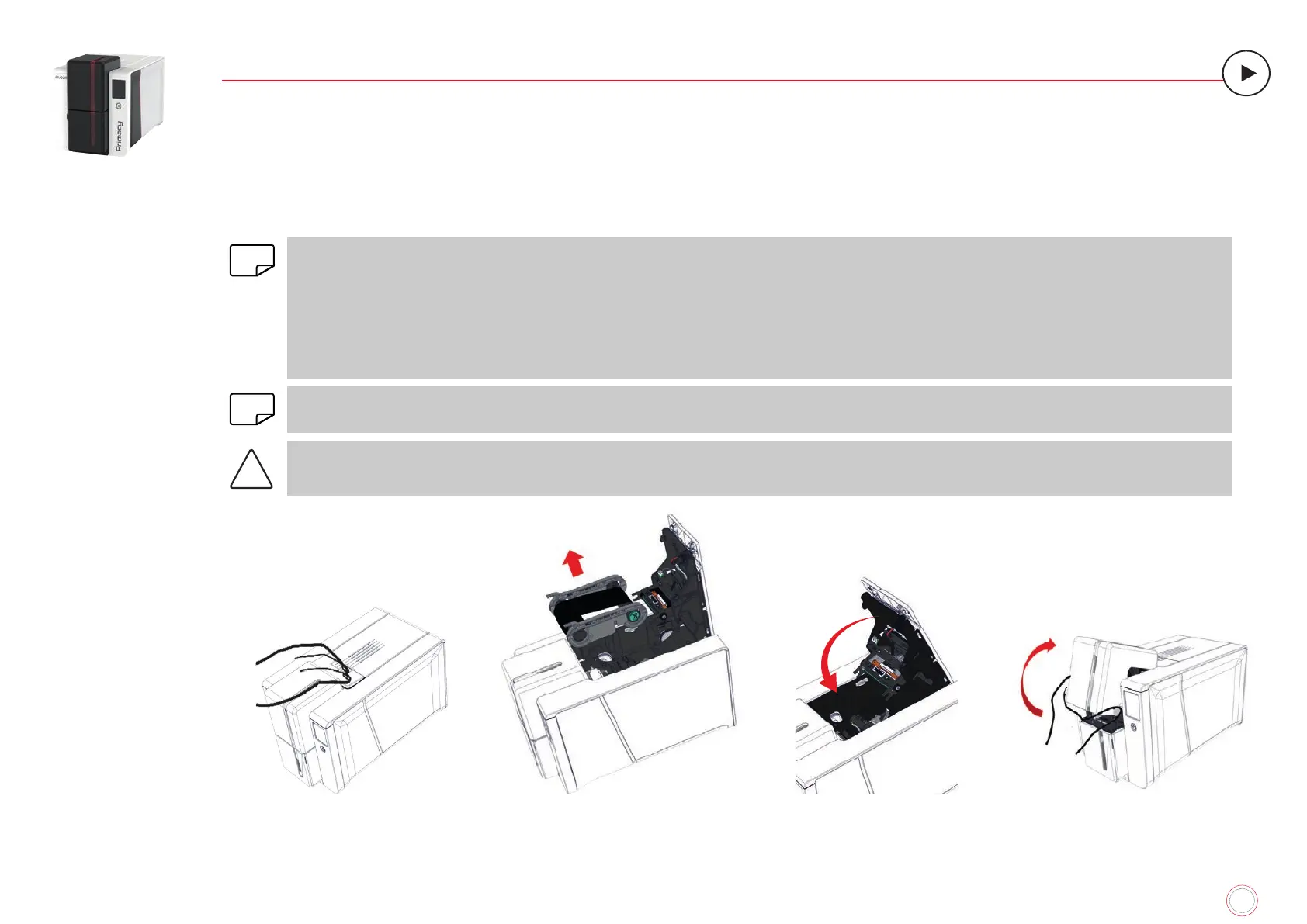
1
Open the printer cover.
2
Remove the ribbon.
3
Close the cover and press
until a click is heard.
4
Open the card feeder on the
printer.



 To Next Page