Maintenance
FTB-1v2 and FTB-1v2 Pro 299
Installing or Removing the Power Meter and VFL
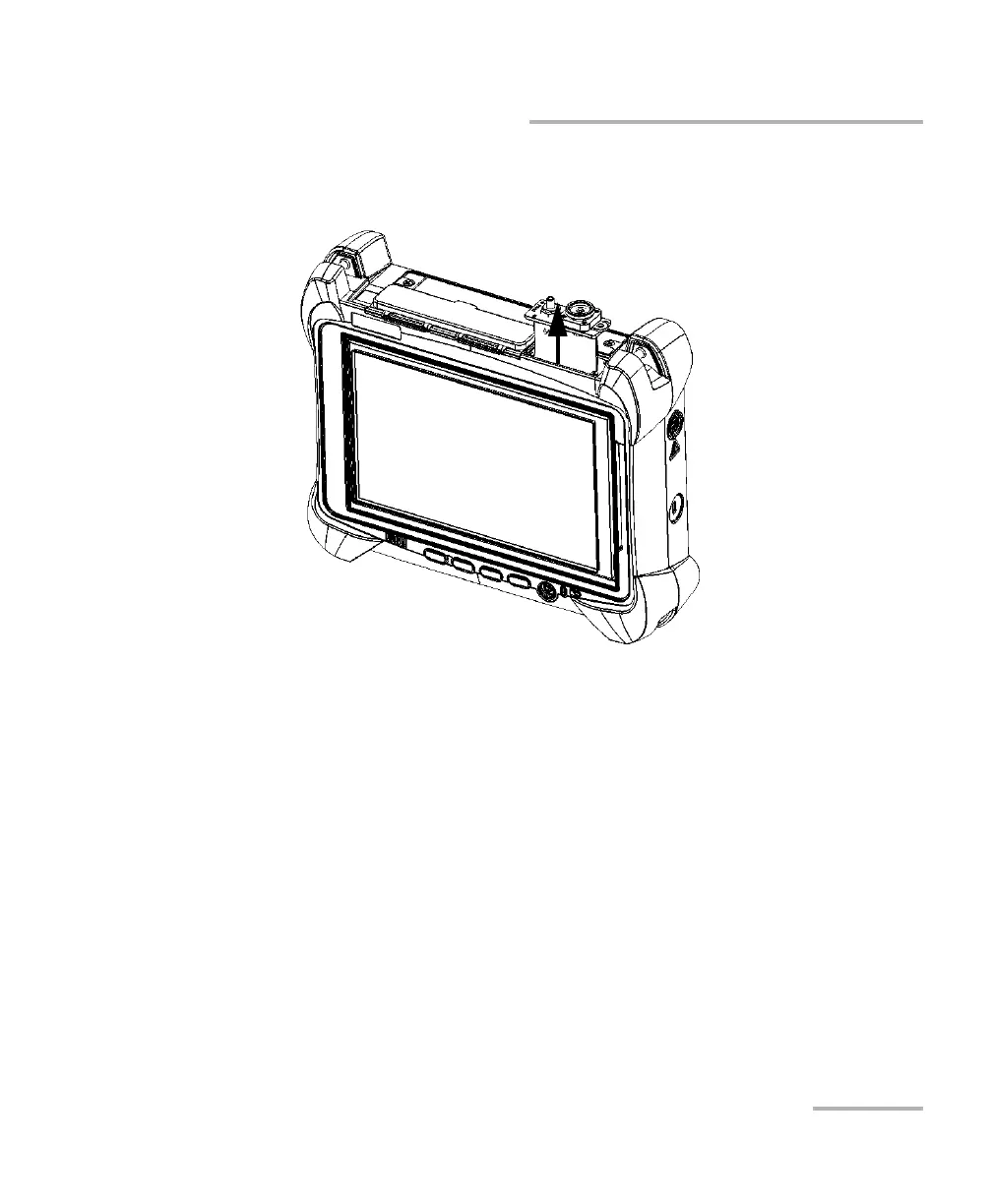
6. By holding the power meter by its faceplate, gently pull it out of the bay
completely.
7. Place the power meter in an antistatic bag.
8. If you have a protective cover, proceed as follows:
8a. Carefully place the cover over the power meter bay.
8b. Using a screwdriver, secure the protective cover in place with the
screws that you have removed at step 5 plus the two extra screws
that came with the protective cover.
9. Remove your antistatic strap.
10. Connect your unit to an external power source if desired.



 To Next Page