2. Commissioning
2-24
Festo P.BE-CPX-PNIO-E N en 1407c English
2.5.3 Setting up automation project
1. Start the Siemens SIMA TIC controller: Start > Programs >
SIMATIC > SIMATIC Manager.
(The program path of your SIMATIC controller can be dif-
ferent from the example shown here)
Note
These instructio ns refer to the English language version of
the Siemens SIMATIC controller and the STEP 7 configura-
tion and programming software.
Other language versi ons usually use other designations for
the program and function calls and menu items mentioned
here.
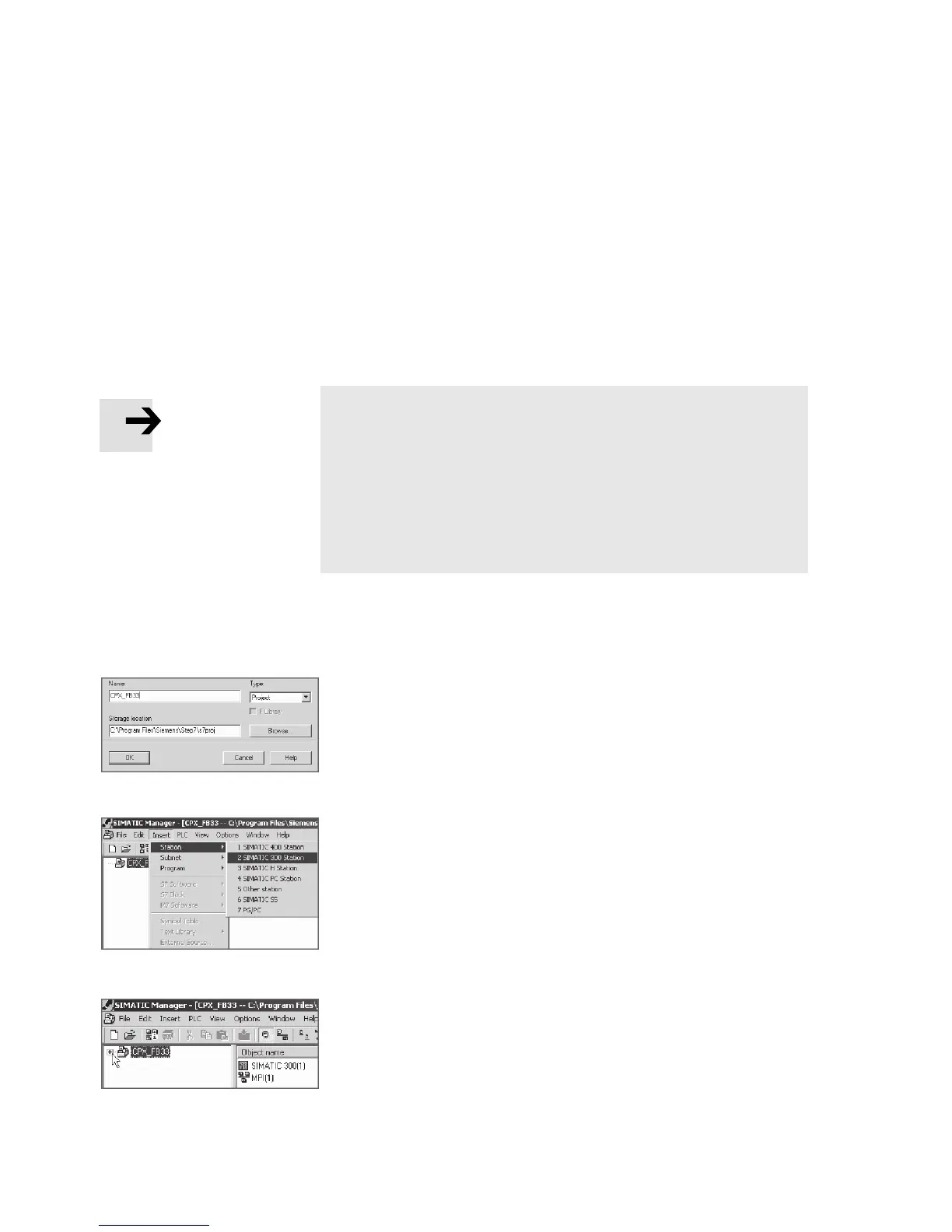
2. Create a new project in the SIMA TIC Manager: Fil e > New >
New...
3. Enter a project name (e.g. CPX_FB33) and confirm the
input with OK.
4. Select the controller used (PLC/Master): Insert > Station >
... (e.g. SIMATIC 300 Station).
5. Open the project by cli cking on the plus symbol (on the
left next to the pro ject symbol and the project name).



 To Next Page