1. Installation
1-24
Festo P.BE-CPX-PNIO-E N en 1407c English
Note – strain rel ief
If the CPX terminal is fitted onto the moving part of a ma-
chine, the network cabl e on the movi ng part must be
provided with strai n relief. Also observe the corresponding
regulations in EN 60204 Part 1.
1.6.3 N etwork interface of the CPX-F B33
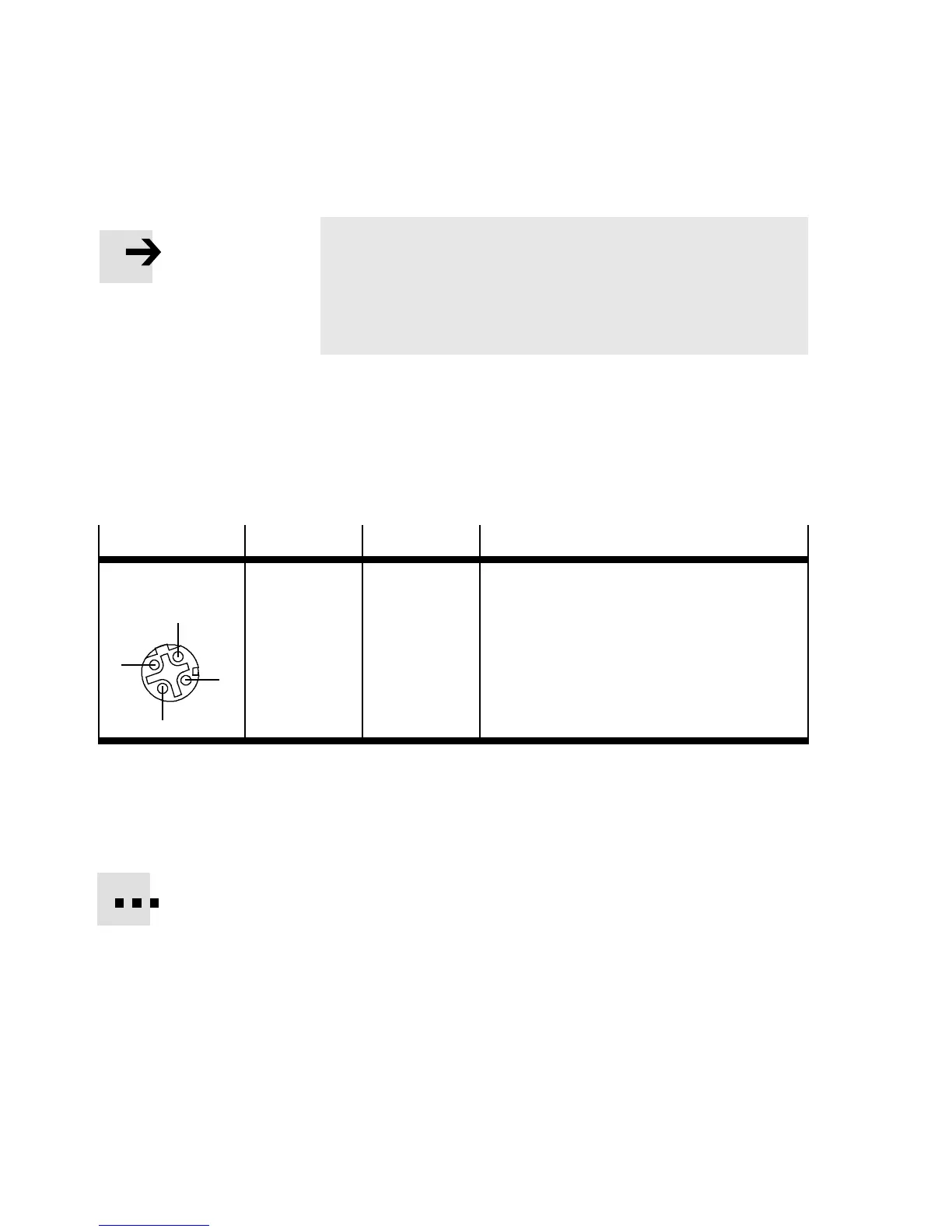
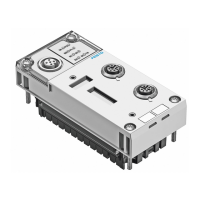
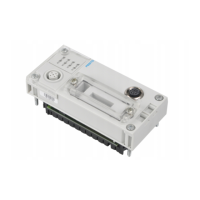
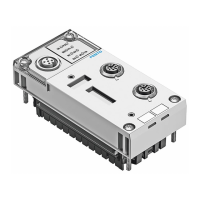
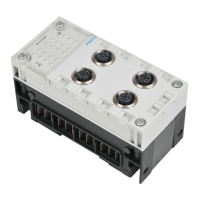
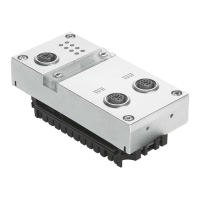
There are two 4- pin, D-coded M12 sockets on the CPX-FB33
for the network connection.
Socket
Pin Signal Explanation
M12, D-coded
1
2
3
4
1
2
3
4
Housing
TD+
RD+
TD–
RD–
Shield/FE
Transmission data (transmit data , TD) +
Receivedata(receivedata,RD)+
Transmitted data –
Received data –
Shield/functional earth (FE)
Tab. 1/7: Pin allo cation of the network interfaces of the CPX-FB33 (M12)
Connection with plug from Festo
Connect the CPX terminal to the network with a F esto plug
NECU-M-S-D12G4-C2-ET. The plug is designed for Ethernet
cable with cable diameters of 6 ... ... 8 mm.
To achieve the required degree of protection, e.g. IP65/IP67:
– Use Festo plugs.
– Seal unused co nn ections (see secti o n 1.7).


 To Next Page