2. Commissioning
2-26
Festo P.BE-CPX-PNIO-E N en 1407c English
1
3
2
4
1
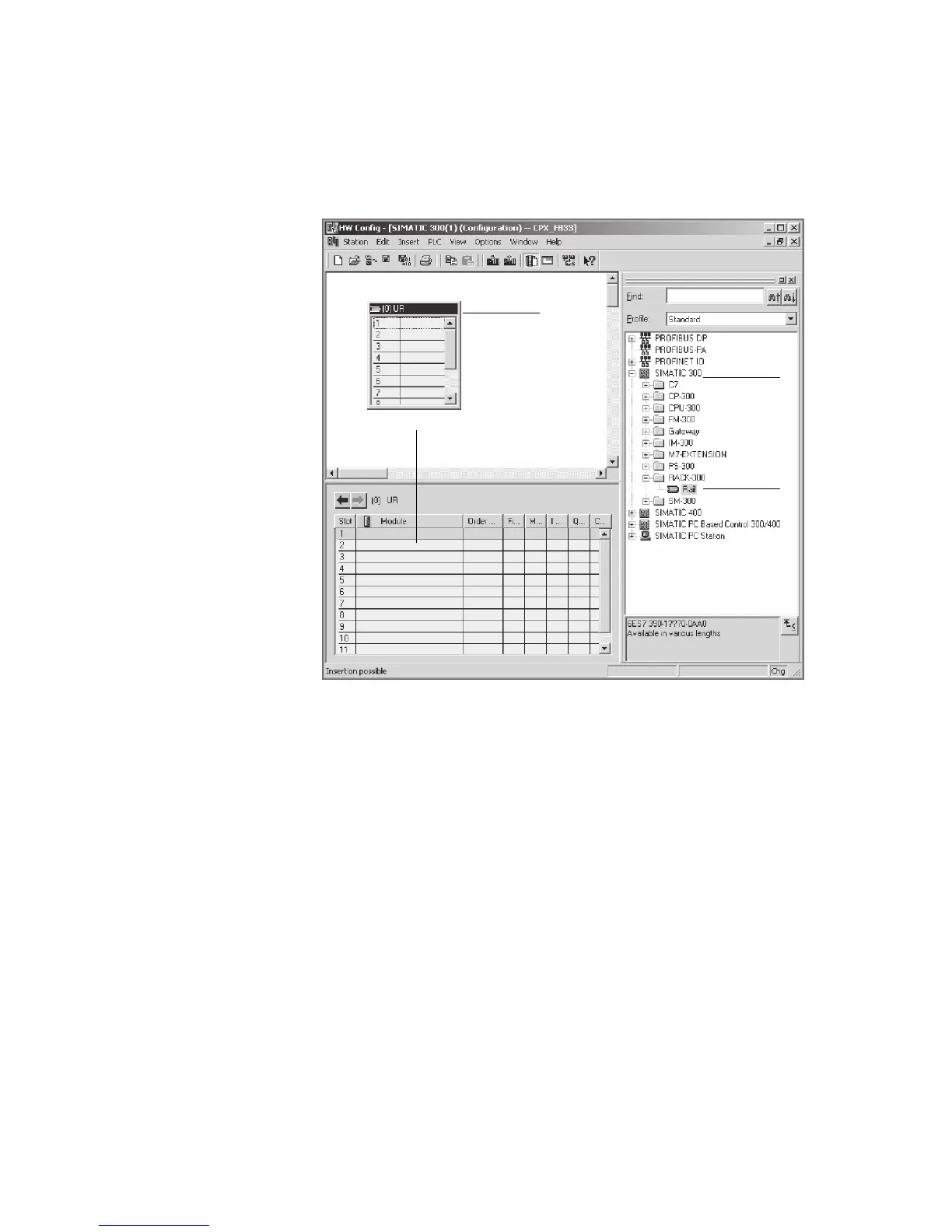
Select control system
2
Insert rack rail
3
Set up control system in the rack rail window
Fig. 2/1: Setting up the control system (PLC/Master) –
insert rack rail (Rail)
6. Insert yo ur CPU and a PROFINET-IO system into the hard-
ware configuration: Drag the corresponding catal o gue
elements (symbols) into the Rack Rail window ( 3 or 4
in Fig. 2/1).



 To Next Page