2. Commissioning
2-48
Festo P.BE-CPX-PNIO-E N en 1407c English
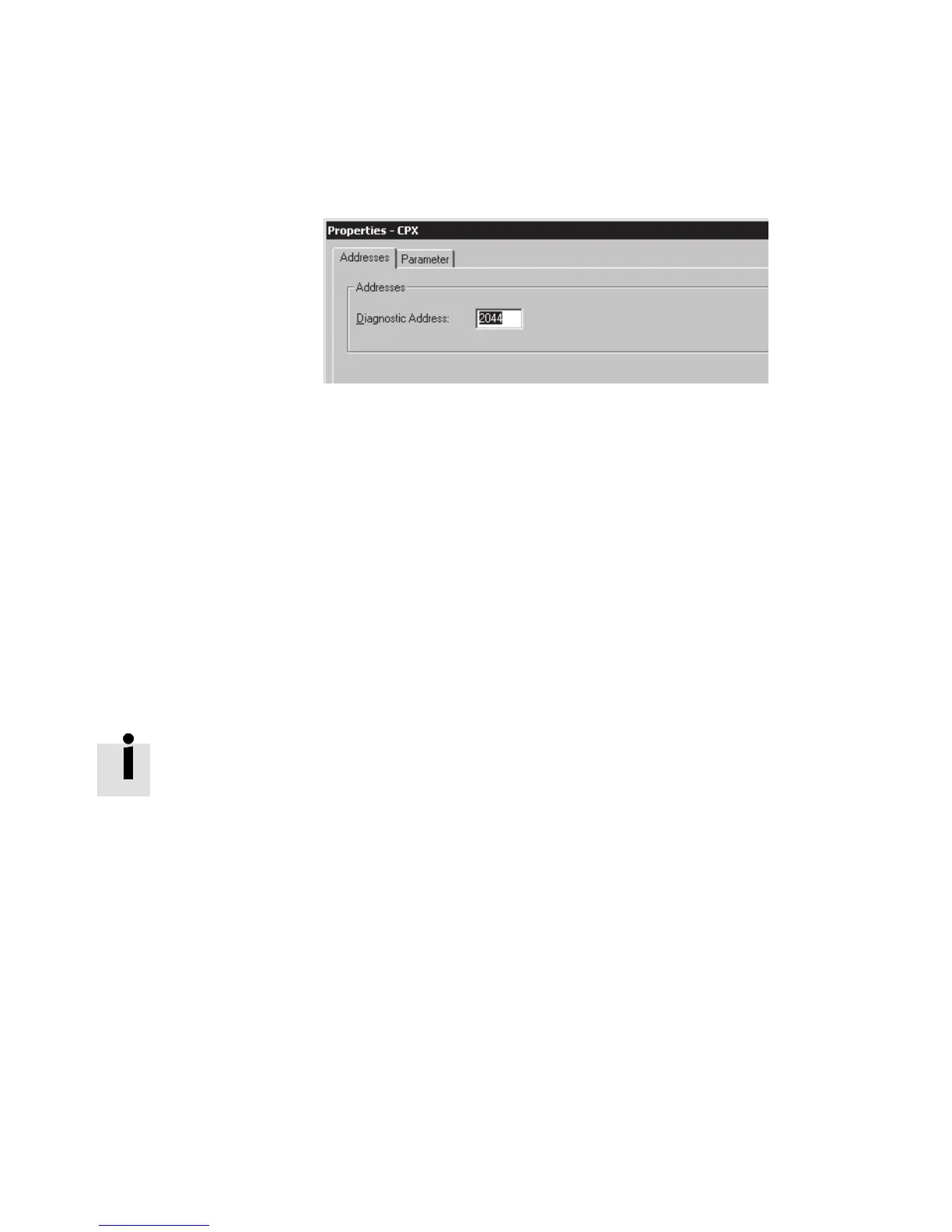
Fig. 2/12: Changi ng the diagnostics address with Siemens
STEP 7 – HW Config
2. Select the “Addresses” tab.
3. Enter the desired “Diagnostic Address”.
(The available address range depends on the controller
used - see manufacturer documentation.)
4. Confirm the input with “OK”.
The modified address is displayed in the configuration
table.
Further information about diagnostics:
– Section 3.1, “Overview of diagnostics options”
– Section 3.5, “Diagnostics via PROFINET”.



 To Next Page