2. Commissioning
2-50
Festo P.BE-CPX-PNIO-E N en 1407c English
Note – System start in the opera ting mode FSU
For the system start, the function “System S tart with Saved
Parameters” (“Saved” or “Sto red” parameters) must be
activated to ensure that the parameters entered usi ng FMT
or MMI are used.
This setting must be made at two positions:
– in the bus node system parameters (using FMT or MMI)
– in the system parameters of the control software
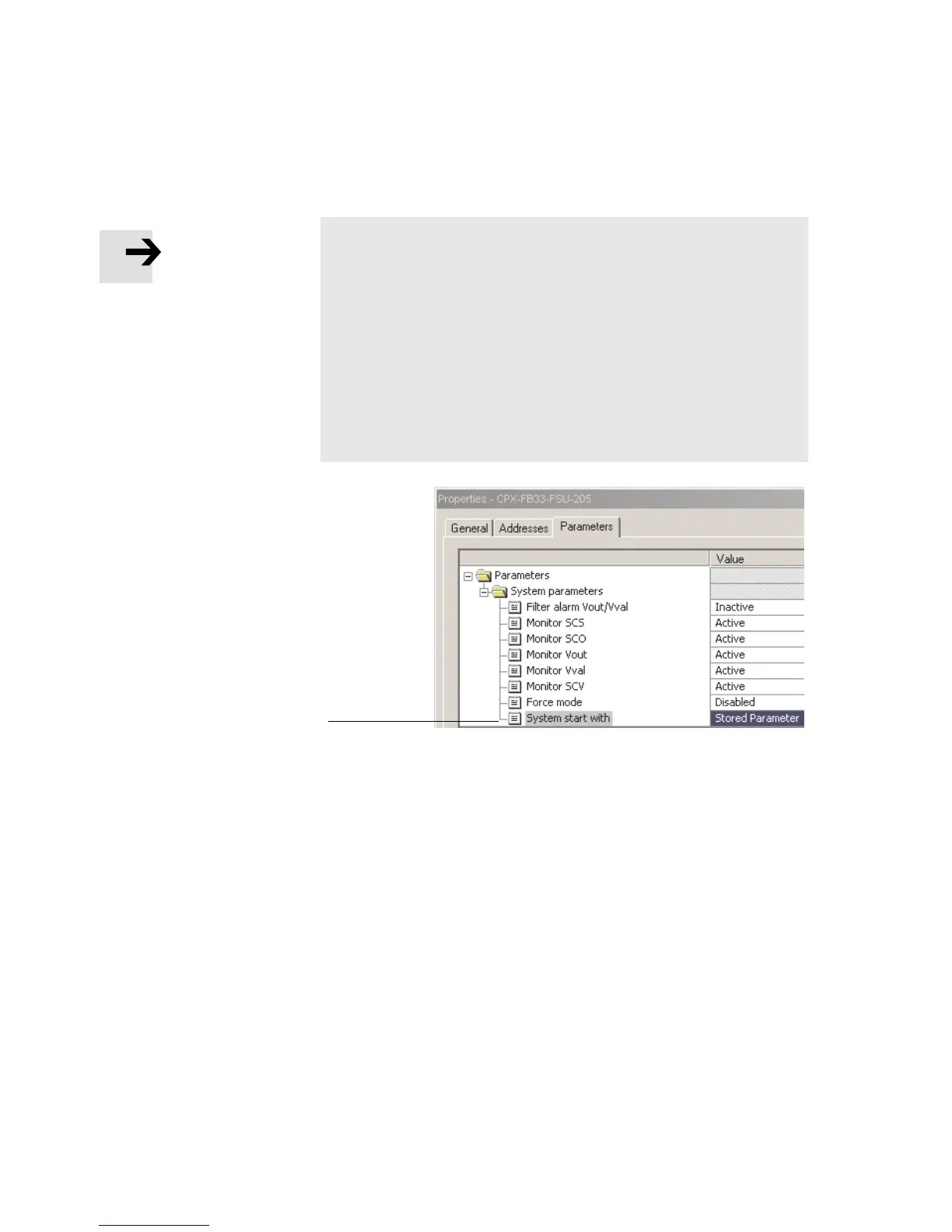
(e.g. Siemens STEP 7, see 1 in Fig. 2/13).
1
Fig. 2/13: S ystem start in the operati ng mode FSU – “S ystem
Start with Saved Parameters” (“Saved” or “Stored
Parameters”)



 To Next Page