104
CONNECT NAV+
“Near destination”
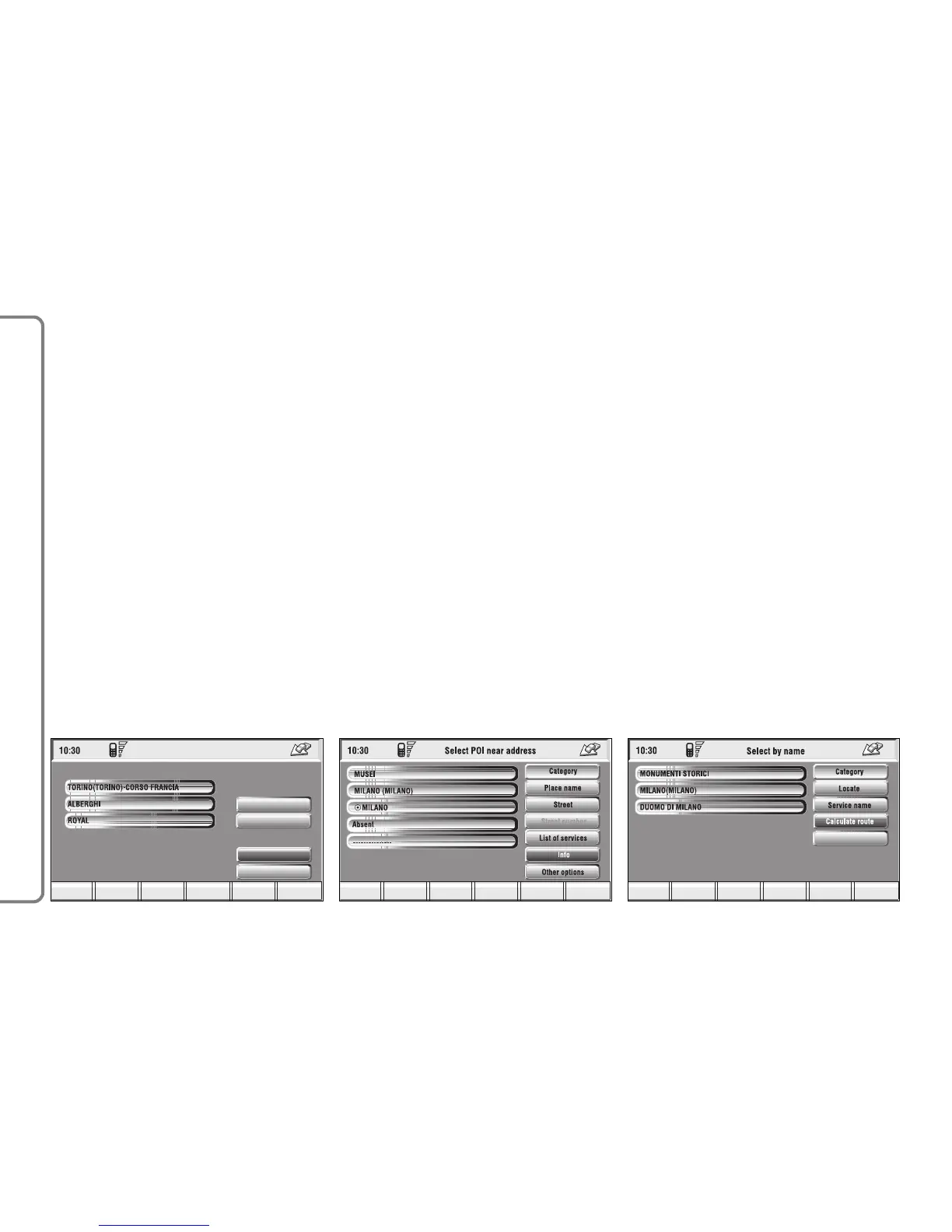
This function enables to find the re-
quired services near the selected des-
tination. The available options are
“Destination”, “Category” and “List of
services” fig. 112.
After selecting the destination and
selected service, information can be
obtained and the service can be lo-
cated using “Info” and “Atlas”. Select
“Calculate route” by rotating the knob
15-fig. 1 and then press it to confirm
selection.
“Near address”
This is used to identify the services
sought nearest to the address set. The
available options are “Category”,
“Place name”, “Street”, “Street num-
ber” and “List of services” fig. 113.
After selecting the required service,
associated information and location
may be obtained using “Info” and
“Map”. Select “OK” by rotating and
pressing the knob 15-fig. 1 to confirm
selection.
“Name”
Service selection by “Name” is used
to select a known service as the des-
tination by entering “Category”, “Place
name” and “Service name” fig. 114.
After confirming the selected service,
associated information and location
may be obtained using “Info” and “At-
las”. Select “Calculate route” by ro-
tating and pressing the knob 15-fig.
1 to confirm selection.



 To Next Page