156
CONNECT NAV+
SYSTEM (settings)
To display the relevant screen page,
press one of the keypad keys 16-
fig. 1 under SYSTEM.
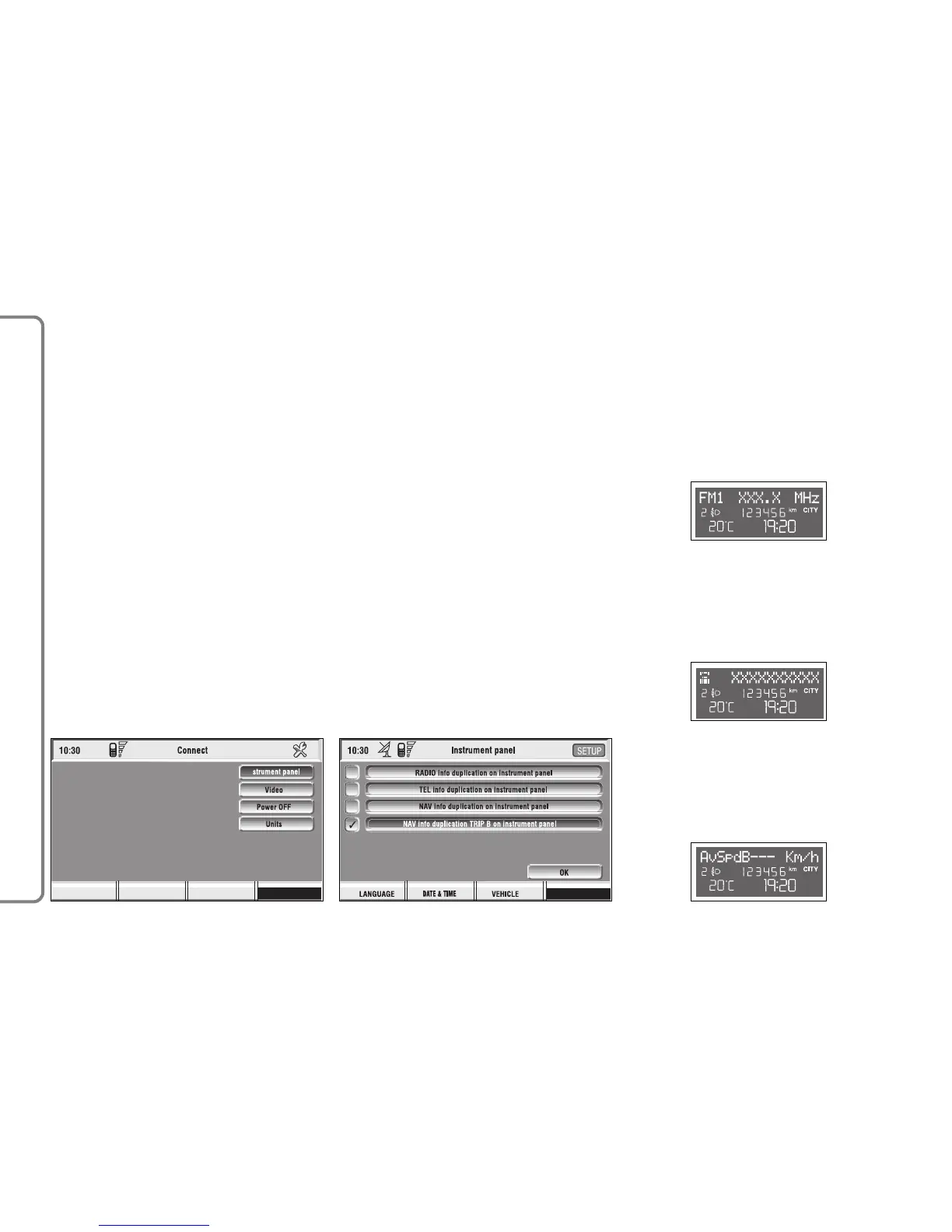
A new screen fig. 168 is displayed
where it possible to choose the fol-
lowing:
– Instrument panel
– Video
– Power OFF.
– Units
IMPORTANT Setting can only be
changed with ignition key at ON.
Available settings are the following:
INSTRUMENT PANEL
Select icon “Instrument panel” by
turning an pressing knob 15-fig. 1 to
confirm to set repetition of radio
and/or phone info on the instrument
panel display fig. 169.
To turn this function on/off, rotate
and press the knob 15-fig. 1.
When “✓” is displayed the function
is active.
To activate and to store settings, se-
lect and confirm “OK” by rotating and
pressing the knob 15-fig. 1.
TRIP B info duplication on
instrument panel
RADIO info duplication on
instrument panel
TEL info duplication on
instrument panel



 To Next Page