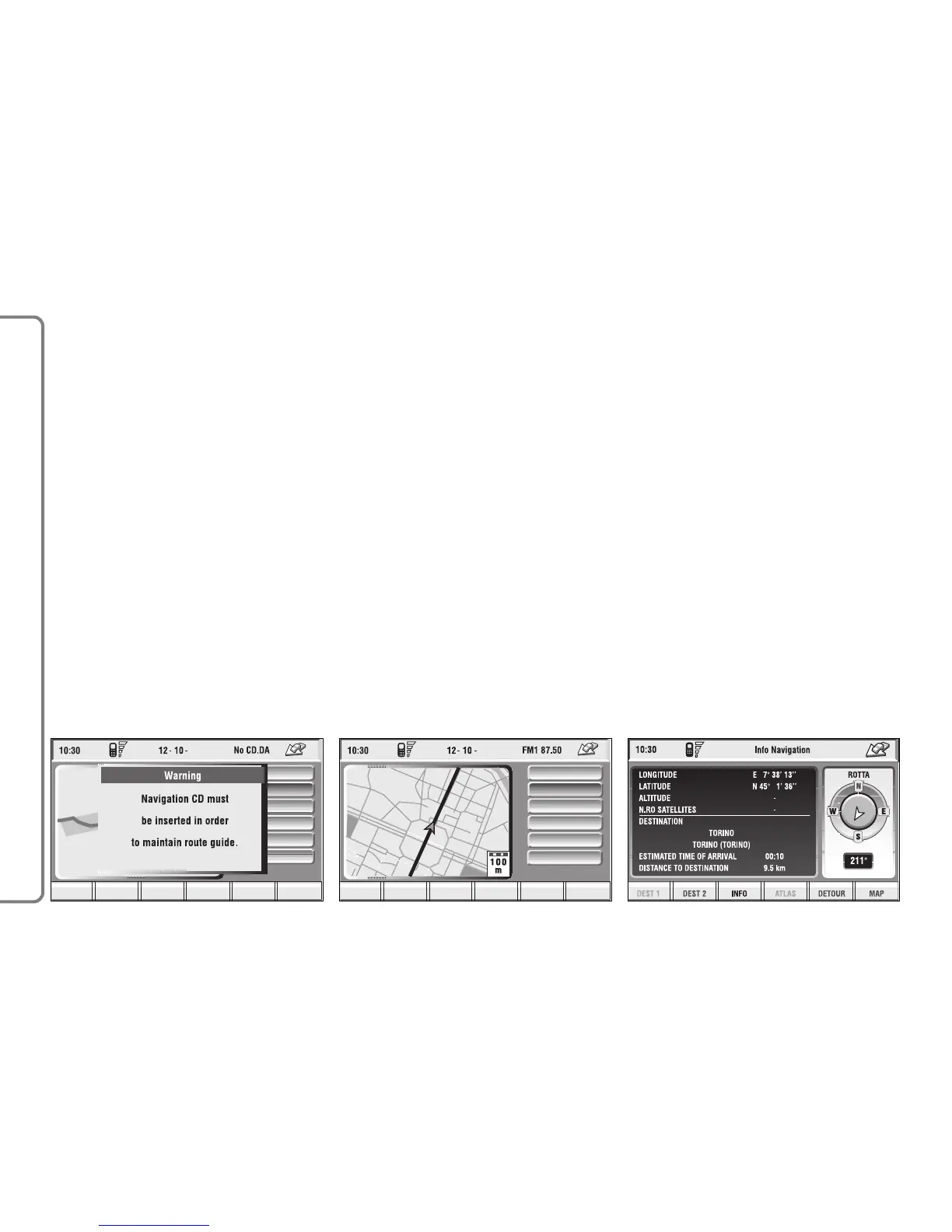
MAIN SCREEN
Main navigator screen fig. 98 shows
the following information:
– Time.
– GSM signal strengths.
– Date.
– Audio info.
– Active mode.
– Car position on the map (icon).
– Map scale.
At the bottom of the screen are dis-
played the following options, that can
be activated by the corresponding
multifunction keys 16-fig. 1:
Dest 1 and Dest 2 (Dest 1 and Dest
2): start route calculation towards one
of the two predefine or frequently
used destinations. If no point has been
defined as “Dest 1” or “Dest 2”, a
warning reminds the user that the
function is not available.
INFO: displays info on car position
and destination.
When the navigation system is no
longer able to continue destination
guidance or the car is now out of the
loaded map section, the system
prompts for inserting the navigation
CD-ROM fig. 97. If the user does not
insert the CD-ROM, the system re-
turns to the status shown in fig. 94.
IMPORTANT
The driver is always responsible
for compliance with the enforced
traffic regulations: any indication
based on wrong map data leading
to unauthorised driving manoeu-
vres MUST NOT be followed.
96
CONNECT NAV+



 To Next Page