100
CONNECT NAV+
ADDRESS
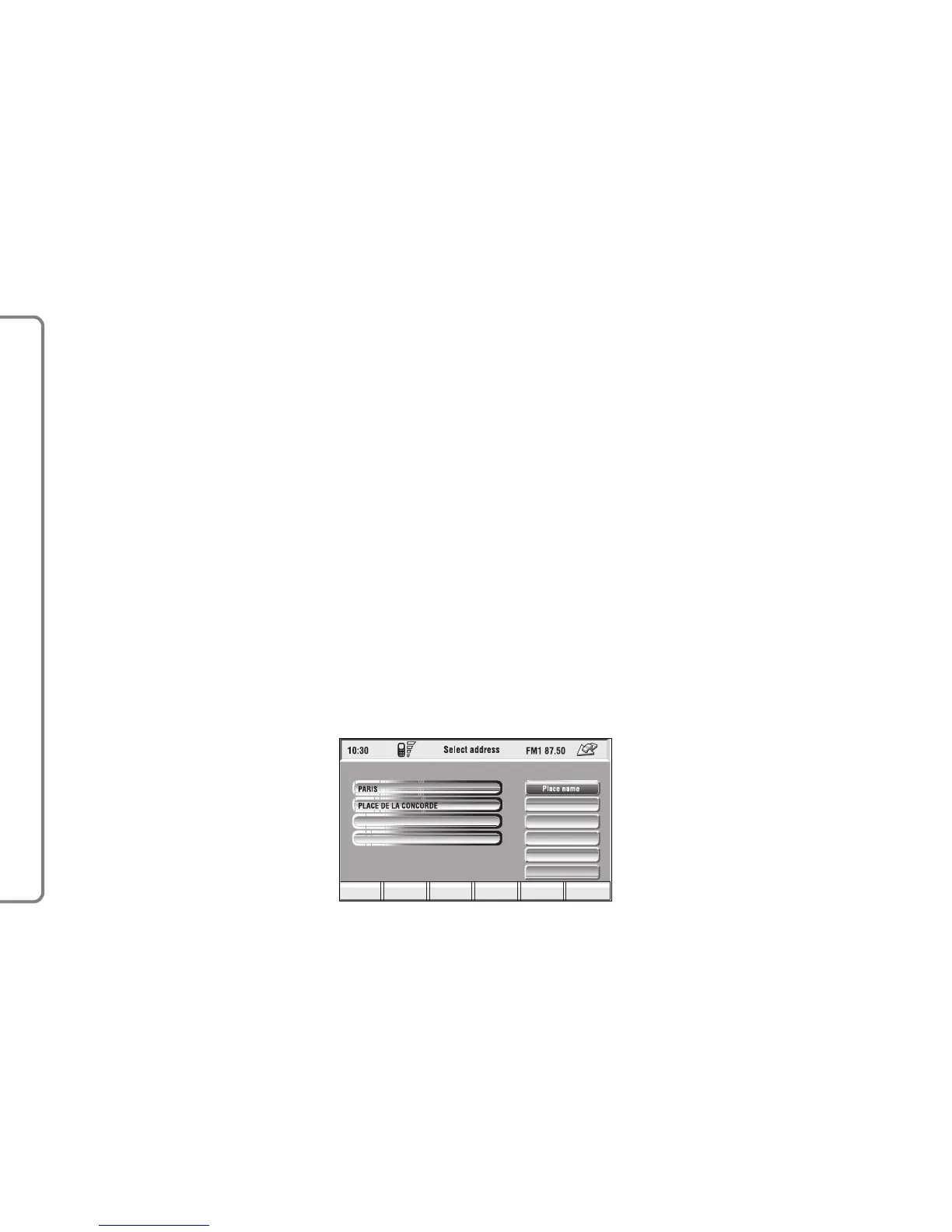
Selecting and confirming “Address”
(from the first page of the menu) by
rotating and pressing the knob 15-
fig. 1, the display shows a submenu
with the following options: “Place
name”, “Street”, “Street number”,
“2nd street”, “Calculate route” and
“Save” fig. 107.
“Place name”
To enter the place name (destination
town), select and confirm “Place
name” by rotating and pressing the
knob 15-fig. 1, the display will show
the screen for entering the name, the
keypad, the editing box and the list of
available places.
IMPORTANT If current place
name is available, the corresponding
description will be displayed near the
place name setting field; the user can
however change it if it is not corre-
sponding to the required point.
To input characters, select them on
the keypad by rotating the knob 15-
fig. 1, then press it to confirm.
If the combination of two characters
(alphabetical letter + symbol) is pos-
sible, the two characters are auto-
matically unified into their corre-
sponding single character: for exam-
ple, if the user selects E and then ¨ the
two characters are replaced with Ë.
Blank and . , - _ ‘ ( ) are word sepa-
rator characters.
After selecting the place name, press
the knob 15-fig. 1 to go to next page
to enter the street name; Pressing
“ESC” 14-fig. 1 gets to previous
screen without setting the new place
name.
“Street”
Destination street name is obtained
after entering the place name. Select
“Street” by rotating the knob 15-fig.
1 and then press it to confirm.
To input street name characters, se-
lect them on the keypad by rotating
the knob 15-fig. 1 and press it to con-
firm.



 To Next Page