101
CONNECT NAV+
If in place of “Street” the user spec-
ifies “C”, it means “downtown” and
so neither “Street number” and
“Intersection” must be input.
The navigation system always guide
you downtown in case of small towns.
After selecting the “Street” name,
press the knob 15-fig. 1 to go to next
page to enter the street number;
Pressing “ESC” 14-fig. 1 gets to pre-
vious screen without setting the street
name.
“Street number”
Destination street number is ob-
tained after entering the street name.
Select “Street number” by rotating the
knob 15-fig. 1 and press it to confirm.
To input digits select them on the key-
pad by rotating the knob 15-fig. 1 and
then press it to confirm.
Then, select OK using the keypad and
press the knob 15-fig. 1 to confirm.
“Intersection”
This option is used to enter the name
of a second street that intersects the
first entered street, so that the se-
lected destination is the intersection
between the two streets.
The second street name can be en-
tered, after entering the place name
and the first street name. Select
“Intersection” by rotating the knob
15-fig. 1 and press it to confirm.
To input the 2nd street name char-
acters, select them on the keypad by
rotating the knob 15-fig. 1 and then
press it to confirm.
After selecting the “2
nd
street” press the
knob 15-fig. 1.
“Calculate route”
This option will activate route calcu-
lation to the required destination.
If a destination is already set, the sys-
tem will ask for confirmation before
changing destination
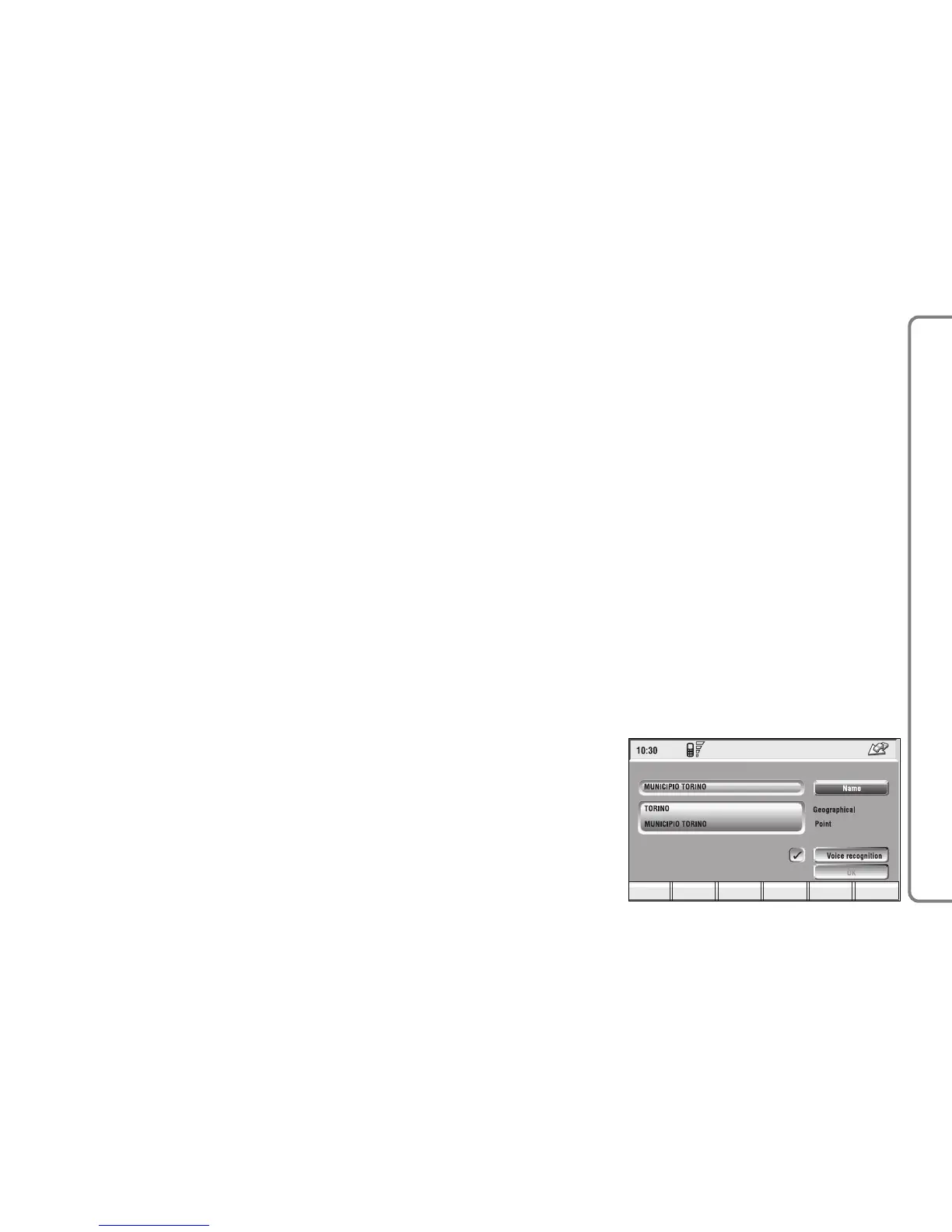
“Save”
This function is used to store the se-
lected address into the navigation sys-
tem directory and to associate it to a
name for easy retrieval fig. 108.
The name to be associated with the
destination can be entered, after se-
lecting and confirming “Name” by ro-
tating and pressing the knob 15-fig. 1.
IMPORTANT When selecting
“Name”, remember that it is not pos-
sible to add a name already present in
the Telephone (TEL) function direc-
tory.
To enter the characters simply select
them one by one by rotating the knob
15-fig. 1 and press it to confirm.
Then, select OK using the keypad and
press the knob 15-fig. 1.



 To Next Page