102
CONNECT NAV+
The “Voice recognition” key allows
to associate a voice sample to a des-
tination stored in the directory. Sym-
bol “√” at the left of the key shows if
a sample has already been associated.
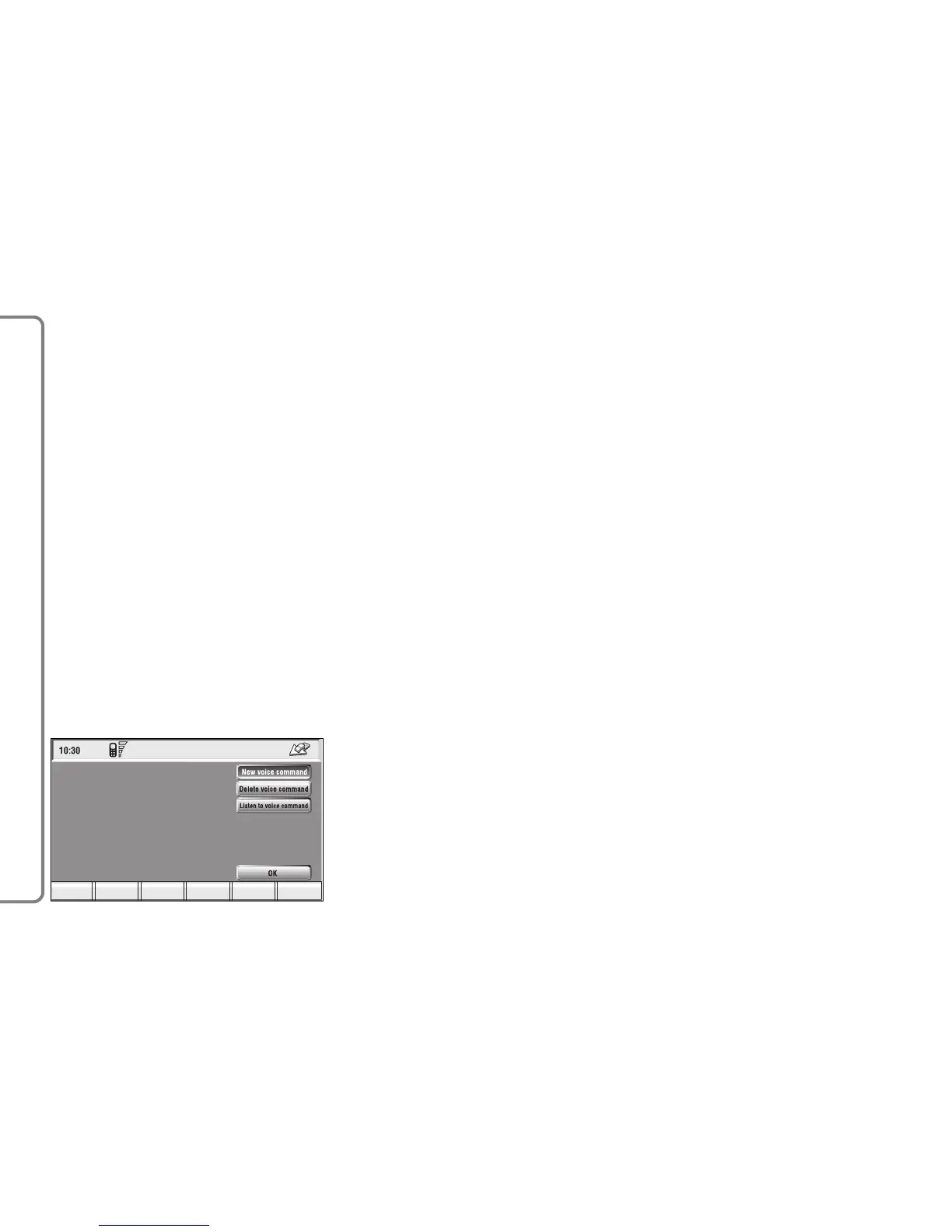
Selecting and confirming “Voice
recognition” will display the screen in
fig. 109:
“New voice command”: allows
recording of a new voice sample. User
is invited to pronounce twice the
name to be recorded.
“Delete voice command”: allows
deletion of a previously recorded
voice sample. If there is no sample, this
key is disabled.
“Listen to voice command”: repro-
duces a previously recorded voice
sample. If there is no recorded sam-
ple, this key is disabled.
To select the required function, ro-
tate the knob 15-fig. 1 and press it to
confirm.
– Dest 1 and Dest 2 store the se-
lected point in the relevant memories.
If a point has already been previous-
ly stored as “Dest 1” or “Dest 2”, a
warning box asks the user for confir-
mation about substitution.
Pressing Dest 1 or Dest 2 16-fig. 1
and then the knob 15-fig. 1 to con-
firm, will start route calculation to the
destination stored in Dest 1 or Dest
2.



 To Next Page