123
CONNECT NAV+
Then select “OK” and press the
knob 15-fig. 1 to confirm.
“Delete” clears off the stored entry.
“Add”
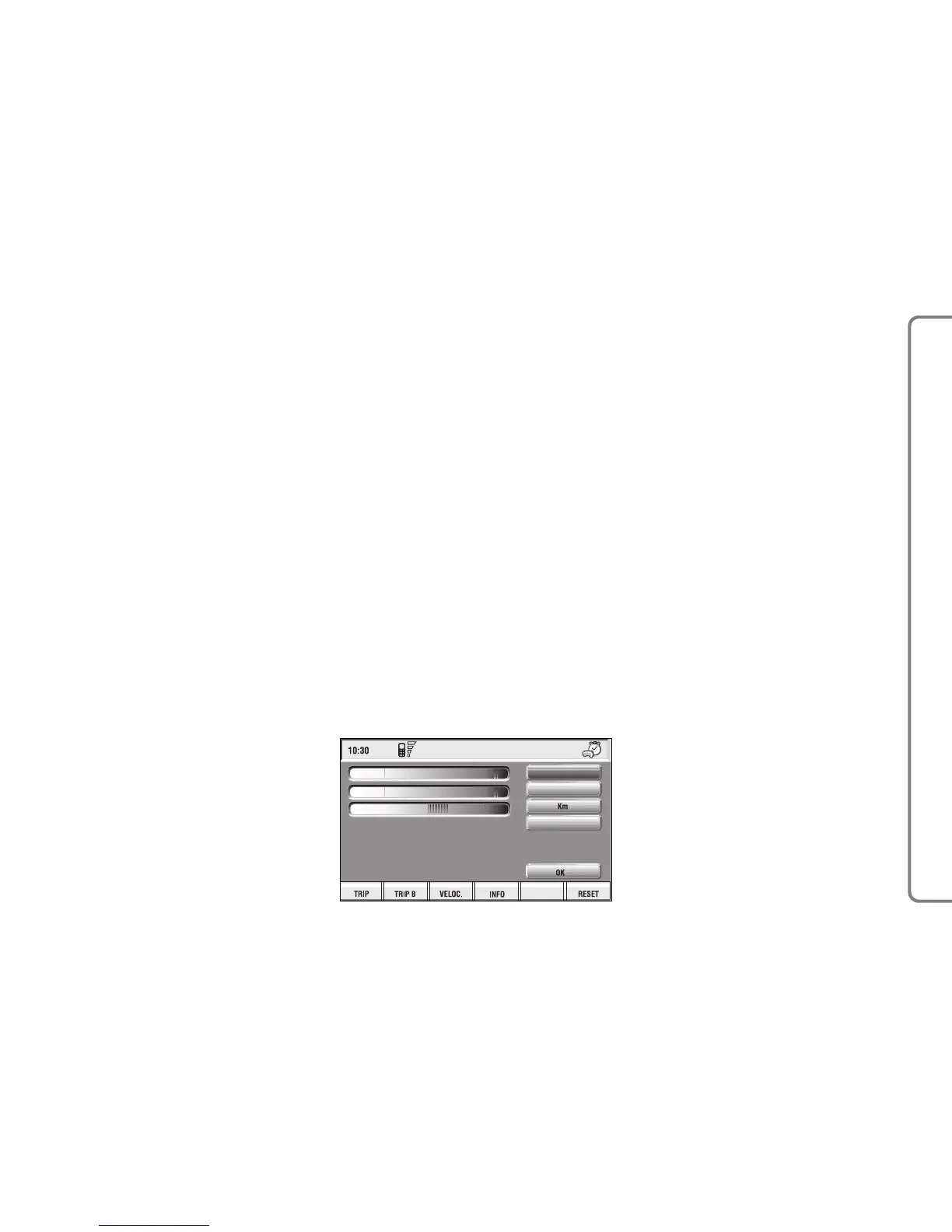
“Add” function takes to a new screen
fig. 149, where it is possible to enter
the mnemonic string showing event,
date and/or car mileage.
Press:
“Voice”
“Date”, “km or mi” (according to set
unit), “Delete”, “OK”,
to set the fields relevant to the new
entry.
To make settings, select the required
icon (Voice, Date, km or mi) with the
knob 15-fig. 1 and then press it to
confirm. A new screen for entering
letters and/or numbers will be dis-
played.
Then select “OK” and press the
knob 15-fig. 1 to confirm.
“Delete” clears off the new entry.
TRIP: RESET
“RESET” function resets on-board
computer data (trip time, distance
traveled, average speed and average
fuel consumption).
Press one of the two keys on the
keypad 16-fig. 1, on “RESET”.
If “Trip B” window fig. 139 is active,
only “Trip B” data are reset.
If “General Trip” window fig. 138
is active, both “General Trip” and
“Trip B” data are reset.
IMPORTANT Trip computer data
reset is only possible with ignition key
to ON.



 To Next Page