39
CONNECT NAV+
This function enables or disables
playback of the previously user pro-
grammed track list (see “CD setup”
functions).
“Prog” icon key is disabled if no pro-
grammed list has been entered.
When list has been programmed and
programmed list playing has been cho-
sen, symbol “✓” is shown near the
corresponding icon.
“Scan” FUNCTION
(BRIEF PLAYBACK)
The “Scan” function is turned on/off
selecting the relevant icon key with
the knob 15-fig. 1 and pressing it.
When this function is on, all the CD
tracks are played for about 10 seconds
in the actual sequence on the CD.
Press the knob 15-fig. 1 again to
turn the function off.
“Compression” FUNCTION
This function activates dynamic
sound compression when playing a
CD in the car.
To turn this function on/off, select
the “Compression” icon with the
knob 15-fig. 1 and press it.
When the “Compression” function
is on, symbol “✓” is shown near the
corresponding icon.
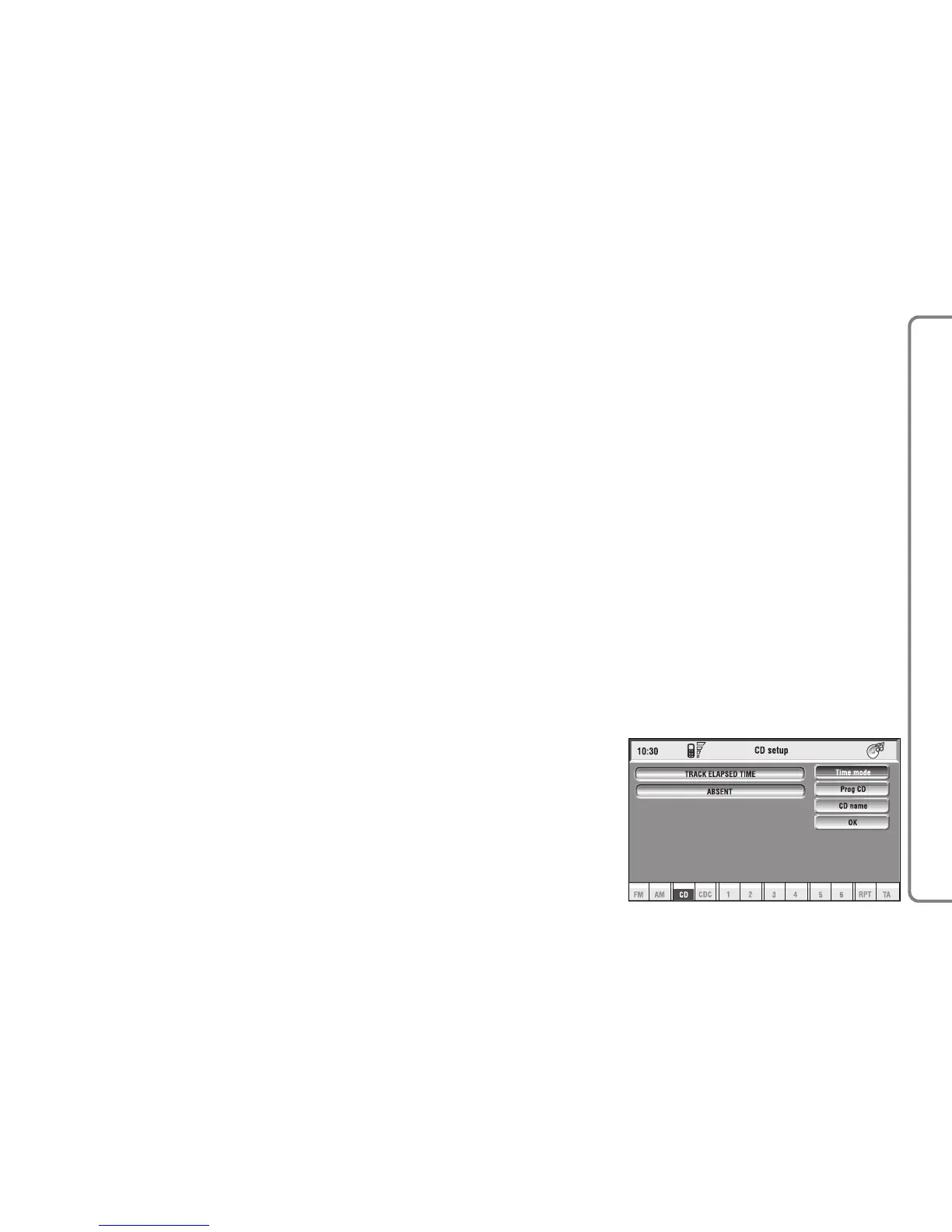
“CD setup” FUNCTION
Select the “CD setup” icon with the
knob 15-fig. 1 and press it to access
the CD setup menu fig. 17:
– Time mode
– CD Prog
– CD name
– OK.
Time mode
The “Time mode” function defines
time information about the CD shown
on the display:
–
TRACK ELAPSED TIME
(time elapsed
from start of track)
–
TOTAL ELAPSED TIME
(total time
elapsed from start of CD)
–
TOTAL REMAINING TIME
(total re-
maining time to the end of CD)
To choose an option, select “OK”
with the knob 15-fig. 1 and press it.
fig. 17
F0Q3013g



 To Next Page