CD MODE
IMPORTANT Never use 8 cm au-
dio or MP3 CDs, even with the spe-
cial adapter, since this format damages
the system.
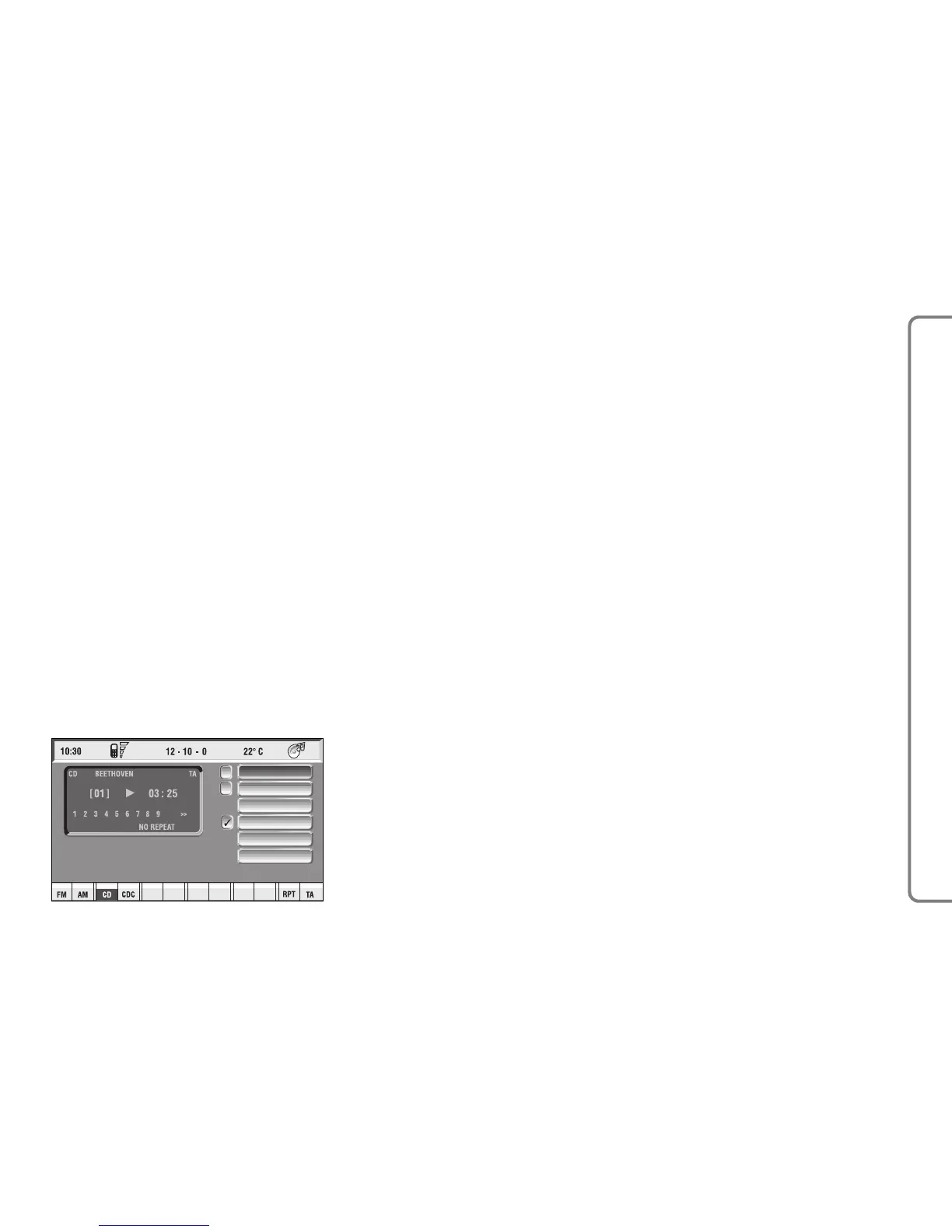
Choosing the CD source will display
a screen with the following options
fig. 14:
– Shuffle
– Prog
– Scan
– Compression
– CD setup
– Audio setup.
At the bottom of the screen are
shown the functions that can be acti-
vated through the corresponding mul-
tifunction keys 17-fig. 1 on the front
panel:
– FM allows audio source change
through the following loop FM1, FM2,
FM3, FMAST, FM1….
– AM allows audio source change
through the following loop MW, LW,
AMAST, MW…
– CD activates CD
– CDC activates CD Changer
– RPT enables the Repeat function:
Repeat one (repeat one track)/Repeat
all (repeat all tracks)/No Repeat off
(repeat function off)
– TA traffic information on/off.
The main screen shows also the fol-
lowing information fig. 14:
– audio source (CD);
– CD name, only if the CD when in-
serted has been “named”;
– TA wording if the TA function
(traffic announcement) is enabled;
– number of the track being played;
– current status of CD source (play,
pause, stop);
– CD time information;
– the numbers of the next 9 tracks
that will be played and symbol “
§
” if
there are more than 9 tracks; with the
Shuffle function on (for random play-
ing sequence), the first 9 CD tracks of
the random numeric sequence are dis-
played.
37
CONNECT NAV+



 To Next Page