103
CONNECT NAV+
POINTS OF INTEREST
This function is used to obtain a file
containing the location and informa-
tion on points of general interest such
as, for example, restaurants, museums,
stations etc., divided by category.
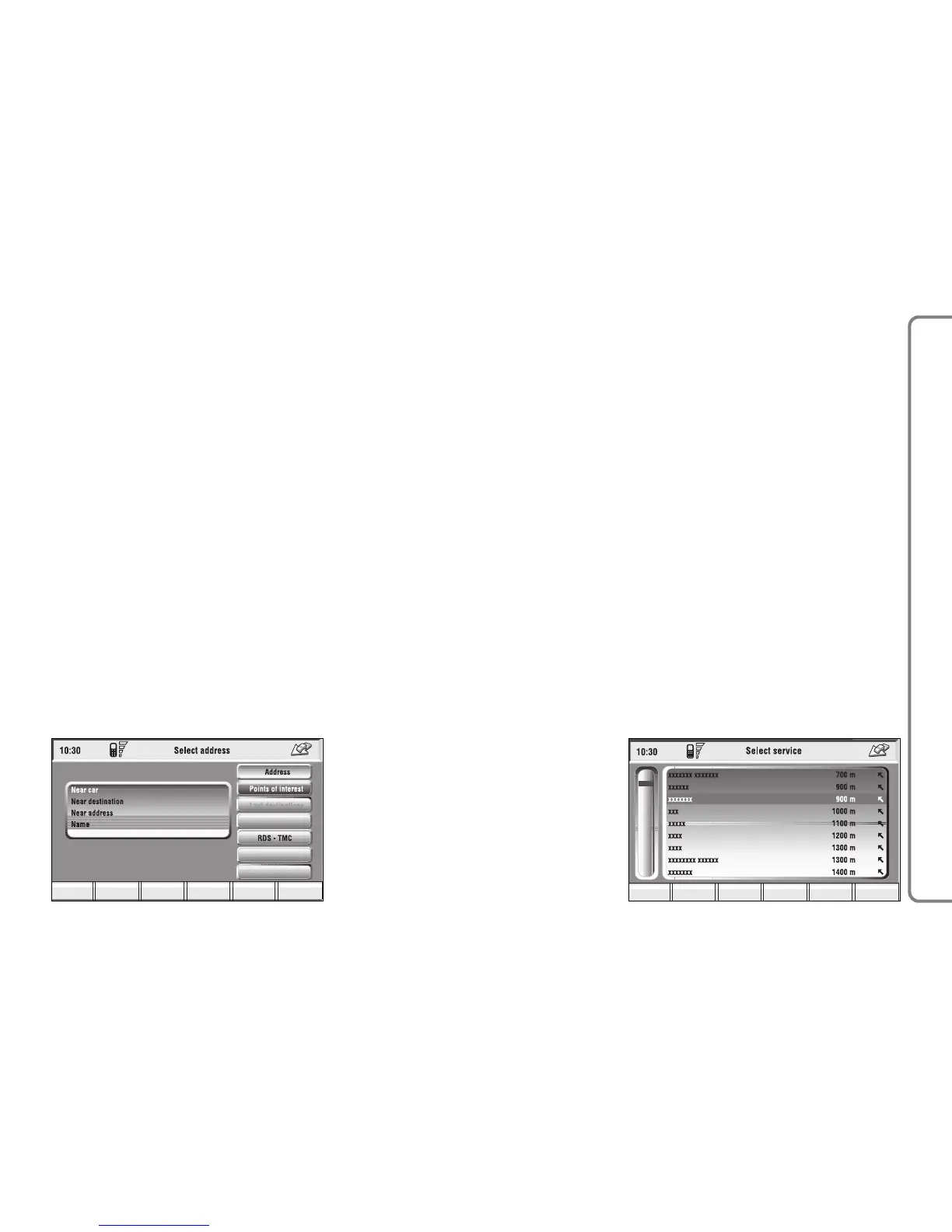
Selecting “Points of interest” rotat-
ing and pressing the knob 15-fig. 1,
the display will show the following
menu fig. 110:
– Near car
– Near destination
– Near address
– Name.
“Near car”
“Near car” allows the user to find
the services near the current car po-
sition.
“Category” allows service category
selection in the system data-base us-
ing the keypad.
By selecting the “Service list” graph-
ic key, the display will show the list of
the available services in connection
with the specified class, and will also
indicate the name of the service, the
distance (as the crow flies), and an icon
with the direction fig. 111. The list
can be run through by turning knob
15-fig. 1: the choice can be confirmed
by pressing the knob.
After selecting a “point of interest”,
the display shows the following op-
tions:
“Calculate route”: to start navigation;
“Other options”: the display will
show a screen with the following op-
tions: Directory, Dest 1 and Dest 2,
previously described in paragraph “Ad-
dress”.



 To Next Page