109
CONNECT NAV+
DELETE DESTINATION
Select and confirm “Delete destina-
tion” by rotating and pressing the knob
15-fig. 1 to delete the last entered
destination.
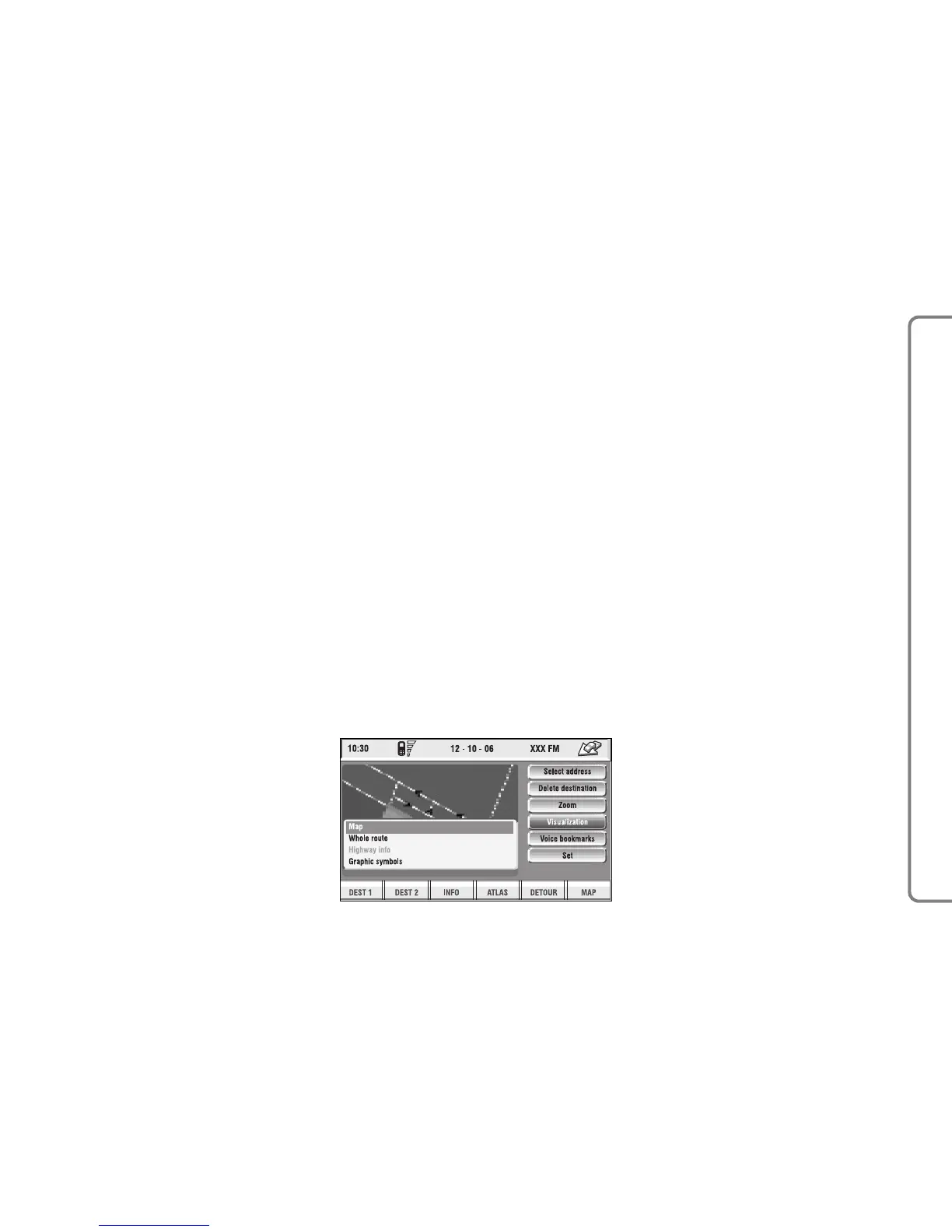
VISUALIZATION
When in the main navigation screen,
select the Visualisation option by turn-
ing knob 15-fig. 1 and confirm by
pressing the knob.
This function allows to choose the
desired map display by means of the
following options fig. 123:
Map: displays the map centered with
respect to the car position (standard
map).
fig. 123
F0Q3162g



 To Next Page