111
CONNECT NAV+
Voice bookmarks
To select “Voice bookmarks” rotate
the knob 15-fig. 1 and then press it to
confirm.
This function enables to control nav-
igator voice directory.
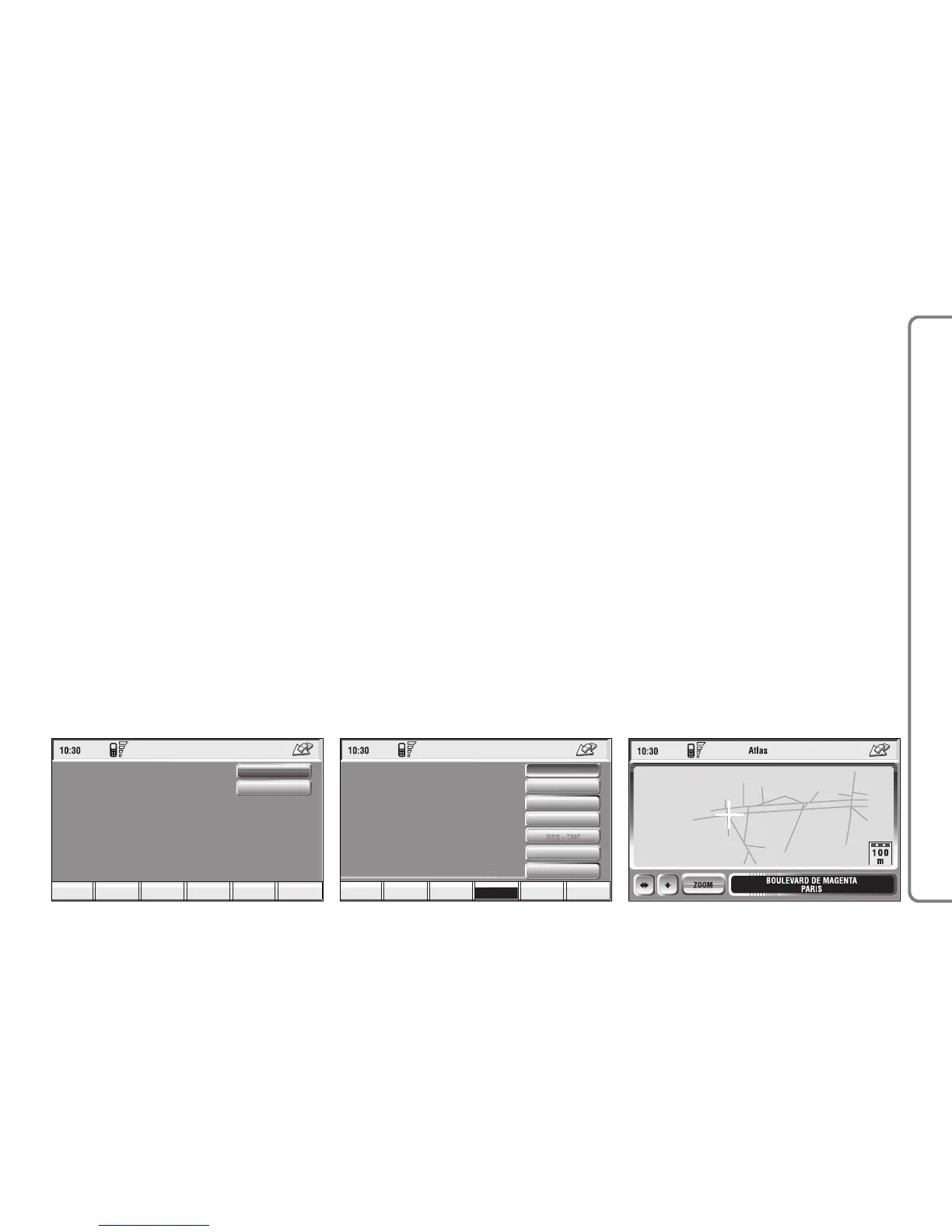
The following options are available
fig. 127:
“Hear voice Phonebook”: allows
playback of all the previously record-
ed voice samples associated to navi-
gator directory items. Press “ESC” 14-
fig. 1 to stop playback.
“Delete voice Phonebook”: deletes
all the previously recorded voice sam-
ples. Press the knob 15-fig. 1 to con-
firm deletion; press “ESC” 14-fig. 1 to
exit the menu.
ATLAS
Pressing one of the multifunction keys
16-fig.1 corresponding to “Atlas” will
display a map where the destination is
identified by a cross-shaped cursor.
Then the icons (continuously updat-
ed) will follow, which will be displayed
on the map (if the corresponding op-
tion in “Mar preference” has been ac-
tuated) with the meaning below:
There are three available icon keys:
RE
: press the corresponding multi-
function key 16-fig. 1, a rotation of the
knob 15-fig. 1 will move the cross cur-
sor horizontally;
Q
Z
: press the corresponding multi-
function key 16-fig. 1, a rotation of the
knob 15-fig. 1 will move the cross cur-
sor vertically;
Zoom: pressing one of the corre-
sponding two multifunction keys 16-
fig. 1, the list of the available scales is
shown; to select the required scale ro-
tate the knob 15-fig. 1 and press it to
confirm.
When a geographical point is select-
ed on the map, by moving the cross-
shaped cursor and pressing the knob
15-fig. 1, the display will show the
screen in fig. 128 with the following
options: Calculate Route, Directory,
Service Info, Locate, RDS-TMC,
Dest 1, Dest 2.



 To Next Page