121
CONNECT NAV+
“OK”
To confirm selected options select
“OK” with the knob 15-fig. 1 and
then press it.
For further details about the “MY
CAR” function see the corresponding
chapter.
TRIP: INFO
Pressing one of the keypad keys 16-
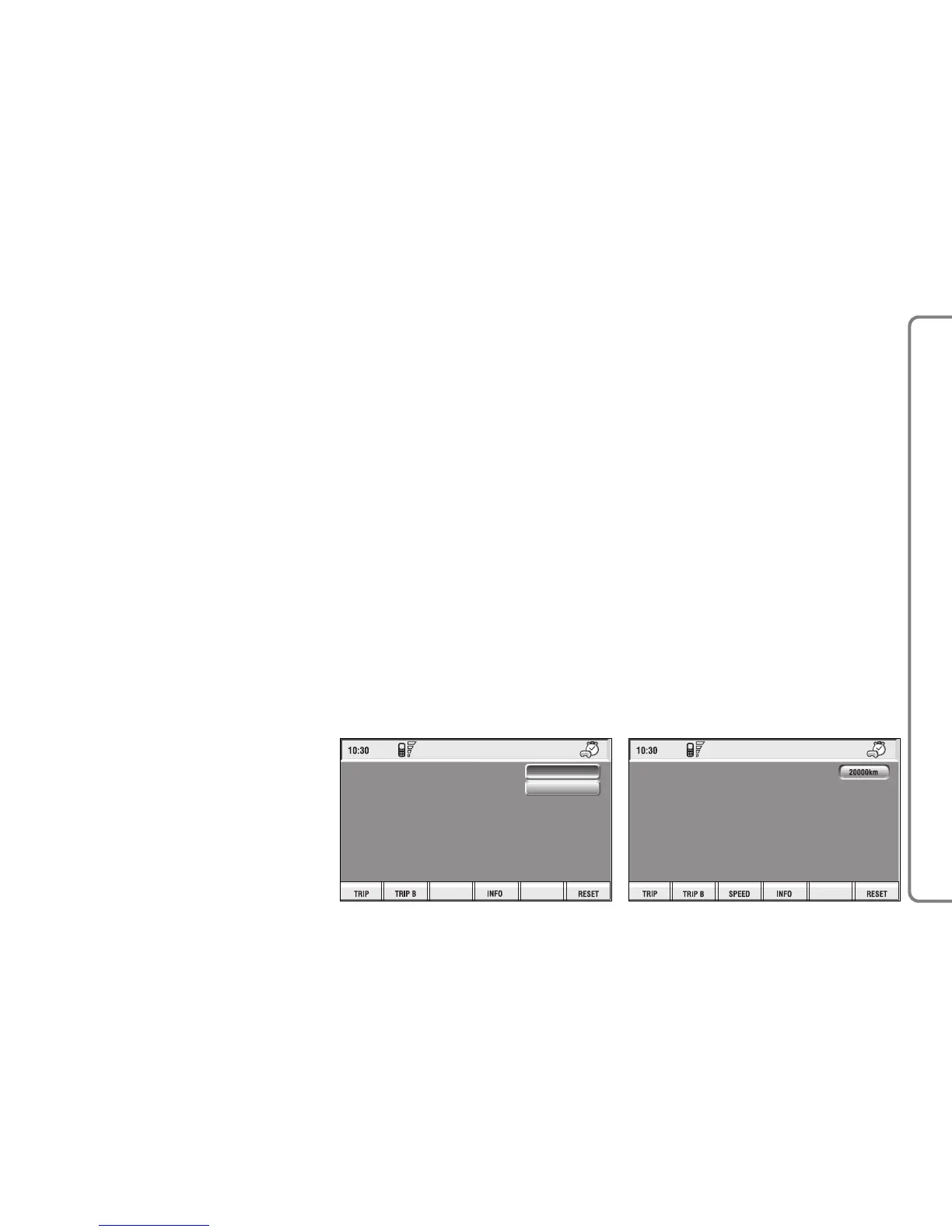
fig. 1, on “INFO” fig. 138 - 139, dis-
plays fig. 144 screen showing the fol-
lowing functions:
“Maintenance Info”;
“Personal info”.
“Maintenance Info” function
The “Maintenance Info” function
provides information related to next
Scheduled Service in km or mi.
To display the required information,
select “Maintenance Info” with the
knob 15-fig. 1 and press it to con-
firm; screen in fig. 145 is displayed.



 To Next Page